CSR Decoder & Checker
Free online CSR decoder — validate your Certificate Signing Request before submitting to a CA
What This CSR Checker Does
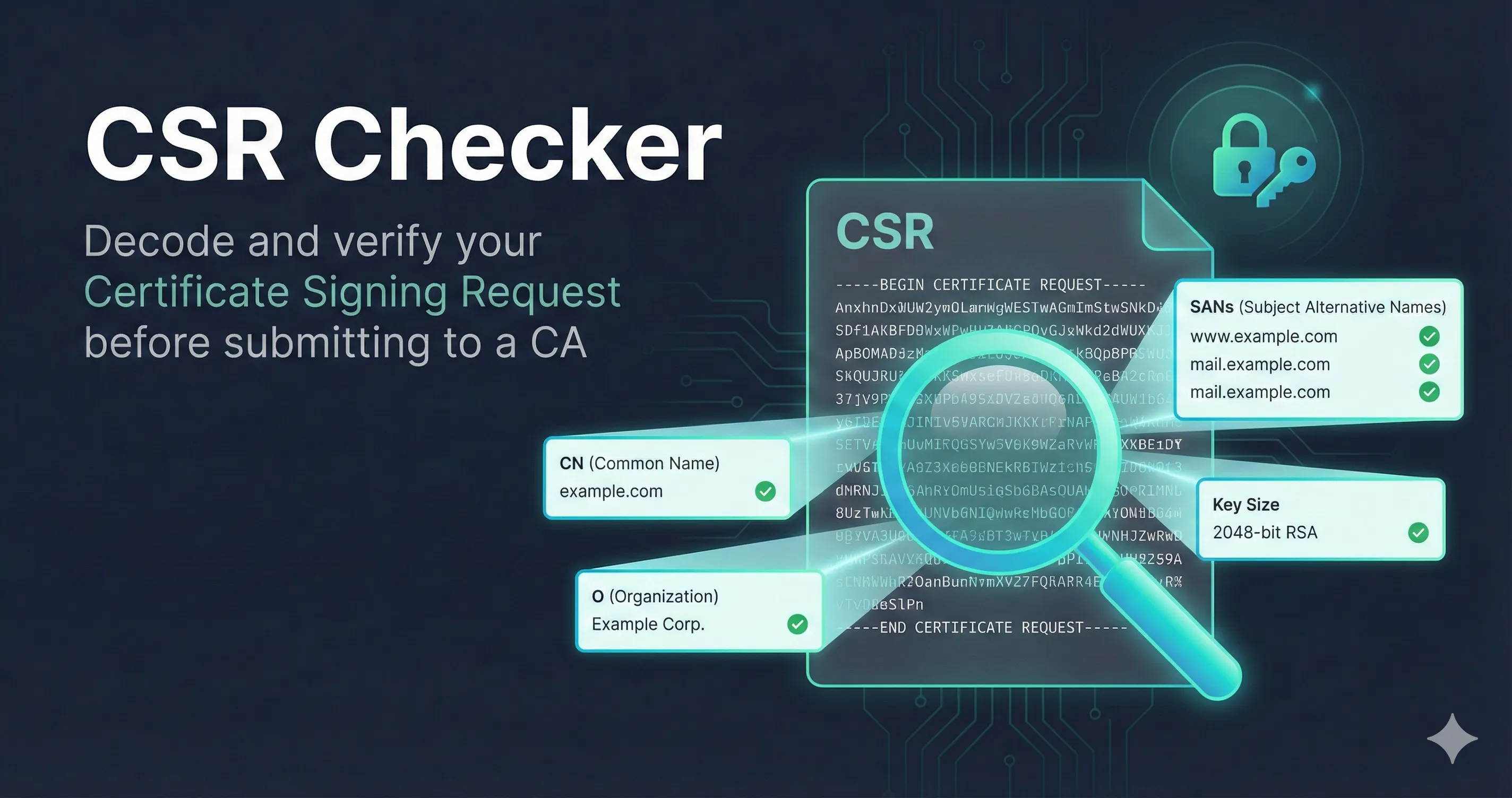
Paste a Certificate Signing Request (the -----BEGIN CERTIFICATE REQUEST----- block) and this checker decodes it so you can verify it before you send it to a certificate authority. It shows the Subject (CN, O, OU, C), the Subject Alternative Names, the public-key algorithm and size, and the signature algorithm. Decoding happens in your browser — your CSR isn't uploaded to a server. And a CSR never contains your private key, so it's safe to inspect.
Once your certificate is issued and installed, use our SSL checker to verify the live deployment, or test the connection yourself with openssl s_client.
Check These Before You Submit a CSR
- Common Name (CN) exactly matches the hostname you're securing (or is a placeholder if you rely on SANs)
- Every hostname you need is in the Subject Alternative Name list — modern CAs and browsers validate against SANs, not CN
- Key size is 2048-bit RSA minimum (or an ECC key such as P-256); 1024-bit will be rejected
- Signature algorithm is SHA-256 or stronger (no SHA-1)
- For OV/EV, the Organization (O) fields match your validated legal entity exactly
Frequently Asked Questions
Is it safe to paste my CSR here?
Yes. A CSR contains only your public key and the subject details you entered — never the private key. This tool also decodes it locally in your browser, so nothing is transmitted.
Does a CSR contain my private key?
No. The private key stays on the server or device where you generated the CSR. If you ever see a private key inside a CSR file, something was generated incorrectly — regenerate it.
Why did my certificate authority reject my CSR?
The usual causes are a missing SAN entry, a key that's too small (under 2048-bit RSA), a SHA-1 signature, or Organization details that don't match the CA's validation records. Decode the CSR and check each field against the CA's requirements.
What's the difference between the CN and the SAN?
The Common Name is a single legacy identity field. The Subject Alternative Name list is what browsers and CAs actually validate today, and it can hold multiple hostnames. Always make sure every hostname you need appears in the SAN list.
How do I generate a CSR?
With OpenSSL: openssl req -new -newkey rsa:2048 -nodes -keyout example.key -out example.csr — then paste the resulting example.csr here to verify it.
Don't have OpenSSL yet? See our OpenSSL installation guide.
Learn More
This tool runs entirely in your browser. Your CSR is never transmitted to any server. For educational purposes only—verify critical certificates through your CA.