Aug 22
New GuideNew Guide: DigiCert Global Root G2: Verify Your Certificate Chain
Baltimore CyberTrust Root expired in May 2025 and Microsoft disables it on August 27, 2026. Here's how to confirm your chain moved to DigiCert Global Root G2.
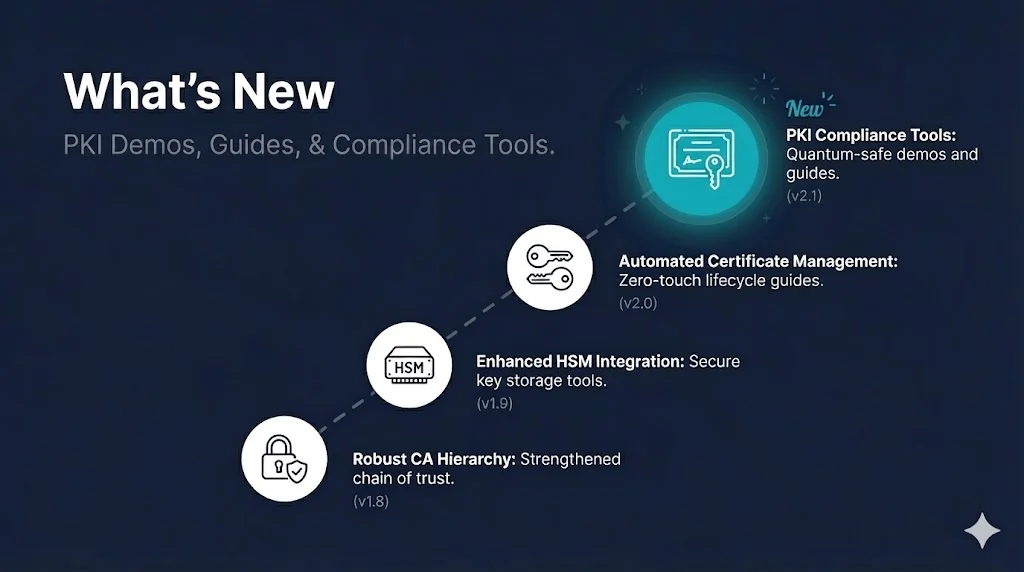
Welcome! Here's what we've been building to help you understand PKI and troubleshoot certificates. Each update is designed with you in mind—whether you're just starting out or managing enterprise infrastructure.
Baltimore CyberTrust Root expired in May 2025 and Microsoft disables it on August 27, 2026. Here's how to confirm your chain moved to DigiCert Global Root G2.
The browser error that means your server and the client share no TLS version or cipher suite. Diagnose it in one command, then fix it on nginx, Apache, IIS/Schannel, F5 BIG-IP, HAProxy, or Java — and understand why RFC 10015 is about to make it far more common.
The error looks like a browser problem and almost never is one. It is a negotiation failure — the client and the server share no TLS version or cipher suite in common — and it happens before certificate validation is ever reached, which is why a certificate check will not find it. The guide covers the four causes, how to read what a server actually offers rather than trusting the config file, the fix for each major platform, and why RFC 10015 is about to make this error far more common on endpoints that have quietly negotiated RSA key exchange for a decade.
A new guide explains SPIFFE and SPIRE from a PKI standpoint — what is inside the X.509-SVID, where the identity lives in the URI SAN, what SPIRE's attestation model adds over a plain internal CA, and how this applies to AI agent identity in the wake of the July 2026 Hugging Face breach.
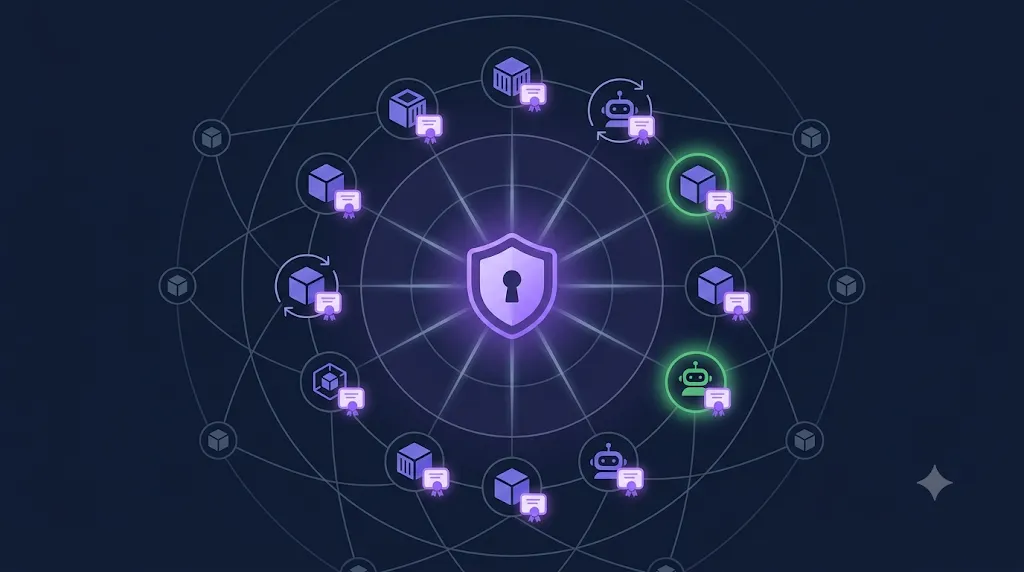
SPIFFE gives every workload — container, microservice, AI agent — a short-lived X.509 certificate as its identity. SPIRE issues and rotates those certificates automatically, but only after attestation proves what the workload actually is. The guide covers the SPIFFE ID format, SVID types (X.509 vs JWT), node and workload attestation, the comparison to things PKI engineers already know, and a detailed look at the Hugging Face breach as a case study for why harvestable static credentials are the real risk.
A new guide explains the FIPS 140-2 to 140-3 transition: on September 22, 2026, CMVP moves every remaining active FIPS 140-2 certificate to the Historical List. The guide covers what actually changed technically, what the Historical List means for procurement, and what vendors, buyers, and PKI teams should do before the deadline.
FIPS 140-3 aligned the U.S. cryptographic module standard with ISO/IEC 19790 and ISO/IEC 24759, renamed critical security parameters to sensitive security parameters (SSPs), formalized software and hybrid module types, tightened Level 4 authentication to multi-factor, and replaced power-on self-tests with pre-operational self-tests. The guide walks through each change, the full 2019–2026 transition timeline, and why post-quantum algorithms (FIPS 203/204/205) validating only under 140-3 make this a one-way door. A five-minute verification section shows how to look up your module on the CMVP list and check which FIPS provider your OpenSSL installation actually loads.
Consultants, vCISOs, and MSPs can now buy all four compliance kits under a single Consultant License that covers unlimited client engagements. A new /command-center-consultant terms page documents what you can and cannot do.
The standard Compliance Command Center covers one organization. The new Consultant License ($2,499) lifts that restriction: customize, rebrand, and deliver the finished documents across an unlimited number of client engagements, for as long as you hold the license. The buy button appears directly on the Compliance Command Center product page, and each purchase is tagged in Kit and triggers its own confirmation email with all four download links plus a link to the license terms.
The F5 BIG-IP SSL Profiles guide now covers what BIG-IP is actually doing at the TLS layer — the SSL vs TLS naming history, TLS 1.3 on 14.0+, and the decrypt/re-encrypt split — plus a new section on controlling TLS versions and ciphers via tmsh, including Cipher Groups.
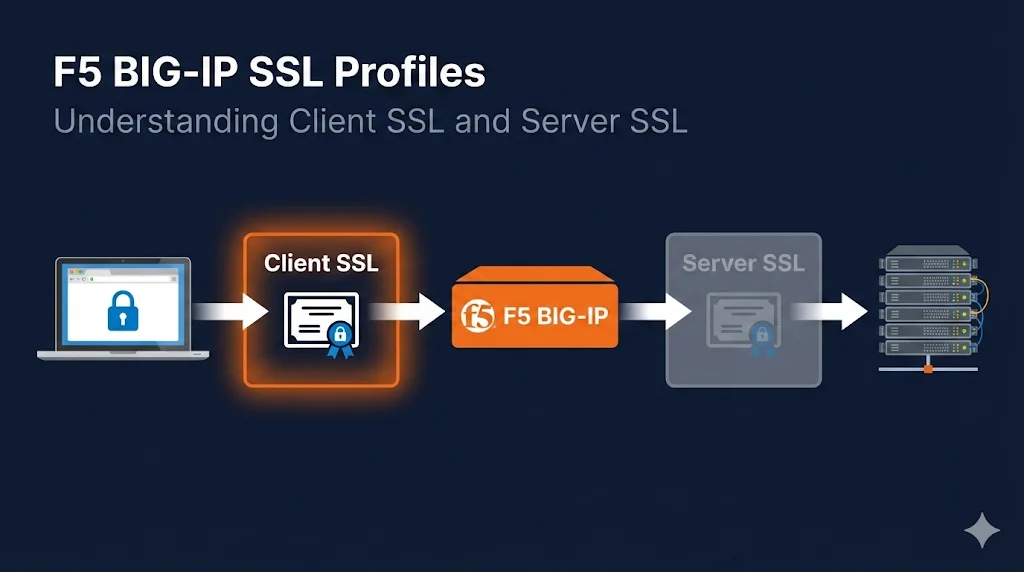
The guide already ranked for F5 SSL profile terms, but readers searching for "F5 TLS" or "F5 SSL" head terms were landing on a page that assumed they already knew the basics. Two new sections fill that gap. The first explains what BIG-IP is actually doing: SSL is just legacy naming, TLS 1.2 is the baseline, TLS 1.3 auto-negotiates on 14.0+, and the Client SSL / Server SSL split enables the terminate-inspect-re-encrypt pattern at the heart of every advanced traffic policy. The second section gives the exact tmsh commands to disable TLS 1.0/1.1, assign a Cipher Group, and verify what the VIP actually negotiates. Both sections link out to the SSL checker tool and the openssl s_client guide for hands-on verification.
A new guide explains what 90-day certificates are, why short lifetimes exist as a security decision, where certificate lifetimes are heading (Let's Encrypt's move to 45- and 6-day certs, the CA/Browser Forum's 47-day rule by 2029), and how to automate renewal with ACME tools like Certbot, Caddy, and cert-manager.
The guide covers the full story: a 90-day cert is technically identical to any other X.509 TLS certificate — only the notAfter date is shorter. Let's Encrypt introduced 90 days in 2015 to force automation and make revocation-by-expiry practical. But 90 days is no longer the aggressive end of the curve — it's the comfortable one. The guide includes both the Let's Encrypt migration timeline (shortlived 6-day profile GA, default moving to 45 by Feb 2028) and the CA/Browser Forum SC-081v3 schedule (200 → 100 → 47 days by March 2029). The automation section covers Certbot dry-run verification and the --preferred-profile shortlived flag, Caddy zero-config TLS, cert-manager Kubernetes integration, ARI renewal timing, and independent expiry monitoring. A closing CTA links to the 47-Day Readiness Audit Checklist.
The CSR Checker tool page now explains exactly what the decoder shows you, walks through a five-point checklist to run before you submit a CSR to your certificate authority, and answers the five most common CSR questions — including whether it's safe to paste a CSR into a browser tool (it is).
The CSR decoder itself is unchanged — everything still happens locally in your browser, and nothing is uploaded. What's new is the context around it: an explainer covering what the checker decodes (Subject, SANs, key algorithm and size, signature algorithm), a pre-submission checklist that catches the classic rejection causes (missing SAN entries, undersized keys, SHA-1 signatures, mismatched Organization fields), and an FAQ with structured data so the answers can surface directly in search results. The page also now links onward to the SSL checker for post-issuance verification and to the OpenSSL guides for generating and testing certificates from the command line.
The "What Is Venafi?" guide got a full 2026 fact refresh — Palo Alto Networks completed its acquisition of CyberArk on February 11, 2026, and the guide now reflects the final ownership chain, the current CyberArk product names for every Venafi product, and updated FAQs on what the acquisition means for your deployment.
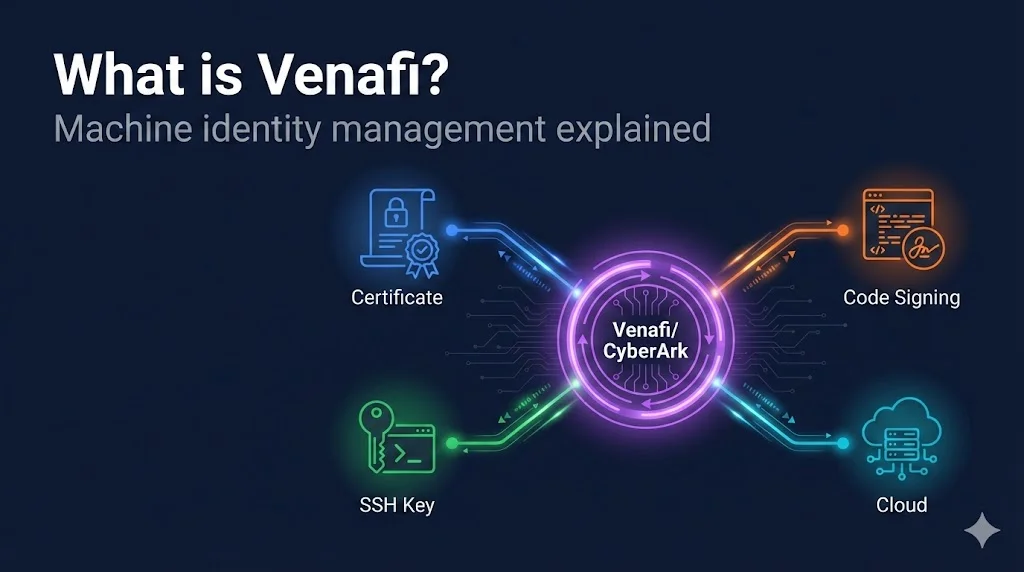
Venafi has now had three owners in under two years: Thoma Bravo sold to CyberArk in October 2024 ($1.54B), CyberArk renamed TLS Protect to CyberArk Certificate Manager in 2025, and Palo Alto Networks closed its acquisition of CyberArk on February 11, 2026 (~$21.1B total consideration per PANW's 10-Q). The guide's quick answer, ownership timeline, and FAQ section all now tell that complete story. A new product-name mapping table translates every old Venafi product name to its current CyberArk name — useful when CyberArk's docs no longer match the name on your contract. A new FAQ covers whether the Palo Alto acquisition changes anything for existing deployments (short version: not immediately, but lock in multi-year pricing if you're mid-POC). The Compliance Hub and the Certificate Lifecycle demo now link to the guide for readers evaluating lifecycle management platforms.
The openssl s_client guide now opens with a worked-examples section covering the flags you'll actually use — -connect, -servername, -showcerts, plus a working recipe for checking Certificate Transparency SCTs — each with a copy-paste command and trimmed real terminal output, and a one-liner tip for grabbing a cert's dates and subject without the full handshake.
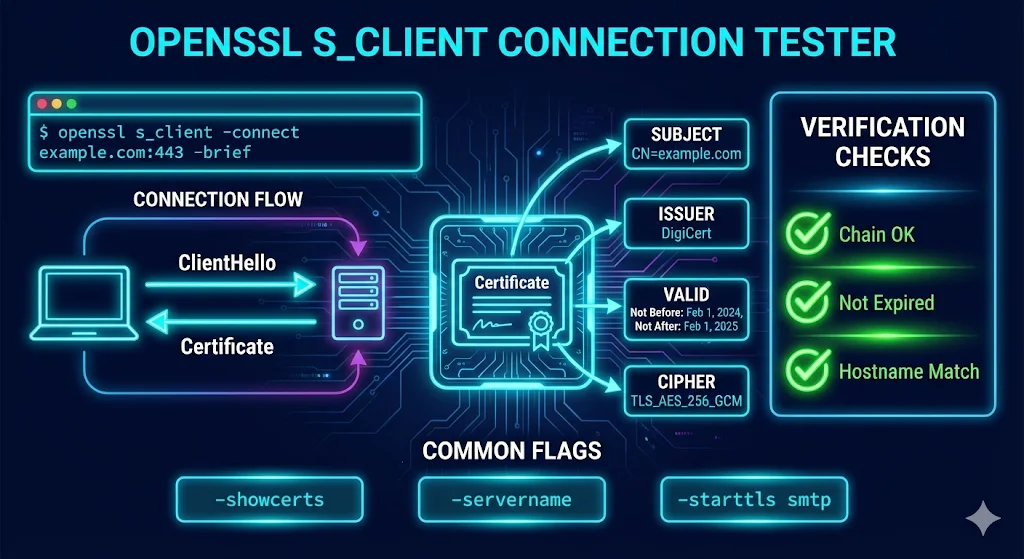
Syntax references are fine, but nothing beats seeing what the command actually prints. The new "openssl s_client Examples: The Flags You'll Actually Use" section sits right after the intro and shows a trimmed example of the -connect output (handshake, certificate chain, negotiated TLSv1.3 session), explains the missing-SNI default-certificate pitfall that bites on shared hosting and CDNs, and covers using -showcerts to spot missing intermediates — the #1 cause of "certificate not trusted" on some clients but not others. The section also cross-links to the SSL checker tool for browser-based checks and to the OpenSSL installation guide, which now links back with a contextual pointer to testing your first connection.
The PKI Compliance Hub deadline cards got a round of polish — severity ratings now render as clean pills instead of raw words, date-change notes appear on cards, days-remaining counts are color-coded by urgency, and a new Export CSV button downloads the deadline feed with your active filters applied.
A batch of quality-of-life upgrades landed on the Compliance Hub. Deadline cards whose impact field is a bare severity rating ("high", "medium", "low") now show a tidy severity pill next to the MAJOR IMPACT or IMPACT label instead of echoing the raw word, while full-sentence impact statements render as before. Deadlines with an explanatory note — like a date that moved — now surface it as a muted "Note:" line right on the card, and completed deadlines in the Recently Occurred section finally show the "~ Est." badge for estimated dates, matching upcoming cards. Every days-remaining count on the page — the hero countdown, the Upcoming Deadlines strip, and the Also Approaching cards — is now color-coded by urgency using the same thresholds as the timeline legend: red at 30 days or fewer, amber through 60, green beyond. And a new Export CSV button in the page header downloads the full deadline feed as a spreadsheet-ready file; if you have timeline filters active, the export matches exactly what's on screen.
The Certificate Transparency guide now covers the Chrome Root Program v1.8 mandate (effective June 15, 2026) requiring publicly trusted CAs to log precertificates to CT logs before issuance — CT logging is no longer just best practice, it's a hard requirement for Chrome trust.
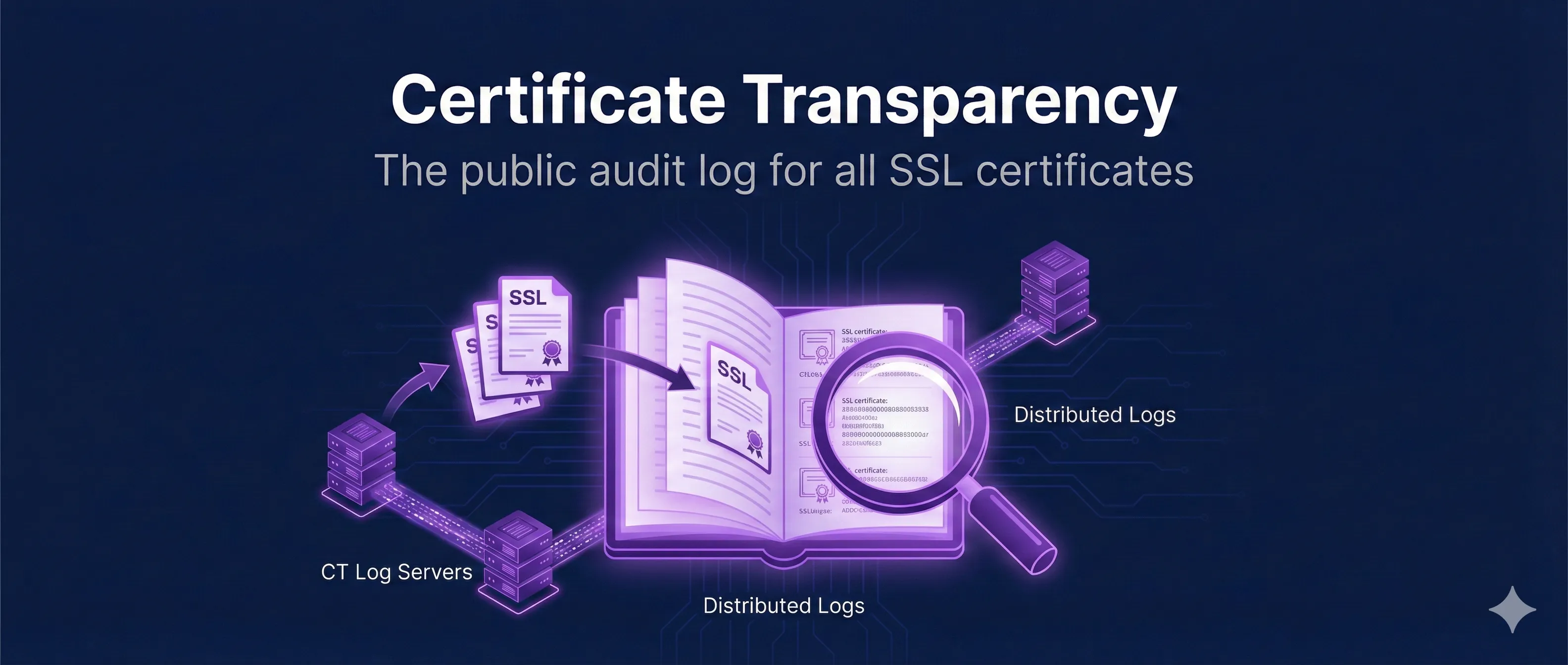
Chrome Root Program Policy v1.8 changed the CT landscape: as of June 15, 2026, CAs must submit precertificates to qualified CT logs and embed SCTs before a certificate is ever issued. The guide now includes a dedicated section explaining what the mandate requires, why precertificates (with their poison extension) carry the requirement, the difference between Usable and Qualified log states, and what subscribers should verify and monitor. The intro and CT workflow steps were updated to reflect that pre-issuance logging is now mandatory for Chrome-trusted CAs, and the timeline callout shows the before/after: "SHOULD log within 24 hours" is now "MUST log before issuance."
The PKI Compliance Hub hero no longer uses a static image with a baked-in date. It now displays the actual next upcoming deadline — title, date, and days remaining — computed live from the compliance API on every visit, so it can never go stale.
The old hero image had "Next Deadline: March 15, 2026" rendered into the pixels — accurate the day it was made, wrong ever since that deadline passed. The new hero overlays live text on a dark navy timeline background: the soonest upcoming deadline with its date and a days-remaining count, plus a stat row showing how many deadlines and sources the hub tracks. All of it is computed from the same live API feed that powers the rest of the page, with dates handled in UTC so they never render a day early in US timezones. Estimated dates are clearly marked so a projected deadline is never presented as exact. The social share image was also replaced with a date-free design that stays evergreen.
Consultants, vCISOs, and MSPs can now license Compliance-in-a-Box for client work. The new Consultant License ($1,499) covers unlimited client engagements — customize, rebrand, and deliver the finished documents as part of your paid services.
The standard Compliance-in-a-Box license covers one organization: yours. The Consultant License is built for practitioners who deliver PKI and compliance documentation to clients. It includes the same 7-document package with the same lifetime updates, licensed for unlimited client engagements, with each client receiving the right to use their customized deliverables internally. Full terms are published on the new Consultant License page.
Compliance-in-a-Box v2 is here — the package grows from 4 to 7 documents with a new PCI DSS 4.0/DORA/NIS2 Compliance Crosswalk, a 60-Minute Adoption Guide, and a Policy Review Calendar & Change Log. Every document now ships in Notion-importable Markdown and Confluence-ready HTML alongside the original formats, and all existing buyers get v2 free.
The headline addition is the Compliance Crosswalk: it maps every document in the package to the specific controls auditors cite across PCI DSS 4.0, DORA, and NIS2, including the deadline table that affects them. The 60-Minute Adoption Guide gives teams a realistic first-hour path through the templates, and the Policy Review Calendar & Change Log keeps the documentation audit-ready after day one. The whole package is integrity-verifiable — a published SHA-256 hash covers the download, and a SHA256SUMS.txt inside covers every individual file. Free updates for life means v1 buyers already have v2 waiting.
A new guide explains the harvest-now-decrypt-later (HNDL) threat: attackers recording encrypted traffic today to decrypt it once quantum computers arrive, and how to stop the exposure with hybrid post-quantum TLS key exchange today.

The guide covers who is actually at risk (long-lived sensitive data like health records, financial data, and government secrets), the standards timeline from NIST FIPS 203 through CNSA 2.0, how to enable X25519MLKEM768 hybrid key exchange in OpenSSL 3.5 and nginx today, why Merkle Tree Certificates are the coming answer for post-quantum authentication, and a four-step practitioner checklist. All four internal guide links (ACME Protocol, ARI Readiness, 47-Day Timeline, DNS-PERSIST-01 Explained) verified against the live registry.
A new guide explains how to pin certificate issuance to a specific ACME account and validation method using the RFC 8657 accounturi and validationmethods CAA parameters — mandatory for all public CAs on March 15, 2027.
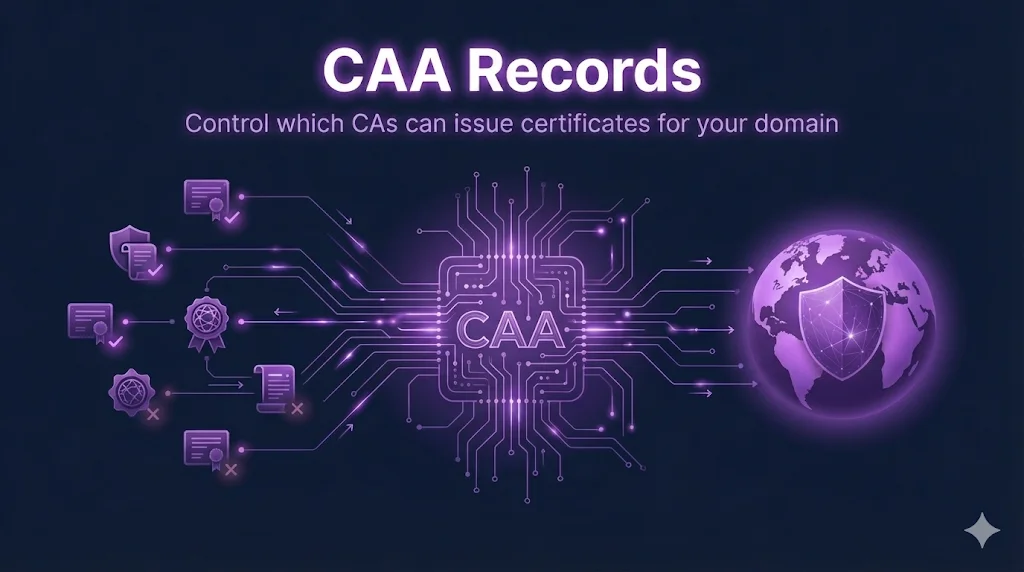
The guide covers the full deployment lifecycle: what RFC 8657 adds to base CAA, both parameters precisely, how to retrieve your account URI from certbot/acme.sh/cert-manager/GTS/DigiCert, a four-step safe rollout process (inventory → syntax → test → rollback), and a deployment checklist with the canonical record format.
The ARI Readiness Guide now opens with an embedded "Watch: ARI Explained" video, giving readers a quick visual overview of ACME Renewal Information before diving into the implementation details.
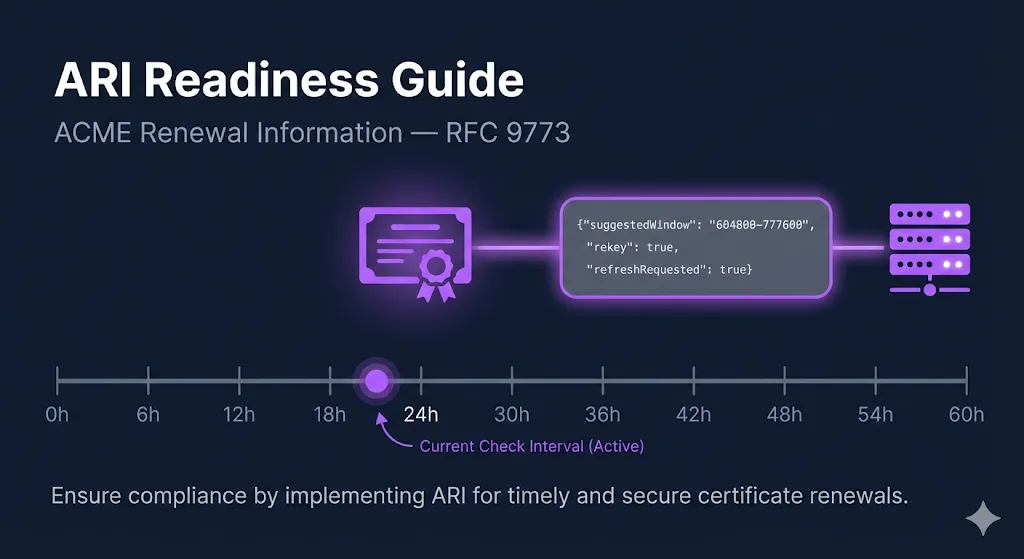
A lazy-loaded, responsive 16:9 YouTube player now sits directly below the table of contents on the ARI Readiness Guide, covering ACME Renewal Info and mass revocation defense. It follows the same embed card pattern used across other guides on the site.
The PCI Audit Prep Kit sales page now opens with an embedded video — "PCI DSS 4.0 Certificate Audit: What Your QSA Will Ask" — so visitors can watch the explainer before deciding to buy.
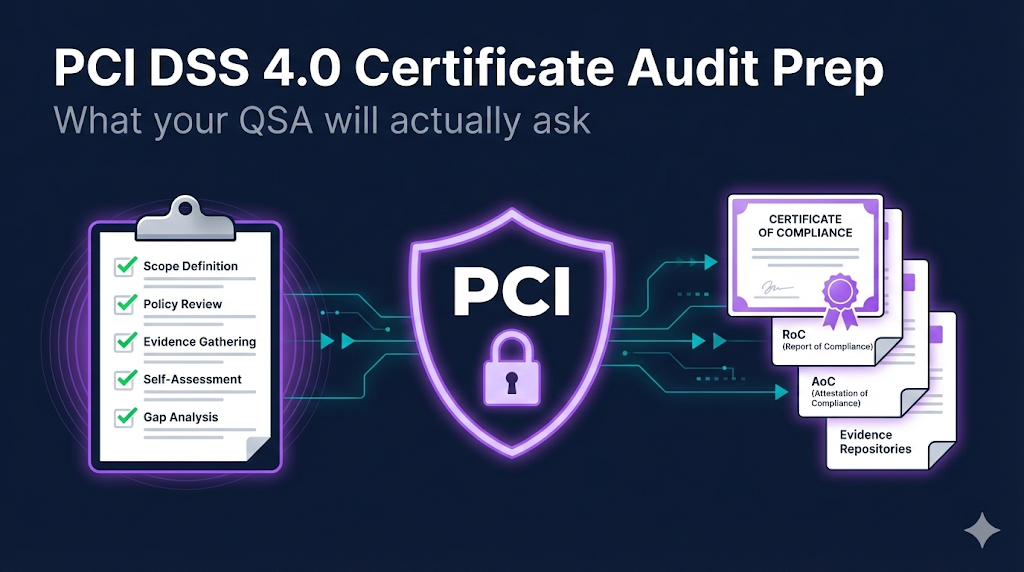
A lazy-loaded, responsive 16:9 YouTube player now sits directly below the hero on the PCI Audit Prep Kit page. It gives prospective buyers an immediate overview of exactly what QSAs probe on certificates and crypto controls before they commit to the kit.
The Mass Revocation Response Plan Kit sales page now includes an embedded video walkthrough so visitors can see what the kit covers before buying.
A short video now sits just below the hero on the Mass Revocation Response Plan Kit page, giving buyers a quick overview of mass revocation readiness and what the kit delivers. It uses the same responsive 16:9 player styling as the rest of the site and plays inline with fullscreen support.
A practical discovery guide for teams who need to audit their environment for dual-EKU certificates before CA removal deadlines break partner integrations at renewal.
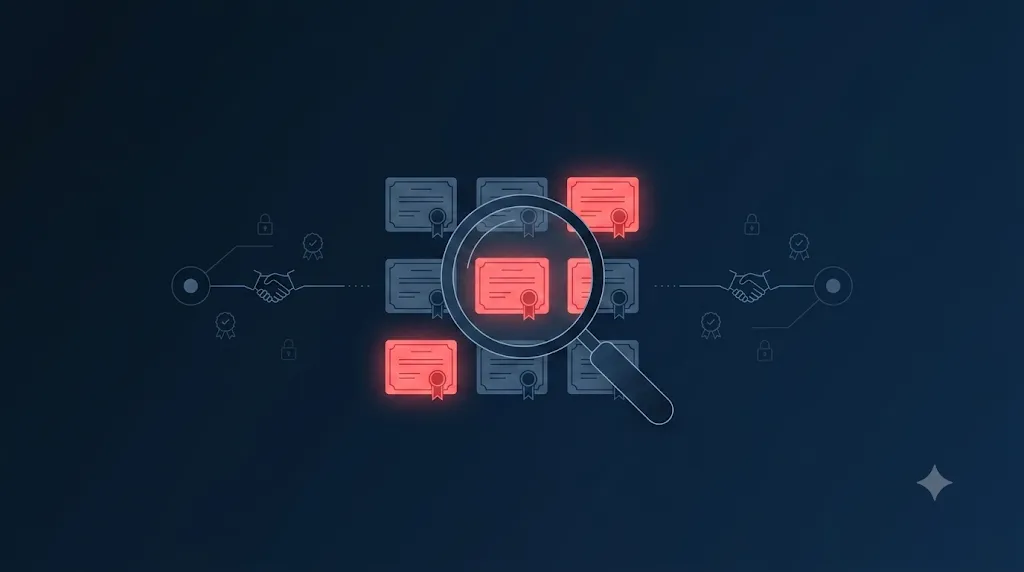
Most teams don't know they rely on clientAuth until a renewal drops the EKU and a gateway rejects the new cert. This guide covers every discovery layer — single-cert OpenSSL inspection, live endpoint pulls, host-level file sweeps, PowerShell store queries, CA portal filters, CT log enumeration, and network scans — plus a triage table showing which findings are cosmetic vs. high-risk. The deadlines table is live-fetched from the Compliance Hub API so the Sectigo, DigiCert, and Chrome enforcement dates stay current without manual edits.
The Compliance Command Center bundles all four FixMyCert compliance kits into a single purchase at $879 — saving $217 vs. buying separately. Launch pricing of $819 (save $277) is available through August 15, 2026.
The four kits cover different risk vectors but are often bought together: mass revocation readiness, 47-day TLS validity preparation, PCI DSS 4.0 certificate evidence, and PKI governance documentation. The Command Center makes that purchase one click. Fulfillment delivers four individual, permanent download links — the same versioned URLs single-kit buyers receive — so lifetime updates work across all four. The FAQ wording across all product pages was also corrected this session: "lifetime access to the current version" was a misleading freeze-at-purchase phrasing; it now reads "lifetime access to all future updates — buy once; stay current" consistently sitewide.
A three-document kit for CA mass revocation events — a fill-in response plan template with 11 practitioner guidance boxes, a tabletop exercise kit with 3 scenarios modeled on real events plus a 20-point scoring rubric, and a one-page quick-reference PDF. Instant download, single-organization license.
The CA/Browser Forum Baseline Requirements give CAs no discretion: section 4.9.1.1 sets a 24-hour revocation clock for the most severe triggers and 5 days for the rest. Mozilla's root program requires every CA to maintain and test a mass revocation plan — meaning your CA is rehearsing revoking you at scale. This kit is the subscriber-side equivalent, with an annual tabletop test built in. The three exercise scenarios are modeled on events that actually happened: an Entrust-style browser distrust, a batch revocation sweep, and a 24-hour DCV failure. The product page lives at /products/mass-revocation-response-plan, and the homepage shelf, navbar, and product ladders now show the full four-product line: $149 → $199 → $249 → $499.
A four-document kit for the certificate and cryptography portion of PCI DSS 4.0 assessments — Certificate Evidence Workbook, Crypto Inventory Template (Requirement 12.3.3), QSA Interview Prep, and 30-Day Prep Plan. Instant download, single-organization license.
Requirement 12.3.3 became mandatory on March 31, 2025, and "show me your crypto inventory" is now a standard QSA request. The PCI DSS 4.0 Audit Prep Kit bridges the gap between the free PCI audit prep checklist and an actual assessment: it packages the evidence workbook, the 12.3.3 crypto inventory, the interview prep with strong-answer patterns for every certificate and key management question, and a 30-day phased plan from discovery to audit day. The product page lives at /products/pci-audit-prep-kit. The PCI audit prep checklist now links directly to the kit, and all three product ladders (47-Day Kit, CIAB, homepage) have been updated to show the full $199 → $249 → $499 shelf.
Removed the 90-Day Readiness Sprint ($1,500) and FixMyCert Enterprise consulting offers sitewide. The product lineup is now the 47-Day Readiness Kit ($199) and Compliance-in-a-Box ($499) — both instant-download, no scheduling required. The /enterprise URL now redirects to Compliance-in-a-Box.
The consulting tiers added friction and mixed signals — visitors weren't sure whether FixMyCert was a product or a services company. Removing the Sprint and Enterprise offers clarifies the answer: FixMyCert sells professional-grade PKI templates and toolkits you can use immediately, without a call or a proposal process. The footer, product page ladders, FAQs, success pages, and all contact email references have been updated to reflect the simplified lineup. The /enterprise URL redirects cleanly to Compliance-in-a-Box with a 301.
A new $199 instant-download kit that tells you exactly where you stand before 47-day TLS certificate validity takes effect — an 82-point scored readiness workbook, a CLM vendor evaluation matrix, an executive briefing deck, and a step-by-step DCV migration plan. Buy it securely with Stripe and download immediately after checkout.
The industry is moving to 47-day TLS certificate lifetimes, and most teams have no clean way to measure whether their estate is actually ready. The 47-Day Readiness Kit fixes that. The centerpiece is an 82-point scored readiness workbook that turns "are we ready?" into a concrete number across discovery, automation, ownership, and incident response. Alongside it, a CLM vendor evaluation matrix helps you compare certificate lifecycle management platforms on the criteria that matter, an executive briefing deck gives you a ready-made way to explain the change and the plan to leadership, and a DCV migration plan walks through moving domain control validation to automation-friendly methods. Checkout runs through Stripe, and the download is available instantly on the confirmation page and via an emailed link. This is the second paid product on the platform alongside Compliance-in-a-Box, built on the same secure, payment-verified download flow.
Two editorial guides now live on the Compliance Hub covering the July 1, 2026 Chrome distrust of three legacy DigiCert roots, and the three changes in Mozilla Root Store Policy v3.1 (root key age limit, tighter CP/CPS standards, and 2027 Detailed Controls Reports) — both linked from the hub's guide listing.

Two root-program changes landed on the same date and both needed a plain-language explainer fast. "Chrome Is Distrusting DigiCert's Legacy Roots" walks through what happened, how to check if you're affected with a copyable openssl command, the exact browser symptom (NET::ERR_CERT_AUTHORITY_INVALID) if you get it wrong, and a four-step fix. "Mozilla Root Store Policy v3.1: The Three Changes That Matter" breaks down the 5-year root key age limit, stricter CP/CPS documentation requirements, and the Detailed Controls Reports coming for audit periods starting July 2027 — with a practical prep checklist for CAs. Both guides match the existing compliance guide layout and are linked from the Compliance Hub's "Helpful Compliance Guides" section and the Site Directory.
A free, guided 30-minute exercise that starts as a single certificate outage and escalates through discovery, mass revocation, and migration — using certfire, certrecon, massrev, and certmove back to back so you can feel why the toolkit is built as a chain, not four separate scripts.
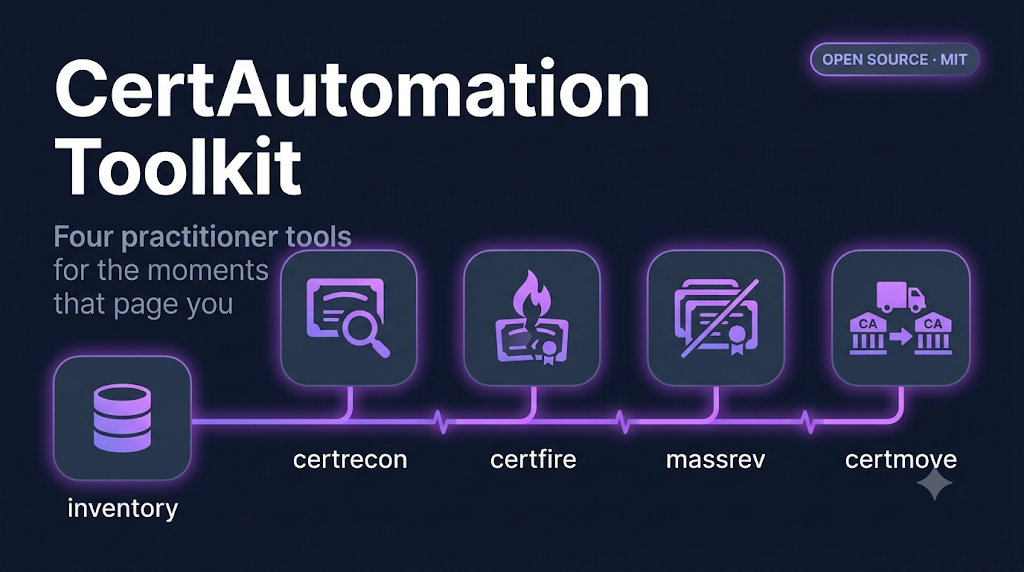
The four toolkit scenarios each teach one tool well, but none of them show how an incident actually unfolds — one problem widening into a bigger one, forcing you to reach for the next tool in the chain. The Certificate War Game fixes that. It walks through five stages of one escalating incident: certfire diagnoses and stages a fix for an expired certificate, certrecon widens the search and turns up a revoked host, massrev turns a CA-wide revocation into a prioritized burndown, and certmove plans and verifies a migration away from the CA that caused it all. Every stage has a "Run it in your browser" tab using the same server-side preset-command mechanism as the scenario pages, and a "Do it for real" tab with the exact local commands and expected output. Collapsible checkpoints let you self-check your understanding before moving on, and the debrief ties every artifact produced back to the toolkit's core idea: the inventory is the spine.
The email signup on the toolkit hub and all four scenario pages now subscribes people to the dedicated "PKI Automation Toolkit" Kit list and applies the right tags automatically — toolkit-lead everywhere, plus a per-scenario tag so we know whether someone came in through discovery, outage response, mass revocation, or migration.
When the toolkit launched, the signup forms worked but funneled everyone into a single generic list with no way to tell which scenario drew them in. This update wires each form through a server-side endpoint that talks to Kit properly: it creates the subscriber, adds them to the PKI Automation Toolkit list, and applies the exact tags for the page they signed up from. The hub tags toolkit-lead; each scenario page adds its own tag on top. Every form keeps its client- and server-side email validation, a hidden honeypot field to catch bots, and an in-place thank-you state with direct links to the GitHub repo and the latest release download — no page reload, no redirect. If the Kit API key is ever unavailable, signups still go through via a graceful fallback so no lead is ever lost.
A five-page content cluster introducing an open-source, MIT-licensed PKI toolkit. Four practitioner tools — certrecon (discovery), certfire (outage response), massrev (mass revocation), certmove (CA-to-CA migration) — each with its own walkthrough, sample output, FAQ, and (coming soon) browser-runnable Repl.
The toolkit closes the loop between the compliance content on FixMyCert and the actual scripts practitioners need at 2am. Each scenario page reads like a talk track: why this tool exists, what to type, what the screen will say, the questions a skeptical engineer will ask. The hub explains how the four tools chain together — discovery produces the inventory; outage response, mass revocation, and migration all run off the same spine. The GitHub repo, public Repls, and Kit form ID are wired through a single config file so the launch flips on by editing one constant. Hero images are placeholder cards until the Napkin renders land. Body copy is the v1 talk-track baseline; deeper content from the per-tool TALK_TRACK.md files lands as those drafts are finalized.
A printable, auditor-ready checklist that maps every control in an enterprise code signing program — identity & access, HSM key storage, approval workflow, audit logging, key rotation, and incident response — to CSBR, SOC 2, and ISO 27001 line items.
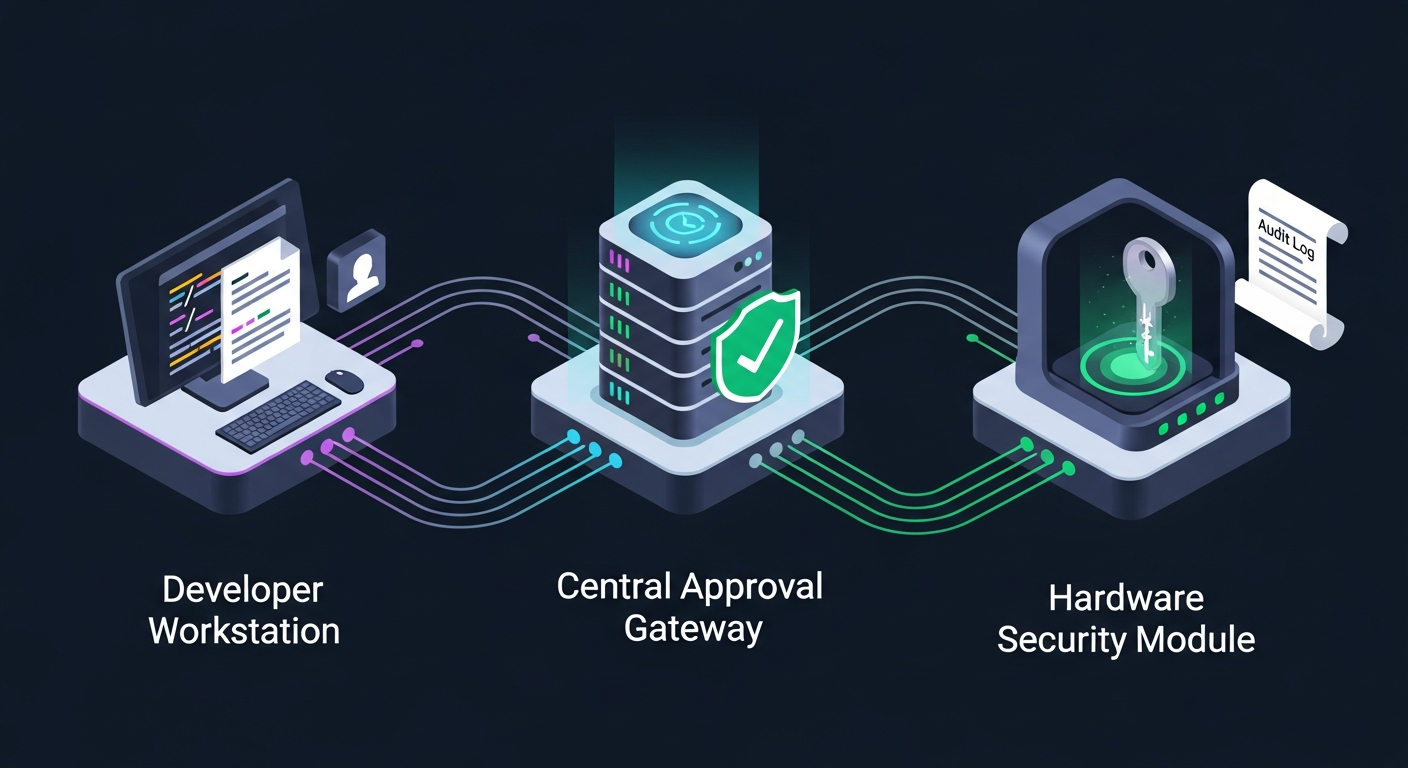
The new Code Signing Governance demo and the Venafi CodeSign Protect guide both describe the request → approve → HSM sign → audit flow, but until now there was no single artifact you could hand to an auditor that proved your code signing program is sound. This checklist closes that gap. Each item references the specific CA/Browser Forum CSBR clause, SOC 2 Trust Services Criterion, and ISO 27001 Annex A control it satisfies — so the same document covers a CSBR conformance review, a SOC 2 Type II, and an ISO 27001 surveillance audit. Use it as a quarterly self-assessment, a pre-audit dry run, or onboarding material for new compliance staff.
A printable, check-as-you-go audit runbook that converts the CSBR control mapping table into action items — HSM FIPS verification, Environment/Project segregation, approver policy, key ceremony evidence, audit log retention, TSA configuration, and prod/non-prod partition isolation.
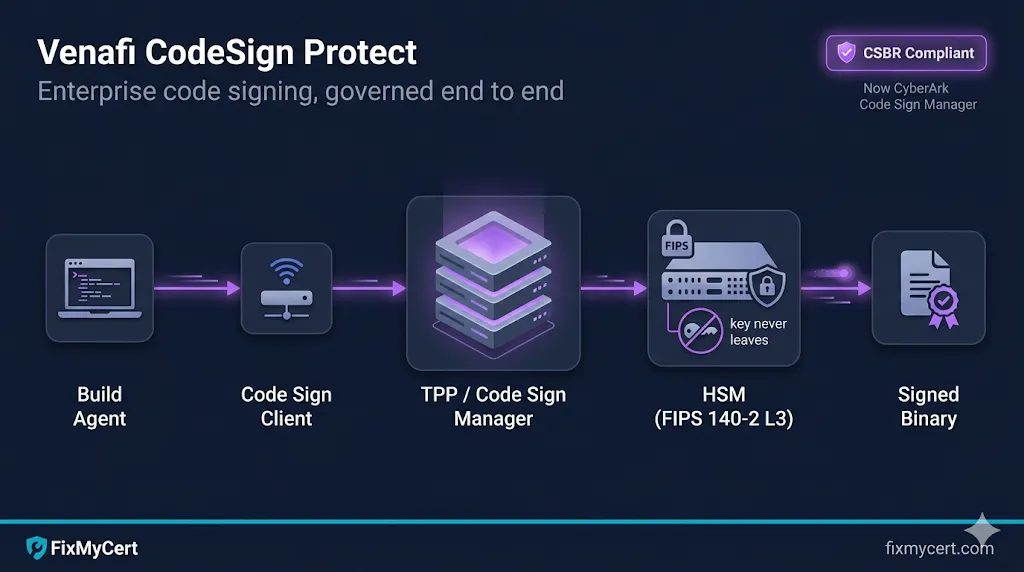
The Venafi CodeSign Protect guide we shipped earlier today includes a CSBR control-mapping table, but stopped short of giving teams a step-by-step audit-prep runbook. This new checklist closes that gap. It is structured the same way the auditor will work: scope and inventory first, then HSM FIPS verification, then the platform-level segregation controls, then the workflow and evidence controls (approvers, key ceremony, audit logs, TSA), then the partition-level isolation that most programs get wrong, then CP/CPS alignment and incident response. Built to live next to the existing 47-Day Readiness and PKI Audit Preparation checklists for compliance-heavy teams.
A hands-on, step-based demo that walks through an enterprise code signing request end-to-end: developer asks, an approver authorizes against a signing template, the HSM signs without releasing the key, and a tamper-evident audit log records every actor and event.
The new Venafi CodeSign Protect guide explains the architecture and policy model, but until now there was no way to feel the workflow. This demo simulates the same governance flow used by Venafi CodeSign Protect / CyberArk Code Sign Manager: a Project (Acme Installer) configured with an Environment, a Signing Template (prod-windows-ev), Approvers, and an HSM partition. Step through it to see the policy gate, the approval window, the HSM sign operation, and the audit row that links signature → approver → key → policy. Includes a side panel of what the same policy *blocks* — wrong file types, expired approvals, prod/non-prod mixing.
Practitioner deep-dive on Venafi CodeSign Protect (now CyberArk Code Sign Manager): architecture, components, signing flow, CSBR compliance mapping, CI/CD integration, operations, and common pitfalls.
Code signing is the quieter, higher-stakes neighbor of TLS — compromise one signing key and your customers run malware that looks like you. This guide explains how Venafi CodeSign Protect (rebranded CyberArk Code Sign Manager) governs enterprise code signing end-to-end. Covers the four primary objects (Environments, Projects, Code Sign Clients, signing tools), HSM integration and FIPS levels, the full signing flow from signtool to HSM, CI/CD patterns for Azure DevOps / GitHub Actions / Jenkins, a CSBR control-by-control compliance mapping, key rotation and key ceremony operations, and seven common pitfalls — without the marketing fluff.
Implementation guide for the protocol that lets CAs signal emergency certificate renewals. Covers ARI protocol flow, ACME client support comparison, per-client setup, and readiness testing.
After the SSL.com mass revocation and Let's Encrypt drill, this guide answers the practitioner's next question: how do I actually set up ARI in my environment? Step-by-step protocol flow with JSON examples, a 7-client comparison table (Certbot, Caddy, Lego, win-acme, Certify The Web, acme.sh, cert-manager), setup instructions for each client, and a 5-step readiness test.
A deep-dive into the SSL.com mass revocation (1.7M certs, MPIC flaw) and Let's Encrypt's live revocation drill (3M certs) — and why most teams aren't ready for the next one.
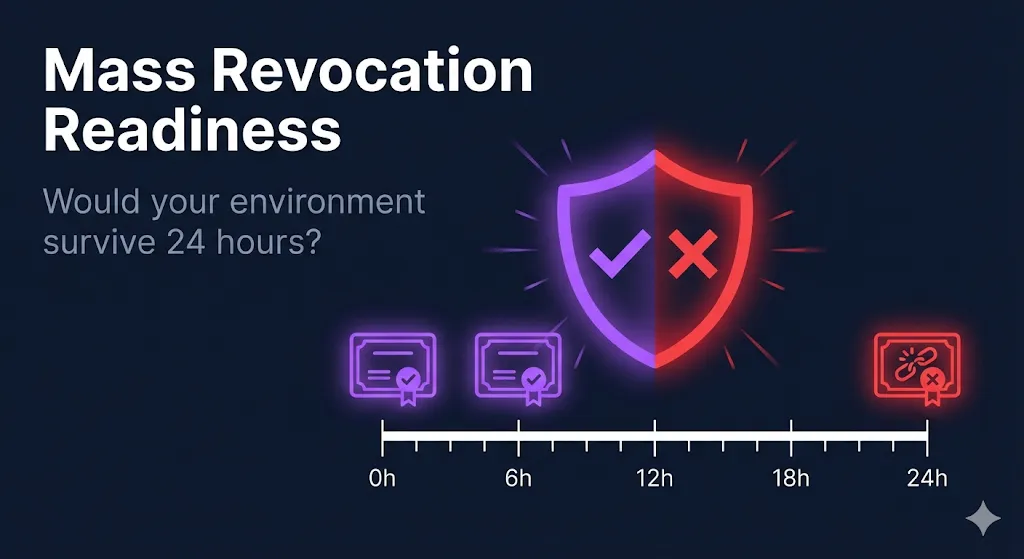
Two mass revocation events in two weeks — one accidental, one planned — exposed the same uncomfortable truth: most certificate environments can't respond to "replace everything now" within 24 hours. This post breaks down what happened, explains the ARI protocol that most ACME clients still aren't fully implementing, provides a 5-point readiness checklist, and connects the dots to shorter certificate lifetimes under SC-081v3.
A deep-dive on why PKI practitioners keep getting blindsided by policy changes — and why the problem is getting worse with shorter certificate lifecycles, more regulatory sources, and post-quantum transitions.
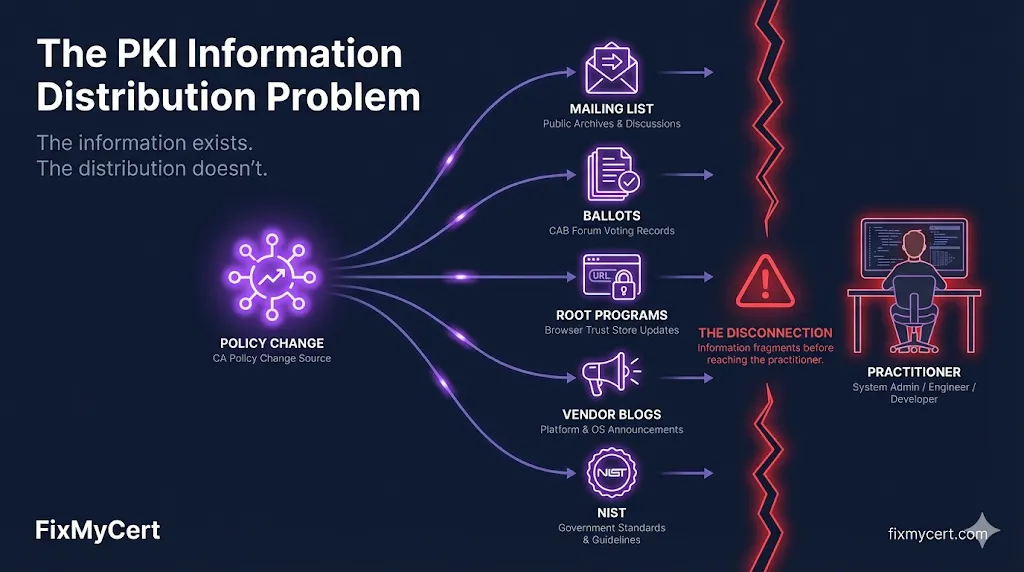
Every significant PKI policy change gets documented somewhere. The CA/Browser Forum publishes ballots. Browser root programs post updates. NIST releases guidance. But there is no single feed that answers "what changed this month that affects my certificates?" This post uses the clientAuth EKU sunset as a case study — three CAs, three different approaches, three different transition timelines, published across three different channels — to illustrate why the distribution problem matters more than ever.
A dedicated PKI Solutions page showcasing enterprise certificate management solutions from HID Global, with an integrated lead capture form for requesting demos and consultations.
Organizations managing thousands of certificates need enterprise-grade solutions beyond open-source tools. The new PKI Solutions page highlights three key solution areas — PKI-as-a-Service, Code Signing, and ADCS Migration — backed by HID Global's 2026 industry statistics. A built-in lead capture form lets IT leaders request demos and consultations directly, with submissions flowing into Kit for follow-up.
A dedicated landing page at /openssl organizes all OpenSSL guides, interactive demos, and video content by skill level — from installation to certificate operations to troubleshooting.
OpenSSL is the most-searched topic on FixMyCert, but the content was scattered across guides, demos, and categories. The new OpenSSL Series page brings everything together in one place: getting started guides with difficulty badges, certificate operation guides paired side-by-side with their interactive demos, troubleshooting resources for common SSL errors, a visual demo grid, and the RSA Encryption video. Whether someone lands from Google searching "openssl tutorial" or "openssl certificate commands," they now have a single entry point to find exactly what they need.
RSA Encryption guide now includes an embedded explainer video.
The RSA Encryption guide now has an embedded YouTube video explaining how RSA works, placed right before the table of contents so readers can watch before diving into the written content.
A 9-section, 100+ item checklist to prepare for internal or external PKI audits — covering governance documentation, certificate inventory, key management, CA operations, compliance evidence, security controls, automation readiness, and auditor interview prep.
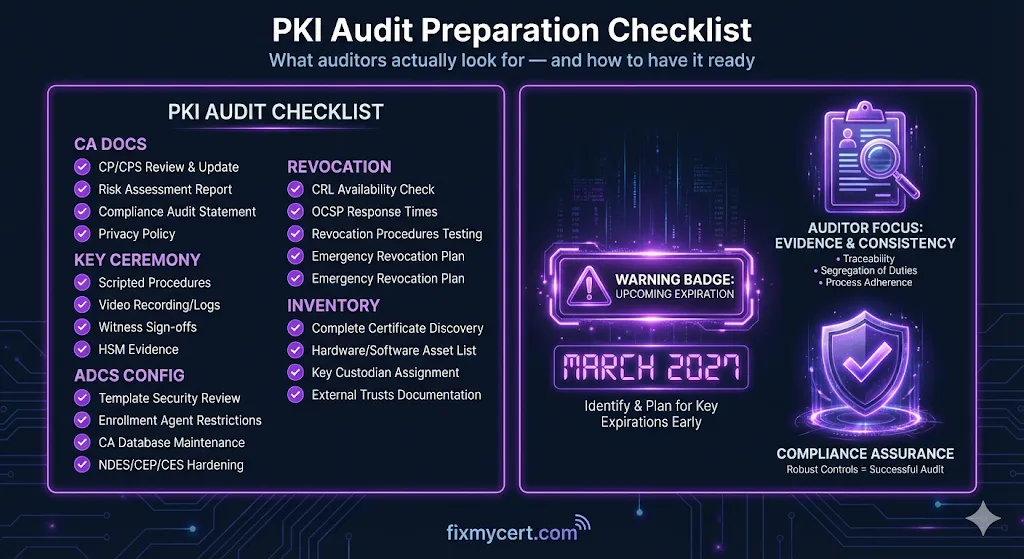
PKI audits fail for predictable reasons: missing governance documents, gaps between inventory and discovery scans, expired CRLs nobody noticed, and team members who can't explain the certificate lifecycle. This checklist addresses every one of those failure modes. It's organized around the nine areas auditors actually examine — from CP/CPS documentation through HSM access logs to interview preparation — with specific evidence artifacts to gather and common findings to preempt. Whether you're facing a SOC 2, PCI DSS, WebTrust, or internal security review, this checklist ensures nothing falls through the cracks.
New site directory page at /directory lists every guide, demo, tool, checklist, and blog post — giving search engines a single-click path to all content.
Search engines struggle with paginated content behind multiple clicks. The new Site Directory page surfaces all 130+ guides, 50+ demos, tools, checklists, and blog posts on a single page, organized by category. Every resource is now reachable within two clicks from the homepage, improving crawl depth and discoverability.
Comprehensive SEO audit fixing 100+ meta descriptions, 10+ page titles, broken internal links, robots.txt improvements, and missing alt text across the site.
Search engines need clear signals to rank your content. We audited every page on FixMyCert and found dozens of meta descriptions under 120 characters, page titles over 60 characters, broken internal links, and missing image alt text. Every issue has been fixed — descriptions now fall in the 120-155 character sweet spot, titles are concise and keyword-rich, and all internal links resolve correctly.
A comprehensive guide to the five naming decisions that outlive every ADCS deployment — CA hierarchy names, certificate template naming, subject fields, CRL/AIA URLs, and AD object names.
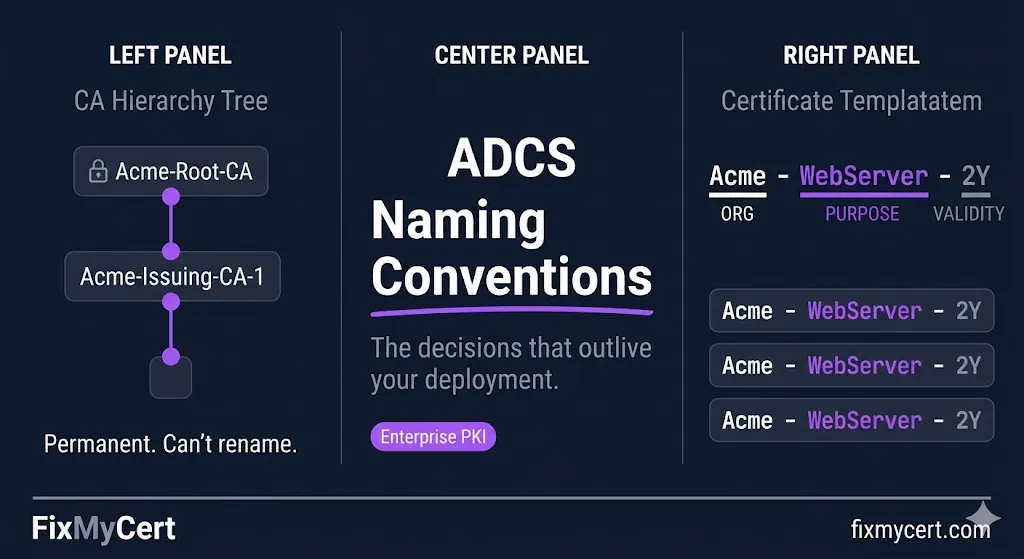
Bad naming in ADCS doesn't break things immediately. It breaks things two years later, at 2am, when someone is staring at a CRL Distribution Point URL that points to a server that no longer exists. This guide covers the naming patterns that actually work in production, the anti-patterns that cause pain during migrations, and includes an interactive pre-deployment checklist to lock in your decisions before standing up your first CA.
All PKI compliance deadlines across guides, checklists, and badges now pull live dates from the Compliance Hub API. If a deadline shifts, every page updates automatically.
Previously, deadline dates (47-day validity, ClientAuth EKU sunset, PQC migration, DCV method sunsets) were hardcoded across dozens of guide pages and checklists. When a date changed, we had to manually hunt down every reference. Now, a central Compliance Data Provider fetches the latest dates from our Compliance Hub API on page load, caches them locally, and refreshes hourly. Every DeadlineBadge, countdown timer, inline date reference, and checklist milestone automatically reflects the current schedule. The ClientAuth EKU sunset date has also been corrected from June 2026 to March 2027 to match the latest Chrome Root Program update.
The homepage now starts with the question on your mind: fixing a broken cert, learning PKI from scratch, or prepping for an audit. Three intent cards route you straight to the right resource.
We completely redesigned the homepage around how engineers actually arrive — usually with a specific problem or goal. Instead of a wall of links, you now see three clear paths: "Fix It Now" for active troubleshooting, "Start Learning" for structured education, and "Get Compliance Ready" for audit prep. Below, featured demos and guides surface our best content, a credibility strip shows our partner ecosystem (PKI Consortium, Practical Networking, HID Global), and a new "Trusted By the Community" section highlights the Practical TLS affiliate course and Compliance-in-a-Box templates. The bottom section is now a practical tools grid linking to the SSL Troubleshooter, Compliance Hub, Checklists, and Governance resources.
Ever wondered what actually happens when your server decrypts a TLS pre-master secret? Now you can watch it. Type a message, pick a prime pair, and see modular exponentiation encrypt and decrypt each character — step by step.
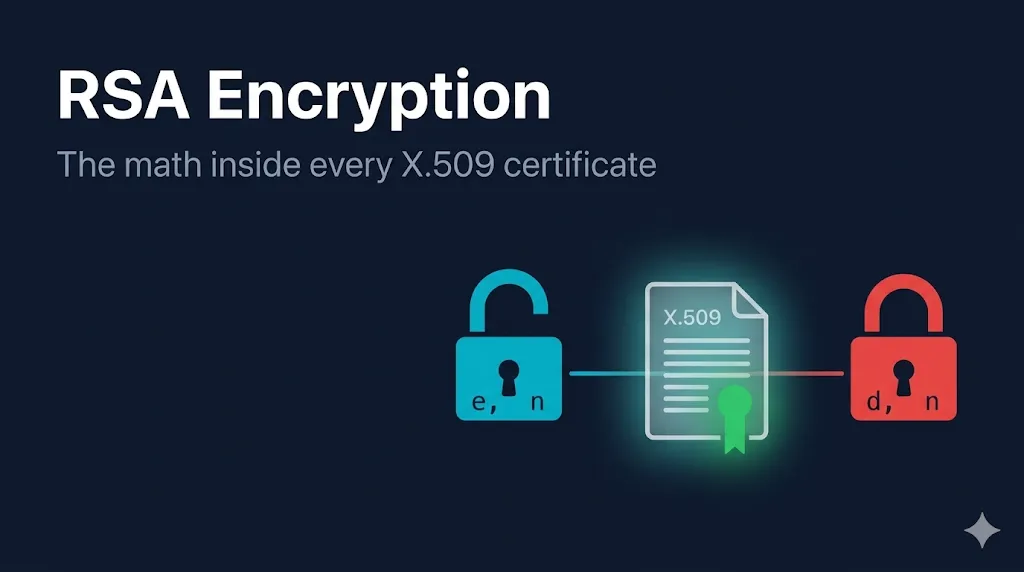
RSA is the algorithm behind every X.509 key pair, but most engineers treat it as a black box. We built a new interactive demo that lets you choose your own primes, type a message, and watch the math happen character by character — including an expandable square-and-multiply trace for anyone who wants to see exactly how modular exponentiation works under the hood. The companion guide covers the full picture: key generation (all five steps), the one-way factoring problem, how RSA fits into TLS 1.2 key exchange vs TLS 1.3 signatures, padding schemes (OAEP and PSS), key ceremonies, and the quantum horizon. Three new inline graphics walk through the one-way problem, public vs private key roles, and the encrypt/decrypt formulas.
TLS encrypts everything — except the server name you're connecting to. ECH fixes that. This guide covers how it works, why GREASE ECH is already showing up in your logs, and what breaks when you turn it on.
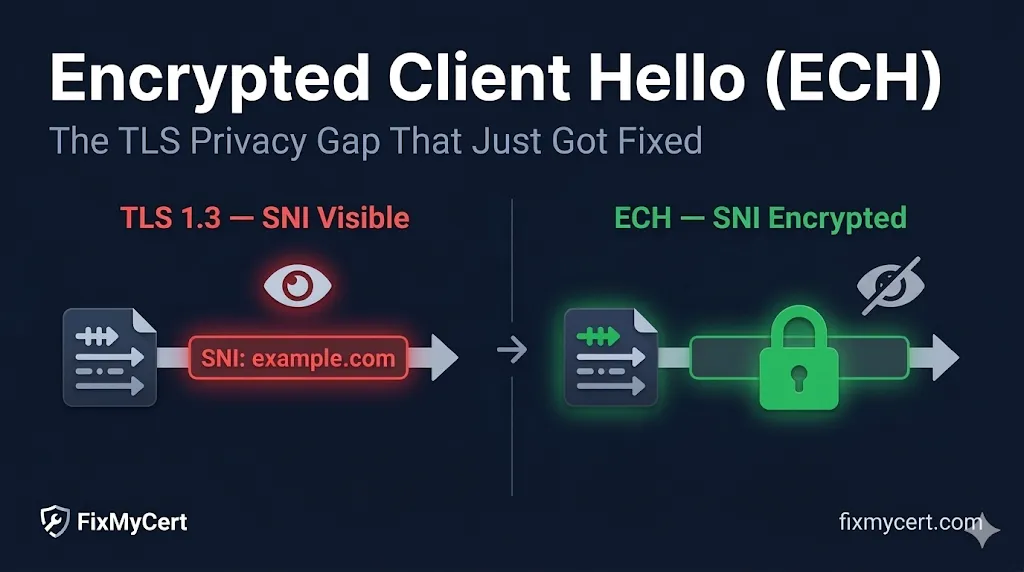
If you run enterprise TLS inspection, you've probably already noticed mysterious ECH extensions in your packet captures. That's GREASE ECH — browsers probing the internet to see if it's safe to encrypt the last piece of plaintext metadata in TLS. This guide walks through the full picture: SNI leakage, ClientHelloOuter vs Inner, the DNS dependency chain, and a practical table of exactly what breaks in enterprise environments.
The compliance timeline got a visual overhaul — individual deadlines are now distinct cards with status-aware colors, urgency indicators, and a new "Recently Occurred" section so you never miss what just happened
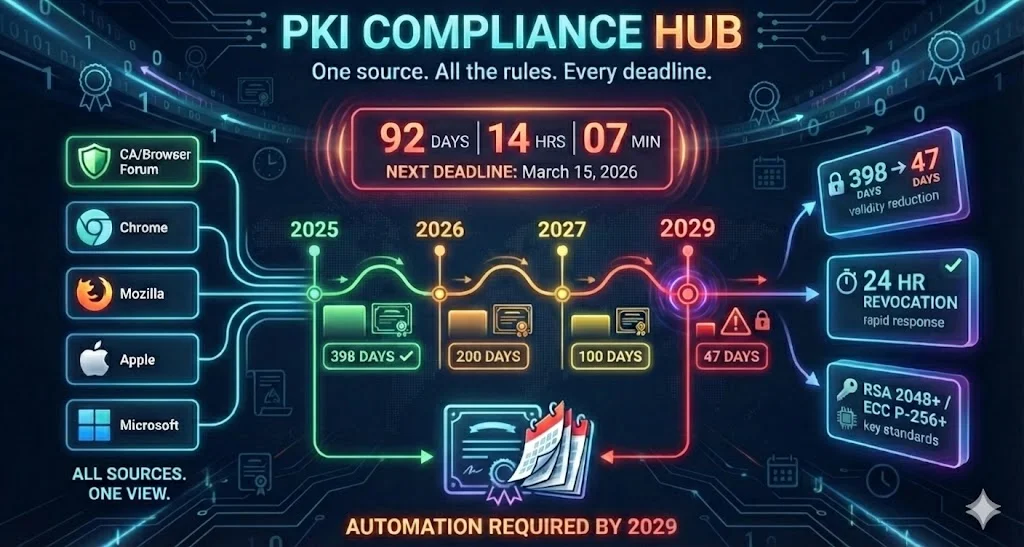
The compliance timeline got a complete visual overhaul. Each deadline is now a distinct card with a bold left accent border color-coded by urgency: orange for deadlines within 60 days, blue for in-progress items, emerald for completed milestones, and slate for standard upcoming events. Urgent deadlines within 30 days get a pulsing red dot and "URGENT" badge, while items within 60 days show a "HIGH" label — so you can scan the timeline at a glance and know exactly what needs attention. The "Recently Occurred" section now has richer emerald-tinted cards with a left green border, and the impact callout has been upgraded to a red-tinted alert bar that really stands out. Every card has more breathing room, hover effects, and better visual hierarchy with larger titles and clearer status badges. We also expanded the "Related Guides" mapping to cover all 65+ deadline IDs from the API, so every single timeline item now links to the right guides and checklists.
A practitioner-level guide to PKI key ceremony scripts covering what to include, what auditors verify, and the common mistakes that create findings
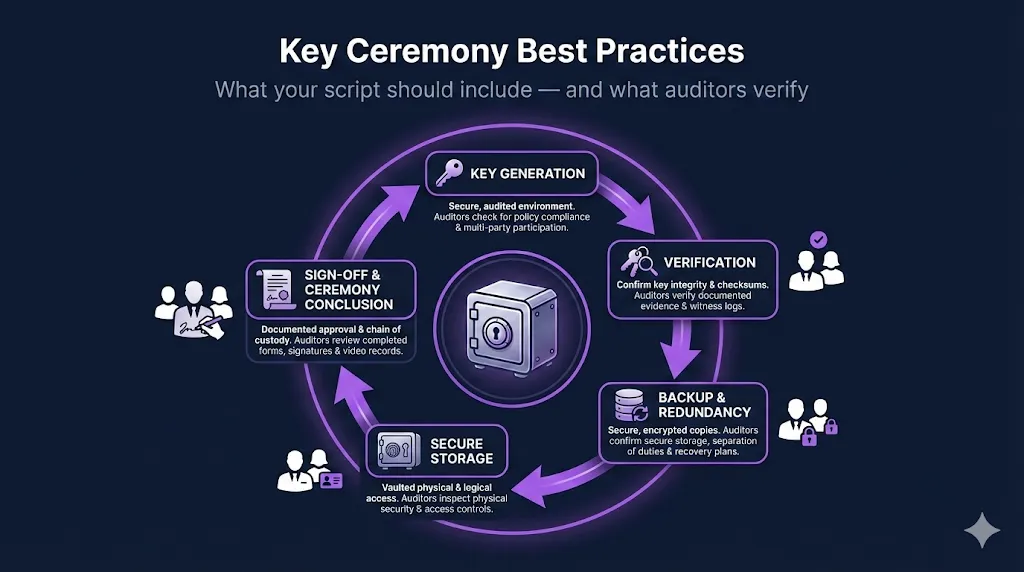
We published a deep-dive blog post on key ceremony scripts — the formal, witnessed process of generating cryptographic keys for a Certificate Authority. This isn't the academic "what is a key ceremony" overview you find elsewhere. It's a practitioner's breakdown of what your script should actually contain: pre-ceremony checklists, HSM operations structure, key backup procedures, witness requirements, and the specific documentation gaps that generate audit findings. The post includes five custom infographics — roles diagram, pre-ceremony checklist flow, ceremony script flow, audit red flags, and common mistakes — plus a video walkthrough. We also added cross-links from 6 related pages (HSM guide, CA Hierarchy guide, What Is a CPS guide, Internal CA CPS blog, and PCI DSS checklist) so readers can discover it naturally.
Major update to the PKI Compliance Hub with Chrome Root Program v1.8 and Mozilla Root Store Policy v3.0 data, 7 new deadlines, and new filtering categories for root store, platform, automation, and certificate transparency events
The PKI compliance landscape shifted significantly this month. Chrome Root Program v1.8 brings CT pre-logging requirements, root store consolidation plans, and a firm March 2027 deadline for subordinate CA automation. Mozilla Root Store Policy v3.0 introduces dual-purpose root transition plans due April 2026 with full migration by end of 2028. We also added the Microsoft Secure Boot certificate expiration (June 2026) — a high-impact event that affects enterprise device fleets. The Compliance Hub now tracks all of these with 7 new deadlines, an updated root store comparison table with two new rows (Dual-Purpose Root Deadline and CT Pre-Logging), and four new category filters so you can quickly find what matters to your team. The Compliance-in-a-Box page also got a visual upgrade — a 47-day certificate urgency timeline and an inline Kit form so you can preview Section 1 of the CP/CPS template before purchasing.
Comprehensive guide to the new persistent ACME DNS validation method (SC-088v3) plus a companion blog post analyzing 5 security assumptions that change with persistent authorization
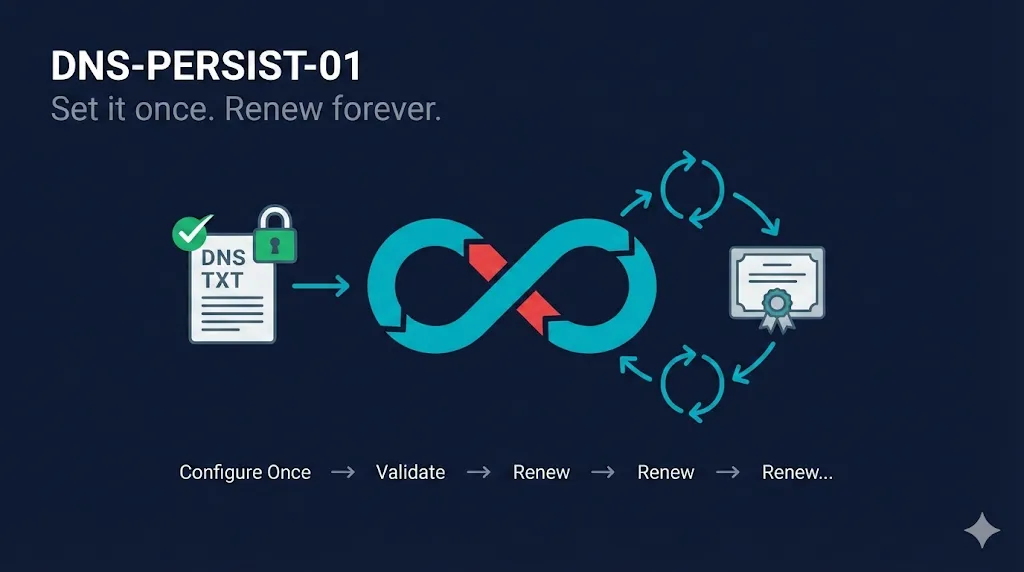
DNS-PERSIST-01 is the biggest change to ACME certificate validation since DNS-01 was introduced. The CA/Browser Forum approved it unanimously, Let's Encrypt announced support, and production rollout is expected Q2 2026. We published a full guide covering how it works, how it compares to DNS-01, scope controls, security tradeoffs, implementation timeline, and a decision framework to help you decide when to adopt. We also wrote a companion blog post that goes deeper on the security side — five specific assumptions that change when your certificate validation becomes persistent, and what your team should do about each one. Both resources include video walkthroughs.
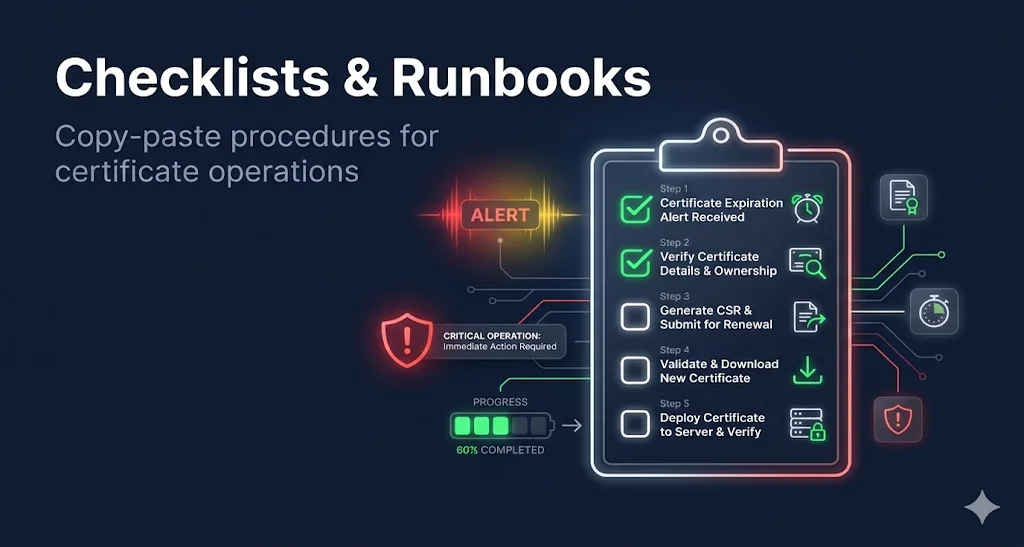
All checklists and runbooks now have LinkedIn, X, and copy-link sharing buttons so you can easily send them to colleagues
Every checklist and runbook on FixMyCert now has social sharing buttons built right into the sticky progress bar. Share a checklist with your team on LinkedIn, post it on X, or copy the link to drop into Slack or email. This was one of the most requested features — when you find a checklist that solves a real problem, you should be able to share it in two clicks.
A structured audit to assess whether your PKI infrastructure is ready for 47-day certificate validity — covering automation, DCV, monitoring, and team readiness
With the March 15, 2026 Phase 1 deadline approaching, we built a comprehensive 82-point readiness audit that walks you through every area that matters: certificate discovery, renewal ownership, DCV readiness, ACME pipelines, deployment automation, monitoring, and organizational preparedness. Unlike a generic compliance checklist, this one is specifically designed around the SC-081v3 timeline. It includes a built-in readiness scoring guide so you can quickly assess where you stand — Ready, On Track, At Risk, or Critical — and prioritize accordingly. We also completely rewrote the F5 BIG-IP SSL Certificate Checklist with 52 items covering tmsh commands alongside GUI steps, PFX conversion instructions, chain warnings, and a full FAQ section.
An honest, vendor-neutral assessment of where certificate automation actually fails — and what to prioritize before the 200-day deadline hits
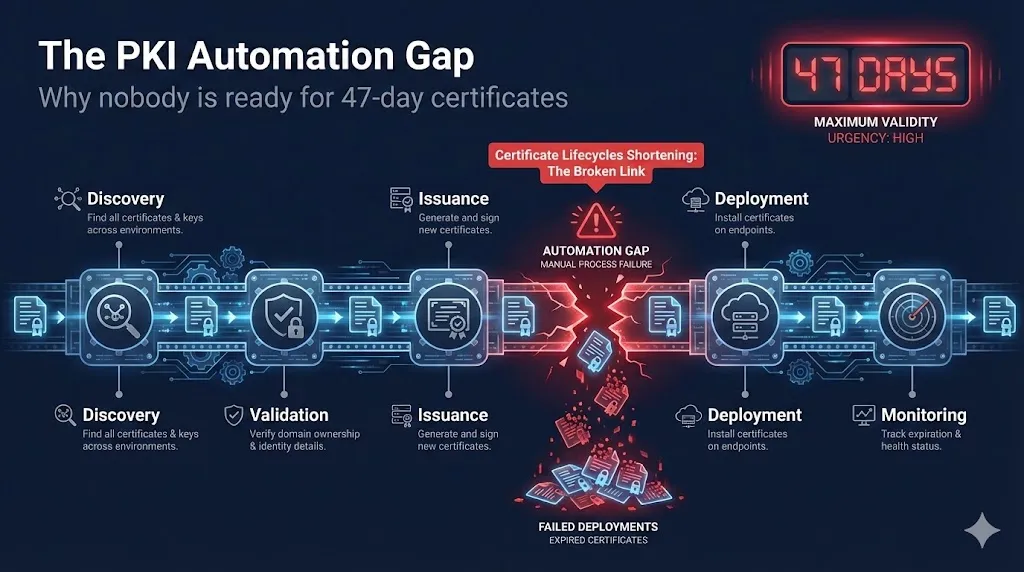
New pillar guide tackling the uncomfortable truth about 47-day certificates: most organizations aren't ready, and many don't even know where the gaps are. This guide walks through the entire 5-stage certificate lifecycle pipeline — discovery, validation, issuance, deployment, and monitoring — and shows exactly where automation breaks down at each stage. It's vendor-neutral by design, focusing on the real operational challenges rather than pushing any particular CLM product. Whether you're just starting to plan for SC-081v3 or you've already begun automating, this guide helps you identify blind spots and prioritize what matters most before the March 2026 enforcement date.
The Digital Signatures pillar guide now includes an embedded video explaining how digital signatures work
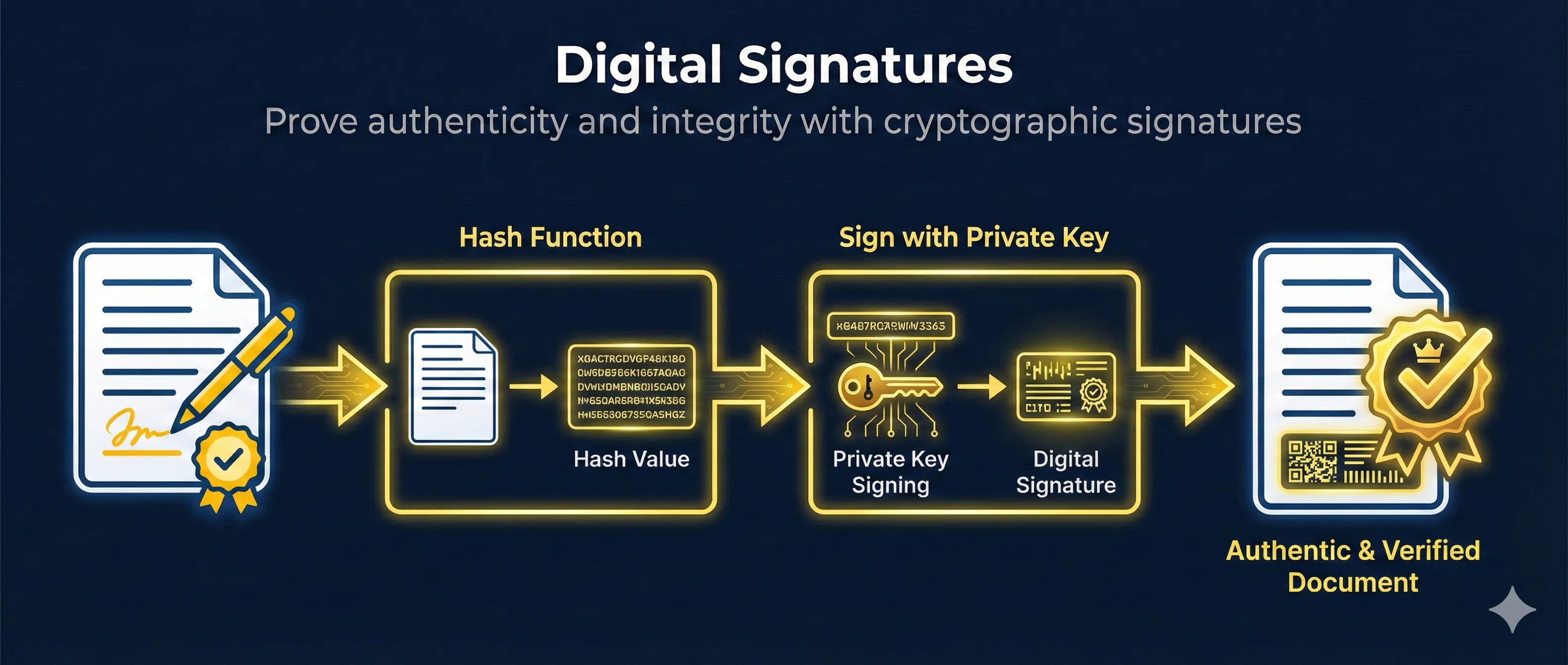
The Digital Signatures guide now features an embedded video walkthrough right at the top of the page. This video complements the written content by visually explaining how digital signing and verification work using cryptographic hashing and asymmetric key pairs. Whether you're new to PKI or brushing up on fundamentals, the video provides a quick, accessible overview before diving into the detailed written guide.
Share any guide on LinkedIn or X with one click, plus a deep dive into why 200 days doesn't actually mean 200 days
Big batch of updates today. First, every guide page now has LinkedIn, X/Twitter, and copy-link share buttons right in the hero section — no more copying URLs by hand when you want to share a resource with your team. Second, the 47-Day Timeline guide now includes a comprehensive "Real-World Numbers" section explaining the midnight-to-midnight off-by-one (199/99/46 effective validity) and pre-certificate DCV impact (198/98/8 effective DCV reuse), with embedded video, comparison tables, and cadence guidance. Those effective day annotations are now visible across the entire platform — countdown timers, the Compliance Hub quick reference, and structured data all show both the ballot number and the real-world effective number. We also launched "Your Internal CA Doesn't Have a CPS" on the Trust The Chain blog, making the case that internal PKI operators need documented governance just like public CAs. And the Compliance-in-a-Box landing page got a PKI Governance Gap section with industry stats and additional FAQs.
Import, generate, renew, and troubleshoot certificates in Azure Key Vault — with automation patterns for App Gateway, AKS, and API Management
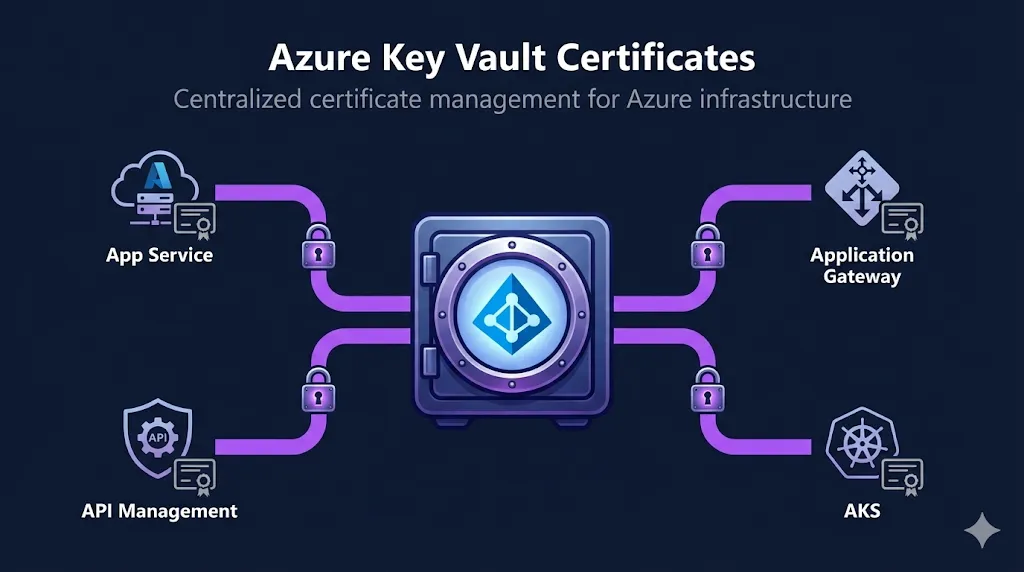
New guide covering Azure Key Vault certificate management end-to-end. Includes a Golden Path quick-start that gets you from a PFX file to App Gateway TLS termination in four commands. Three labeled automation patterns (ACME → Key Vault, Corporate CA → Key Vault, and Event-driven renewal) give you concrete starting points for your pipelines. A defaults-vs-recommended table covers key algorithm, validity period, content type, and EKU configuration. Troubleshooting decision trees now include CLI quick-check commands you can paste directly into your terminal. Full examples for API Management setup and an AKS SecretProviderClass YAML with workload identity.
Every guide and demo now has the same polished, professional hero section
We've standardized the layout across all 124 guides and 52 demos with new GuideHero and DemoHero components. Every page now features consistent breadcrumbs, back navigation, copy-to-clipboard functionality, and beautiful hero images. This isn't just about aesthetics—it's about making FixMyCert feel like a cohesive platform rather than a collection of individual pages. Whether you're reading about OpenSSL commands or exploring certificate transparency logs, you'll always know exactly where you are and how to navigate.
Prove domain control inside the TLS handshake—no files, no DNS, just TLS
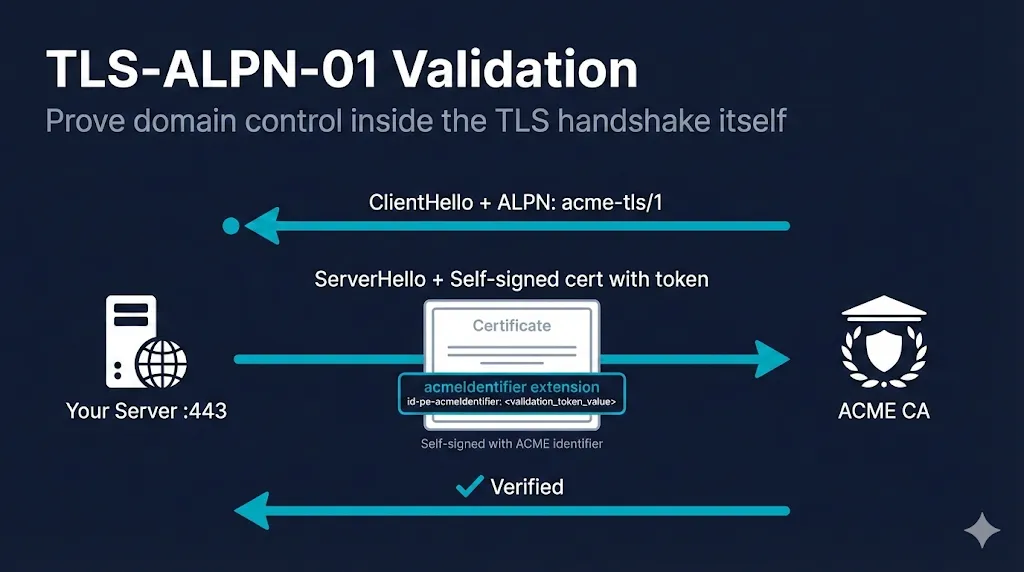
Port 80 blocked? No DNS API? Port 443 is your answer. TLS-ALPN-01 proves domain control during the TLS handshake itself, making it the perfect fit for reverse proxy environments where HTTP-01 and DNS-01 aren't practical. This guide covers RFC 8737 requirements, step-by-step implementations for Caddy, Traefik, lego, and acme.sh, plus the troubleshooting patterns that save you hours of debugging ALPN negotiation failures.
Complete guide to secure DNS-01 automation with CNAME delegation and provider-specific configurations
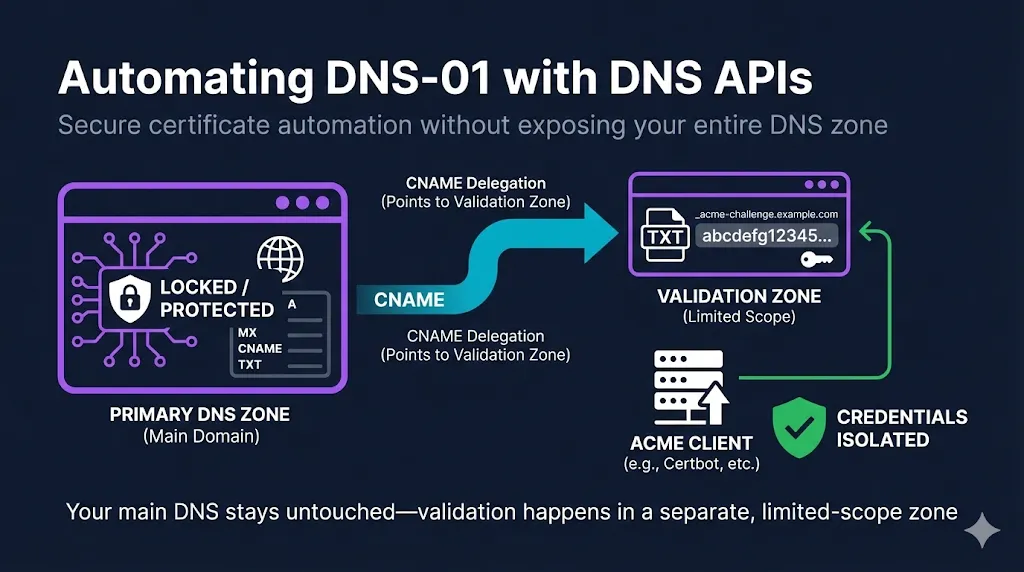
DNS-01 validation unlocks wildcards, internal servers, and multi-node deployments—but storing DNS API credentials on web servers is a security nightmare. This guide shows you how to implement DNS-01 automation the right way: using CNAME delegation to separate your primary zone from validation credentials. Whether you're using Cloudflare, Route53, Azure DNS, or Google Cloud DNS, you'll find provider-specific configurations and the security patterns that enterprise PKI teams actually use.
The simplest path to automated certificates for single-server deployments
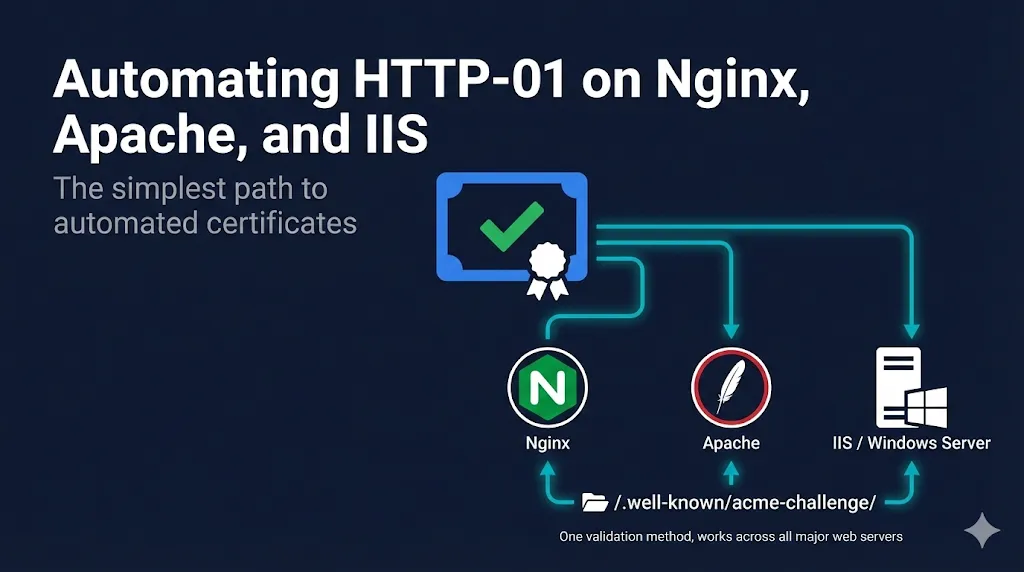
HTTP-01 is the most straightforward ACME validation method—no DNS APIs, no complex delegation, just serve a file over port 80. This guide covers Nginx, Apache, and IIS configurations for Certbot and win-acme, plus the operational patterns that keep automated renewals running smoothly. If you're running a standard web server and can expose port 80, HTTP-01 gets you from manual renewals to full automation in under an hour.
Decision framework for choosing between HTTP-01, DNS-01, and ALPN-TLS-01 automation
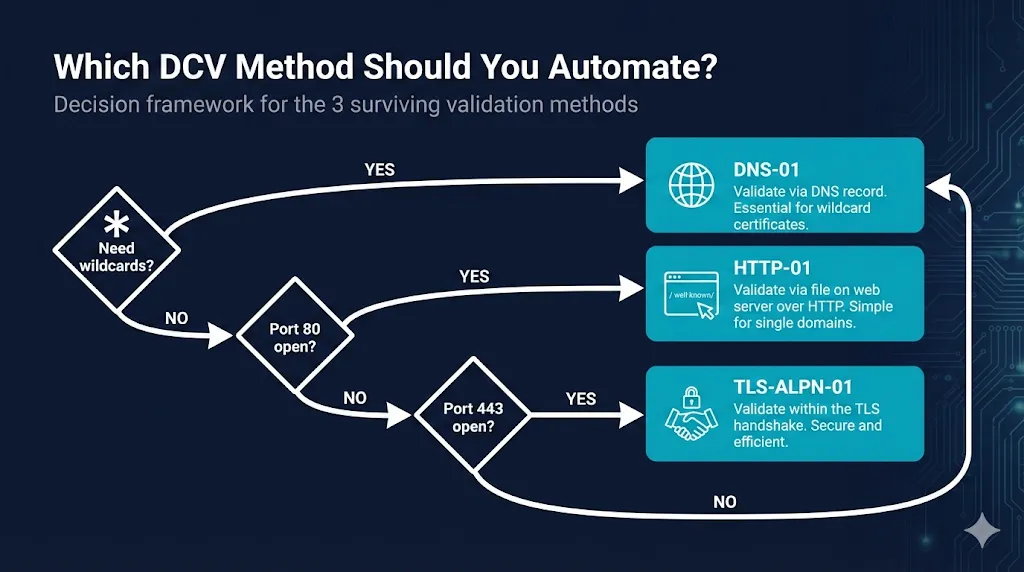
With the CA/Browser Forum sunsetting 11 DCV methods by 2028, automation isn't optional anymore—it's mandatory. But which method should you automate? This guide provides a clear decision algorithm: start with your environment constraints (wildcard needs, port 80/443 access, DNS API availability), then factor in operational complexity and multi-CA flexibility. Whether you're running Kubernetes, managing 10,000+ domains, or just getting started with ACME, you'll find your path.
Automatic HTTPS that just works—and what to do when it doesn't
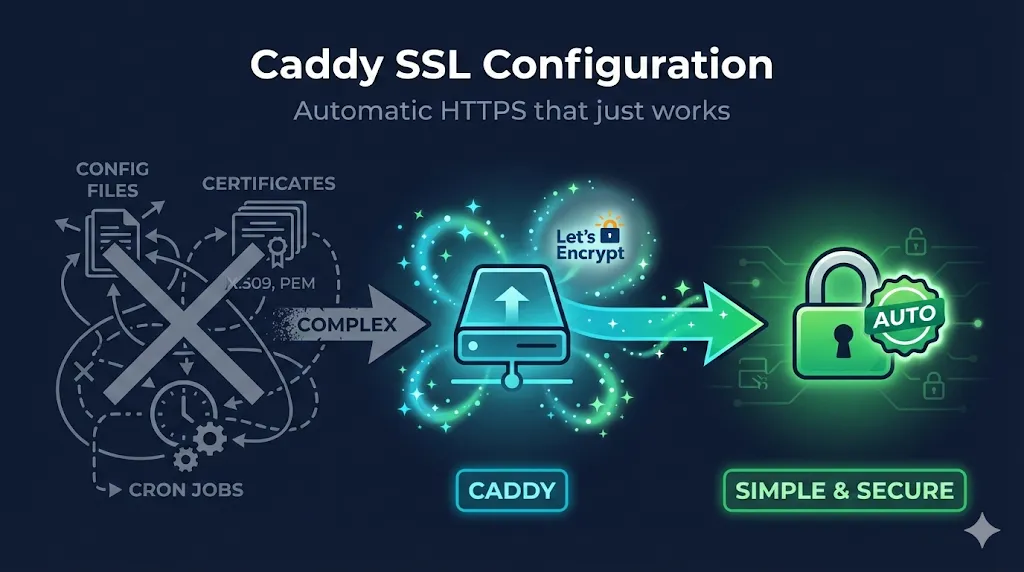
Caddy is famous for its zero-config TLS, but "automatic" doesn't mean "no questions." This comprehensive guide covers everything from the magic of automatic HTTPS to manual certificate configuration, mTLS client authentication, DNS challenges for wildcards, Docker deployment with persistent volumes, and troubleshooting common issues like Cloudflare orange-cloud conflicts. Whether you're deploying Caddy as a reverse proxy or edge TLS terminator, this guide has you covered.
Know which domain validation methods are being eliminated and when to migrate
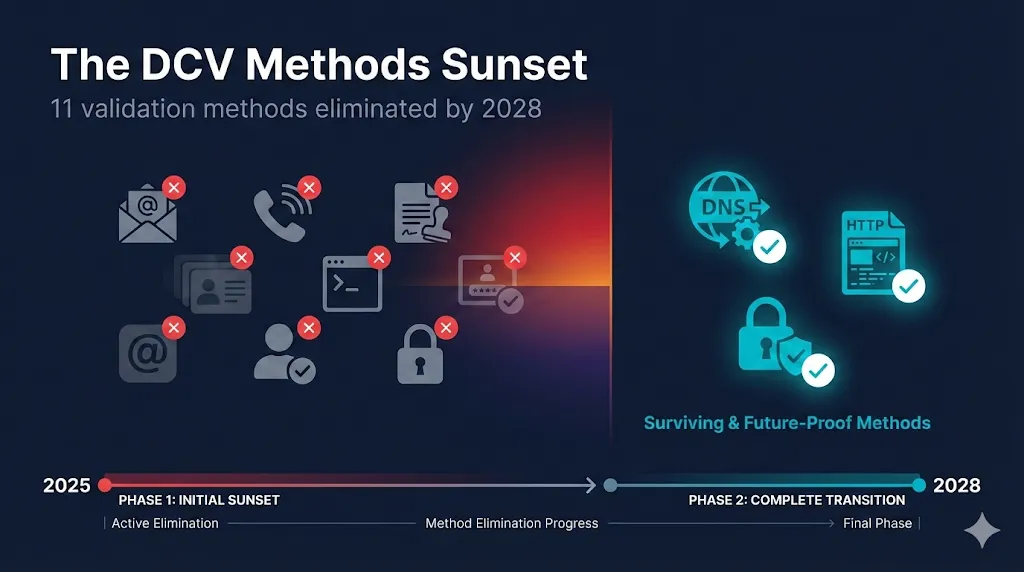
The CA/Browser Forum is eliminating 11 domain validation methods by 2028. If you're using email-based validation (admin@, webmaster@) or phone calls from your CA, those methods are on the chopping block. This guide covers the three ballots (SC-080, SC-090, SC-091) driving this change, the complete phase-by-phase timeline, migration paths to DNS-01/HTTP-01, and how the infamous WatchTowr .mobi research triggered this industry-wide shift.
Understand the CA/Browser Forum ballot that will reshape your certificate renewal strategy by 2029
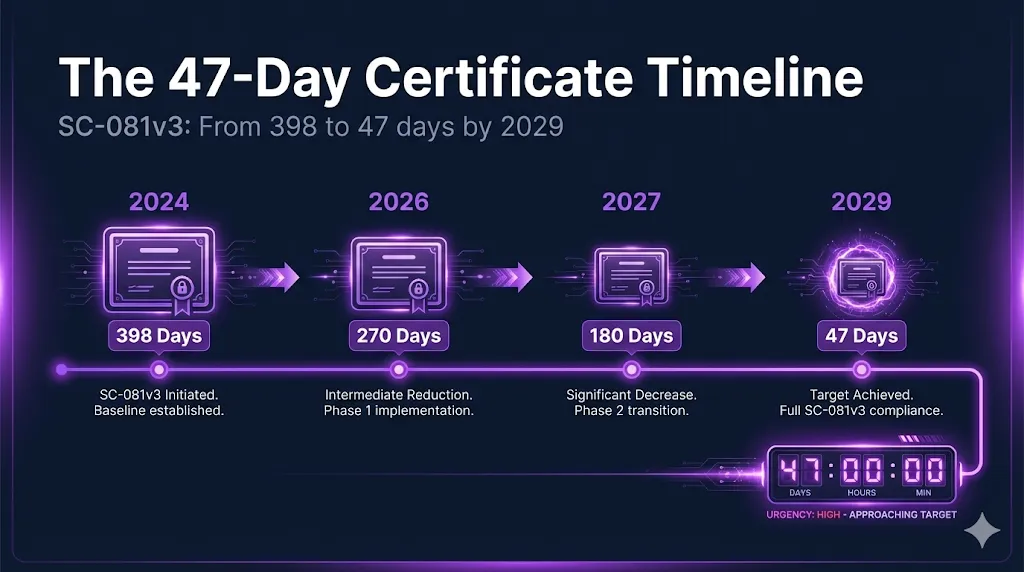
SC-081v3 was announced on April 12, 2025, passing with a unanimous 29-0 vote. It's reducing TLS certificate validity from 398 days to just 47 days by March 2029. If you own PKI, certificates, or TLS standards internally, this is now on your roadmap. This guide breaks down the three-phase timeline, explains the dramatic impact on domain validation (from ~4 to ~35 validations per year), and gives both PKI engineers and security managers concrete action items to prepare.
Know exactly what your QSA will ask about certificates and encryption—before the audit starts
PCI DSS 4.0 is now mandatory, and Requirement 4 (protect cardholder data in transit) has stricter cipher and forward secrecy requirements. This comprehensive checklist walks you through scoping, evidence collection, common findings to fix before the QSA arrives, and the exact interview questions you'll face. We've also included a 30-day timeline so you can systematically prepare instead of scrambling.
Your step-by-step path to a perfect SSL Labs score—no guesswork required
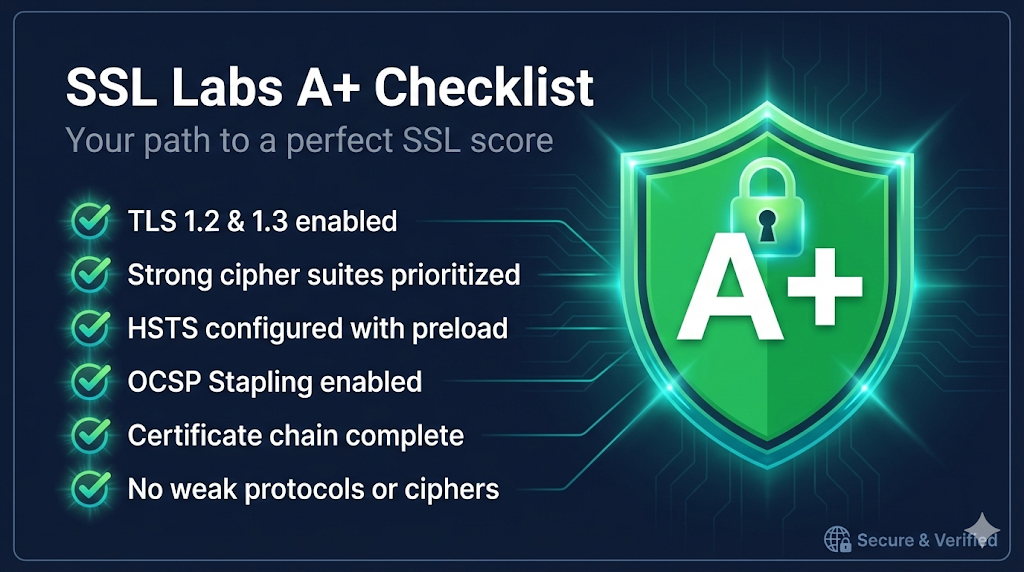
Got a B or C on SSL Labs and not sure what's wrong? This actionable checklist walks you through everything: certificate requirements, protocol configuration, cipher suite ordering, and the magic ingredient for A+ (hint: it's HSTS with a long max-age). We've also catalogued the common pitfalls that kill grades—missing intermediates, legacy TLS protocols, weak DH parameters—so you can fix them systematically.
Choose the right SSL termination strategy for your F5 BIG-IP deployment with this clear comparison guide
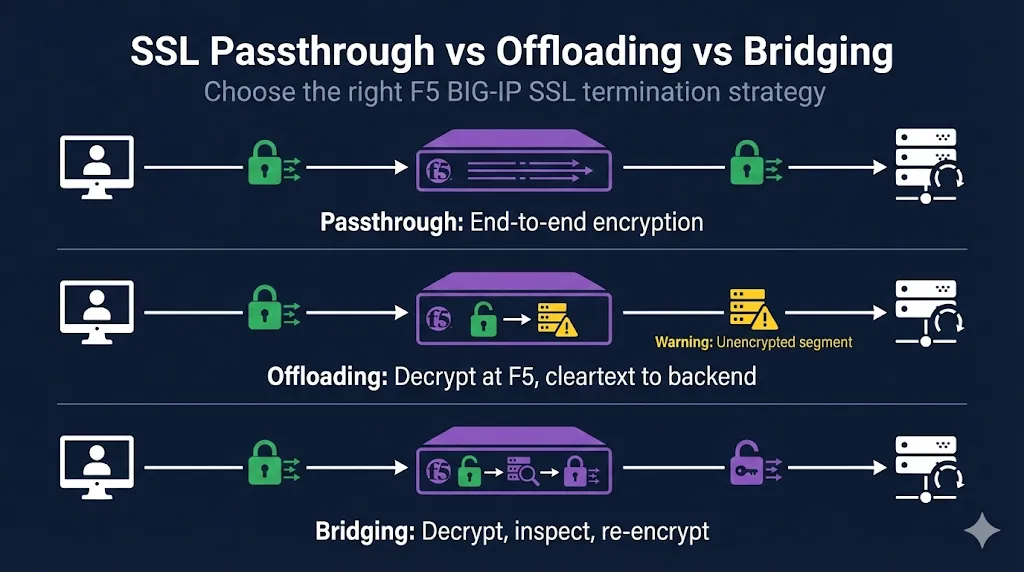
One of the most common questions from F5 administrators: "Should I use passthrough, offloading, or bridging?" This guide answers that question definitively with a clear comparison table, decision flowchart, and configuration examples for each approach. You'll understand the trade-offs between end-to-end encryption, L7 features, and WAF protection—plus common mistakes that trip up even experienced engineers.
Finally understand what FIPS 140 actually requires—and how to implement it correctly with OpenSSL 3.x
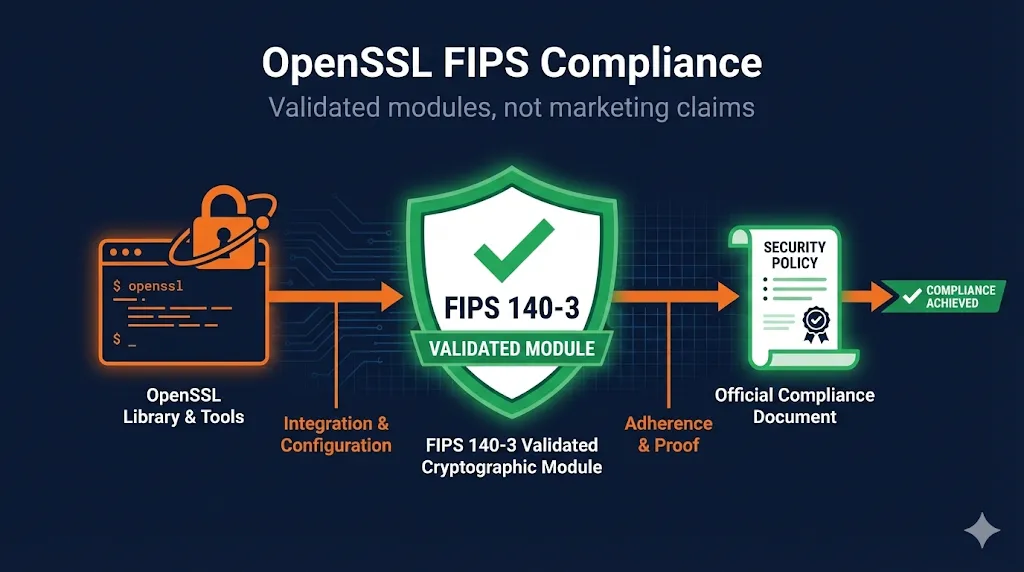
Most organizations confuse "FIPS capable" (a marketing term) with "FIPS compliant" (an audit-defensible claim). This comprehensive guide clarifies the critical distinction and provides everything you need: OpenSSL 3.x provider architecture explained, openssl.cnf configuration templates, algorithm approval tables, Security Policy boundary requirements, common implementation mistakes, and a complete audit checklist. Whether you're preparing for FedRAMP, DoD, or just want to get FIPS right, this guide has you covered.
Six comprehensive guides mapping DORA, NIS2, NIST, NSA CNSA 2.0, UK CSR Bill, and CA/Browser Forum to certificate lifecycle management
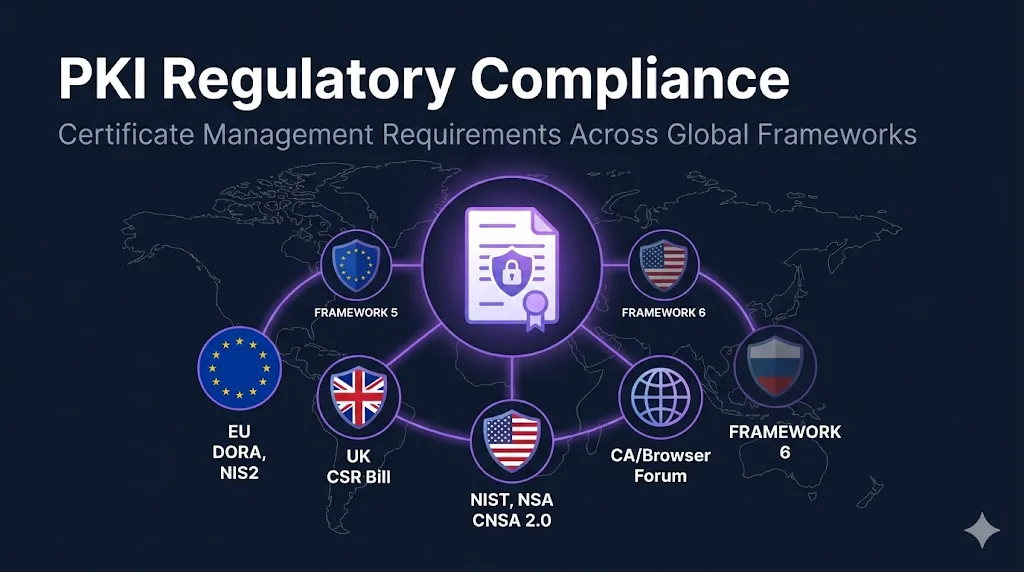
Understanding compliance requirements for PKI shouldn't require deciphering dense regulatory text. We've built a complete Compliance Framework Series with six guides that translate regulatory language into actionable CLM controls. Whether you're preparing for DORA audits, implementing NIS2's cryptography requirements, planning your CNSA 2.0 post-quantum transition, or aligning with UK CSR Bill expectations—each guide includes requirement mapping tables, implementation checklists, and cross-references to help you demonstrate compliance. Non-NSS organizations can also use the CNSA 2.0 guide as a high-water mark for PQ readiness planning.
Understand who makes the rules for publicly-trusted certificates and why their decisions affect your PKI
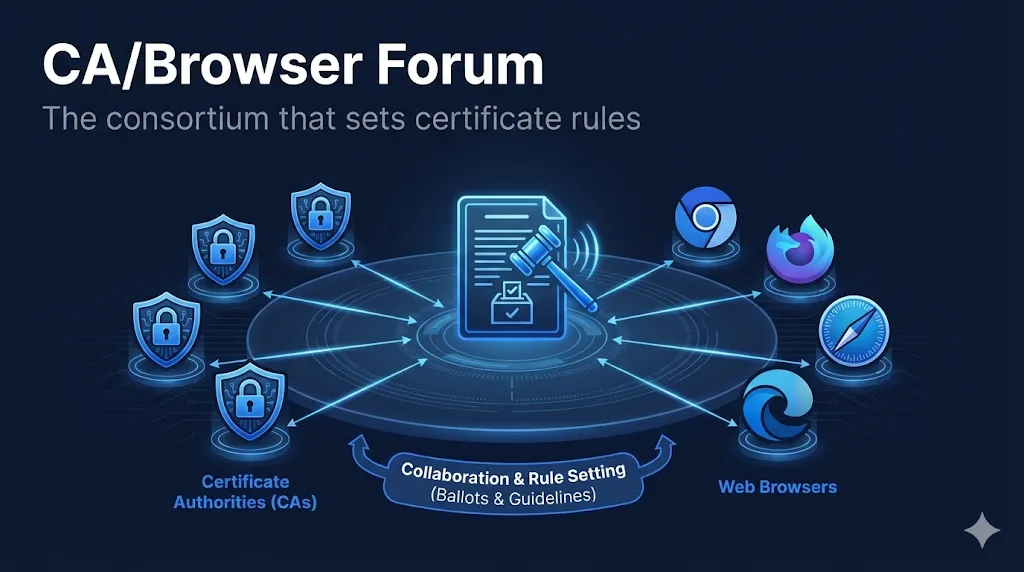
Ever wondered who decides certificate validity periods or why your CA suddenly has new requirements? The CA/Browser Forum is the industry consortium where Certificate Authorities and browser vendors collaborate on the rules governing publicly-trusted certificates. This guide explains who's at the table, how ballots become requirements, and why browser vendors hold the real power. We've added dynamic timelines showing 2025 changes already in effect and major upcoming deadlines, plus enterprise impact callouts so you know exactly how load balancers, appliances, and legacy systems will be affected.
Map EU financial regulation to certificate lifecycle management for compliance readiness
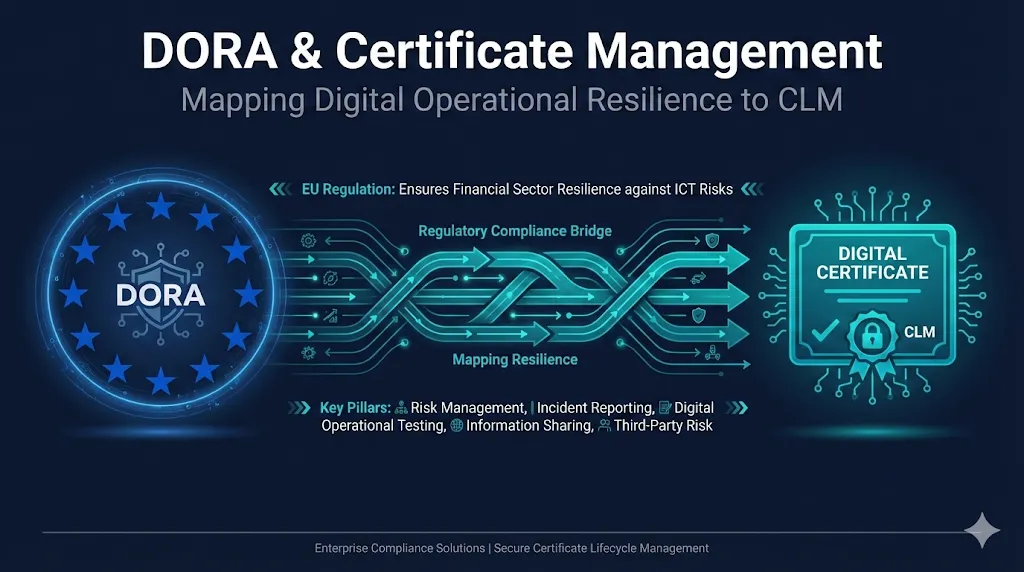
The EU's Digital Operational Resilience Act (DORA) is now in effect, and financial services firms need to demonstrate operational resilience across all ICT systems—including certificates. This guide maps DORA's five pillars to concrete CLM capabilities, so you know exactly what auditors will ask about your certificate management. We've included a "10-Minute Auditor Test" self-assessment linked to our Maturity Assessment, a 4-phase implementation roadmap, and country-level enforcement considerations for Germany, France, Netherlands, Ireland, and UK dual compliance.
New fields for CAB approval tracking, key generation location, and CSR submission
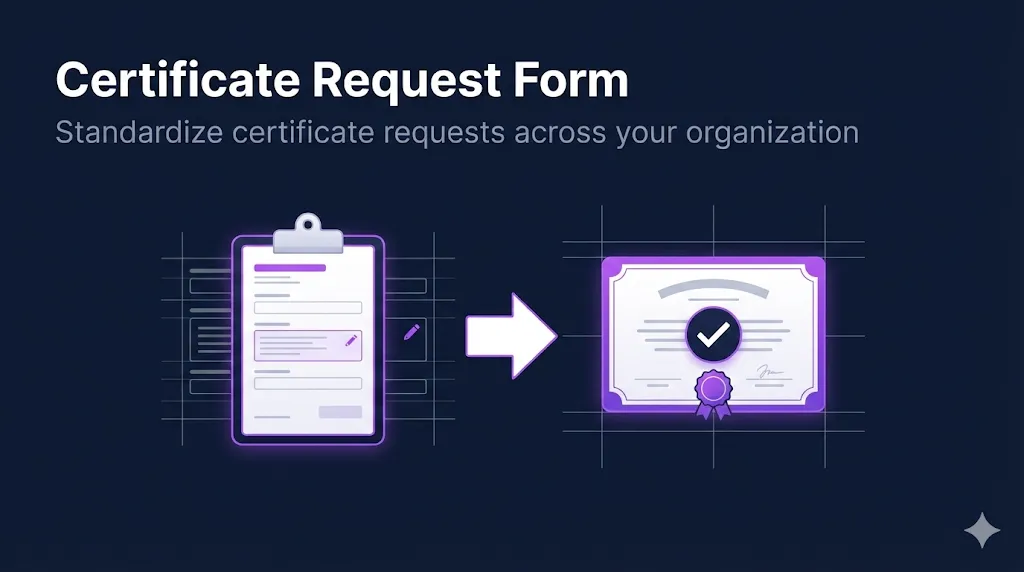
The Certificate Request Form just got a major upgrade for enterprise PKI teams. You can now specify the certificate usage profile (Server TLS, Client Auth, Code Signing), select your CA source (internal PKI, public CA, or cloud), and track CAB approval IDs for compliance. Indicate where the key will be generated (HSM, server, or requester workstation), choose your integration method (auto-install, manual, or CLM pickup), and paste the CSR directly into the form. For renewals, link back to the existing certificate for audit trails.
Discover your certificate management maturity level in 5 minutes with personalized recommendations
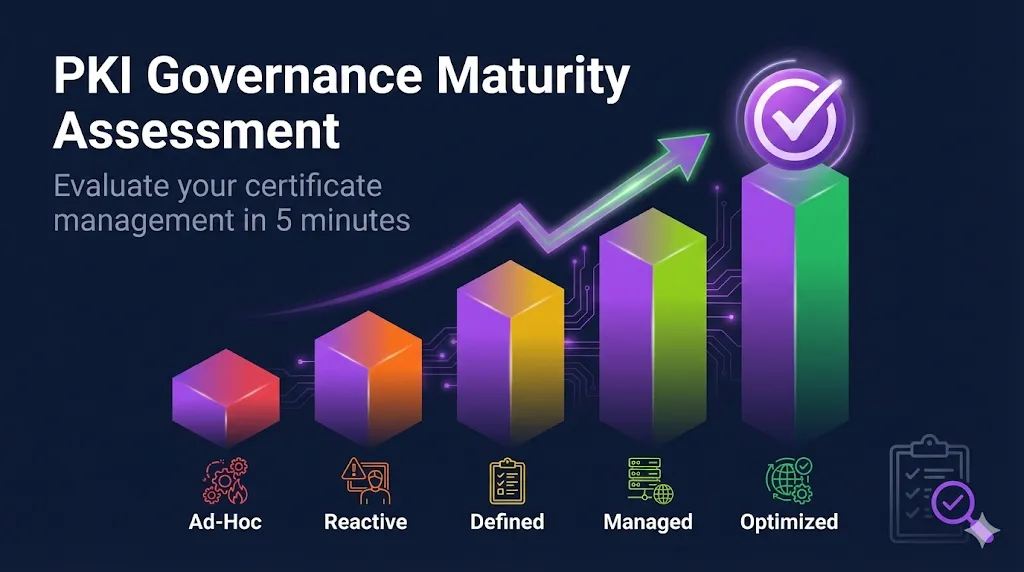
Where does your organization stand on the PKI governance spectrum? Our new interactive assessment answers that question with 18 targeted questions across 6 key areas: inventory visibility, lifecycle management, process documentation, automation, compliance readiness, and incident response. In about 5 minutes, you'll get a maturity score (1-5), see exactly which areas need attention, and receive prioritized recommendations linking to the specific FixMyCert tools that can help. Share your results with stakeholders, track progress over time, and build the business case for PKI investments.
Complete Windows Server IIS SSL setup from CSR to A+ grade
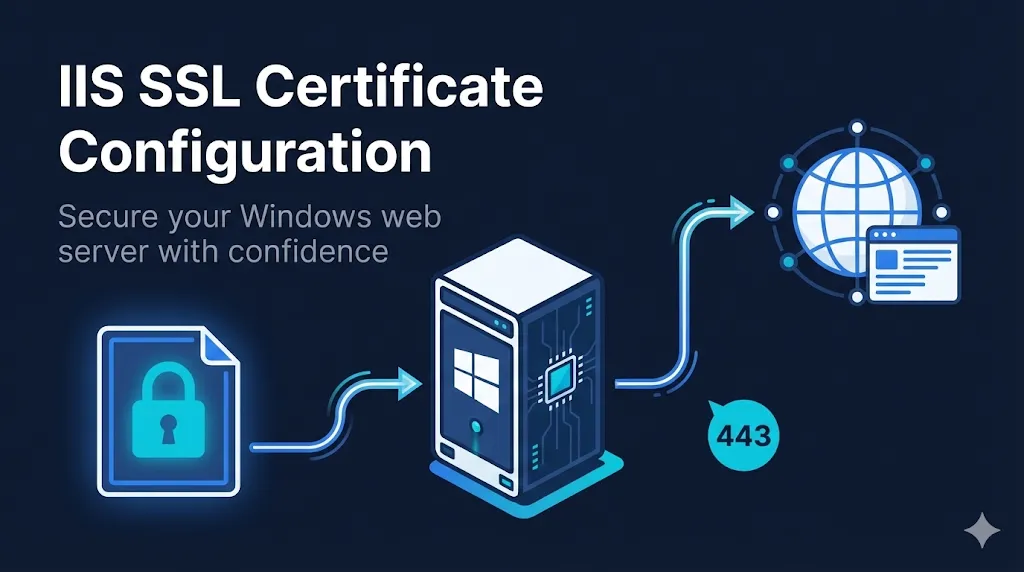
Windows admins, this one's for you. Our new IIS guide covers everything from generating CSRs in IIS Manager or PowerShell, through certificate installation and SNI bindings, to TLS hardening and SSL Labs A+ optimization. Whether you're managing a single site or a web farm with Centralized Certificate Store, you'll find step-by-step instructions with both GUI and PowerShell approaches. The troubleshooting section tackles the infamous "Cannot find the certificate request" error and five other headaches we've all encountered.
Track CA/B Forum ballot progress in real-time with voting countdowns and status badges
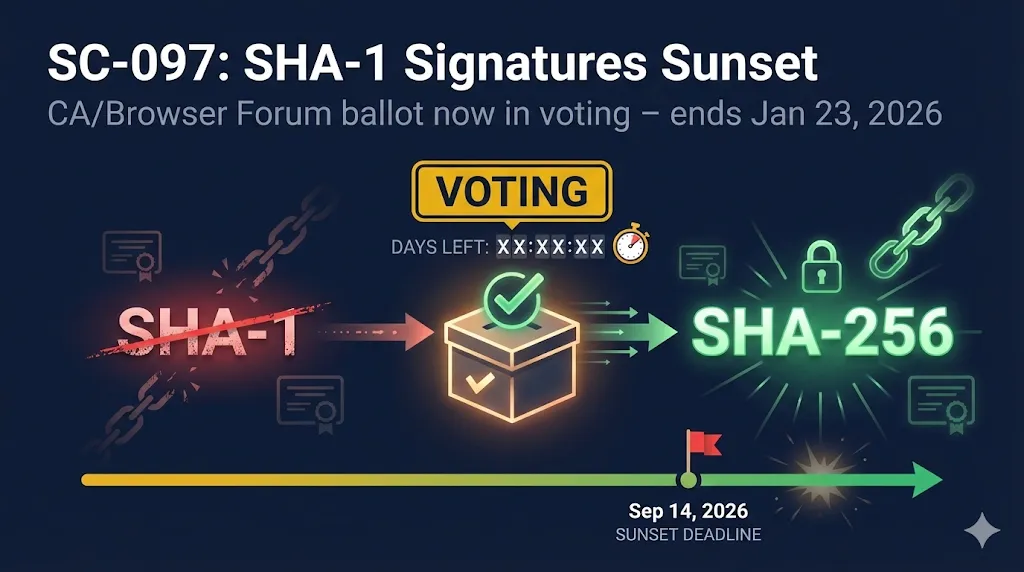
Wondering if that new certificate requirement is actually going to happen? Now you can follow CA/Browser Forum ballots through their entire lifecycle right in the Compliance Hub. When a ballot enters the voting phase, you'll see an amber "Voting" badge with a countdown showing exactly how many days remain. Once passed, a green "Passed" badge appears with a countdown to the enforcement date. No more checking mailing lists or forum archives—the status comes to you.
Automatic HTTPS for your containers and Kubernetes services with Traefik
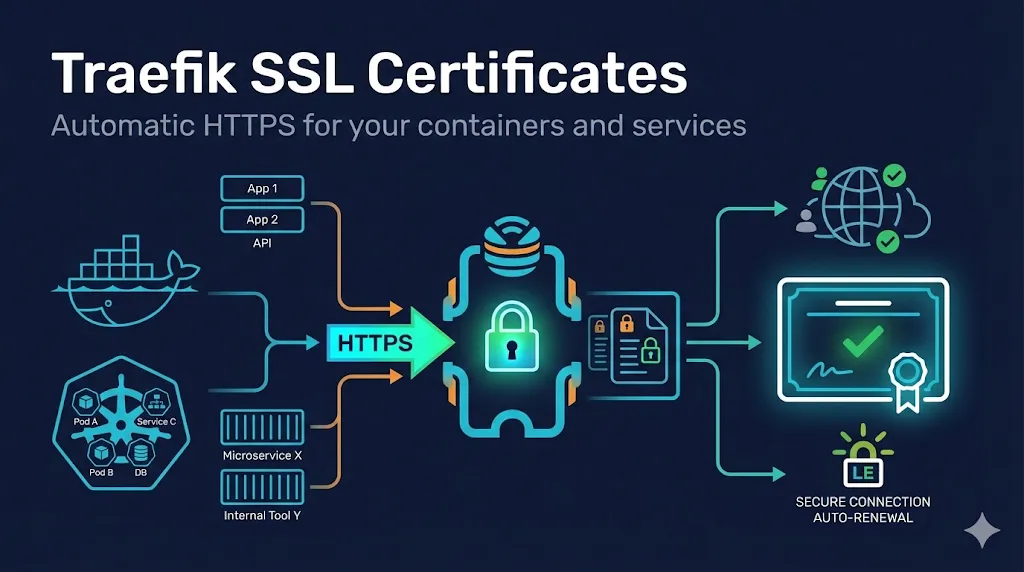
Running containers and need SSL? Traefik makes it almost too easy—automatic Let's Encrypt certificates, Docker label configuration, and Kubernetes IngressRoute support. Our new guide covers everything from zero-config ACME automation to manual certificate handling for enterprise PKI environments. Whether you're spinning up a Docker Compose stack or managing a Kubernetes cluster, you'll find the exact YAML snippets and troubleshooting tips you need.
New filtering for crypto migration deadlines and early warning on CA/B Forum ballots still under discussion
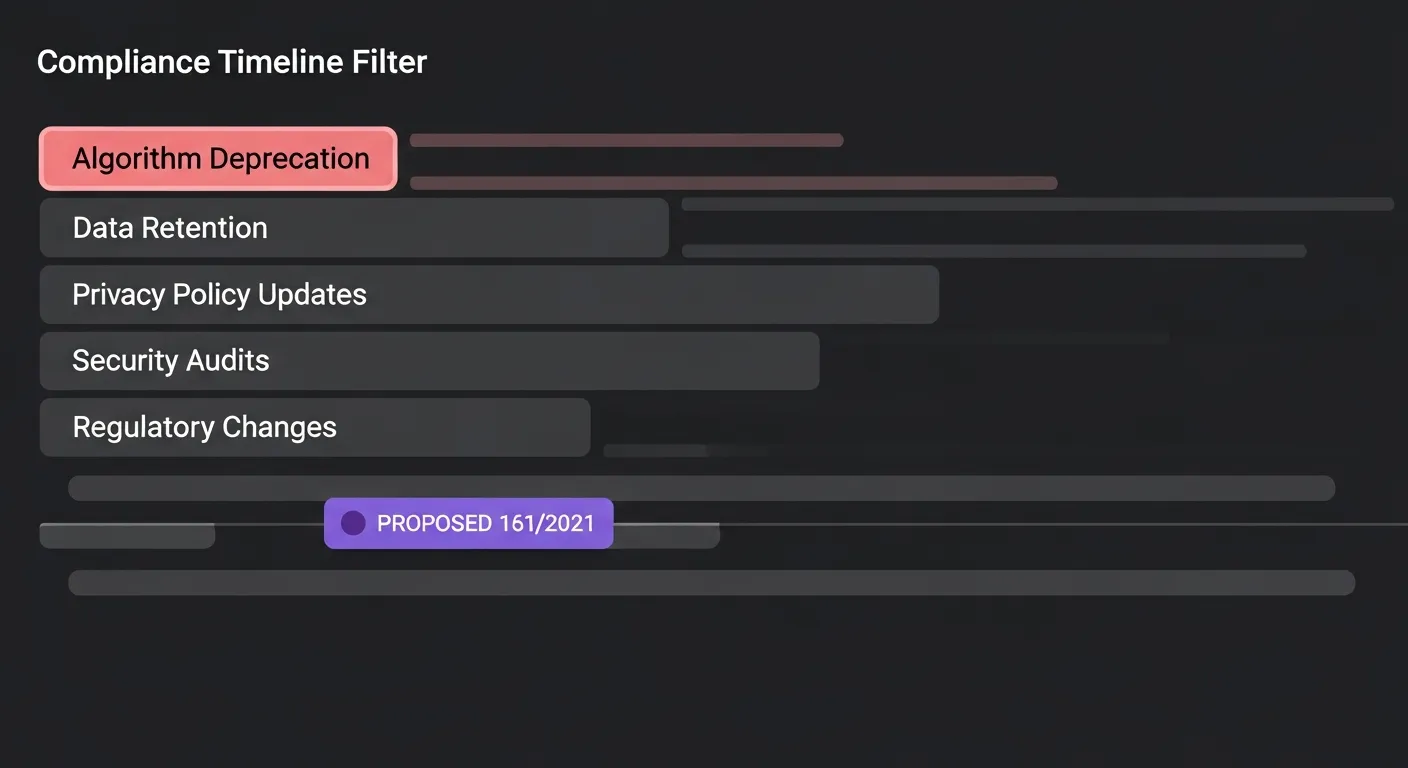
Two enhancements to the PKI Compliance Hub make it easier to track what matters to you. Algorithm deprecation deadlines—like RSA key size changes and cipher suite sunsets—now have their own category so you can filter specifically for crypto migration timelines. And when a CA/Browser Forum ballot is still under discussion, you'll see a purple "Proposed" badge giving you early warning before requirements become mandatory. Stay ahead of the curve instead of reacting after the fact.
Enterprise certificate governance practices without the enterprise price tag
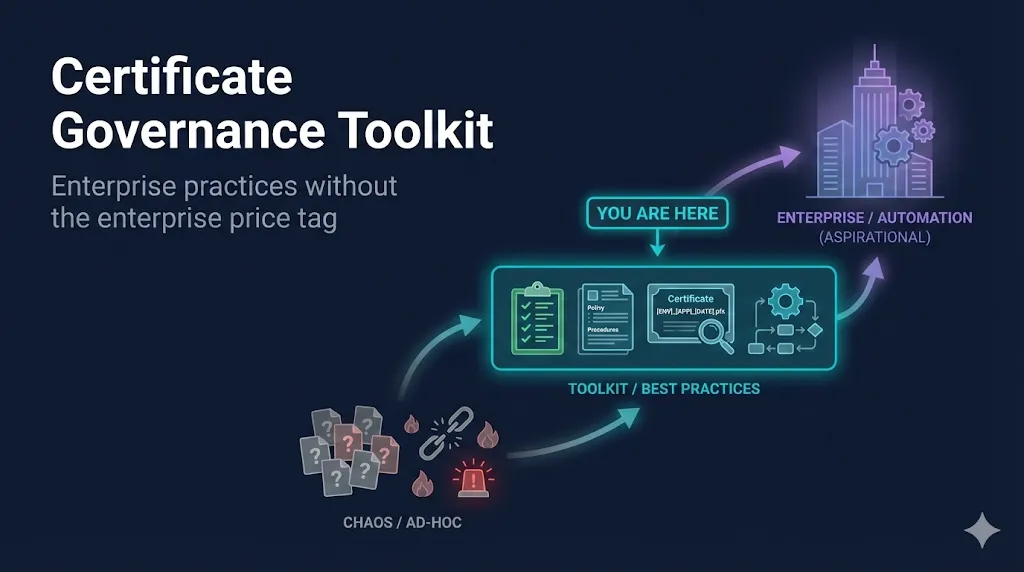
Managing 50-500 certificates but not ready for a $50K+ CLM platform? We built the Certificate Governance Toolkit for teams stuck in that gap. Instead of scattered spreadsheets and tribal knowledge, you now have professional-grade templates you can use today: a naming convention generator that outputs a complete policy document in 2 minutes, a pre-built inventory spreadsheet with all the fields you need, and a clear maturity ladder showing your path from reactive chaos to audit-ready governance. No email gates, no sales calls—just the foundational governance that makes certificate management predictable.
Master SSH certificates from DIY to enterprise-scale with our complete 5-part guide series
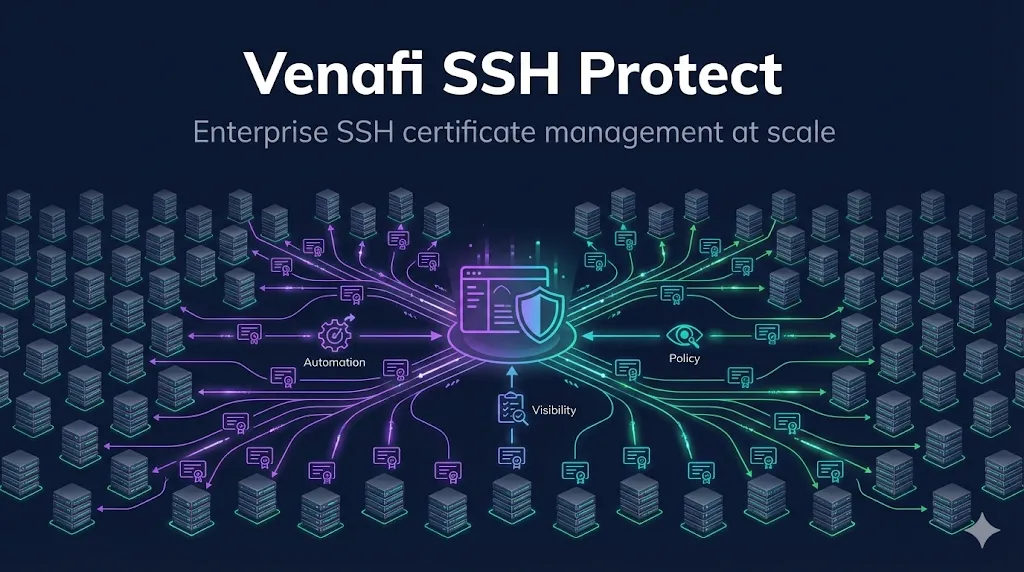
Managing SSH access across hundreds of servers with authorized_keys files? There's a better way. Our complete SSH Certificate series takes you from understanding why certificates beat keys, through hands-on CA setup, to enterprise-grade certificate management with Venafi. Whether you're an SRE eliminating key sprawl or a security architect planning an enterprise rollout, you'll find actionable guidance with real OpenSSH commands you can use today.
Clearer scope definitions and practical audit guidance for mapping PKI controls to compliance frameworks
We've expanded the Compliance Framework Mapping page with clearer guidance on what it covers (and what it doesn't). New methodology sections explain the two-layer model - how FixMyCert's operational guides combine with your internal policies to create audit-ready documentation. Each framework now includes specific scope statements so you know exactly which controls are addressed. Plus, a new FAQ section answers the questions we hear most often from compliance teams.
Get HTTPS running on Apache with mod_ssl - from first setup to production-hardened configurations
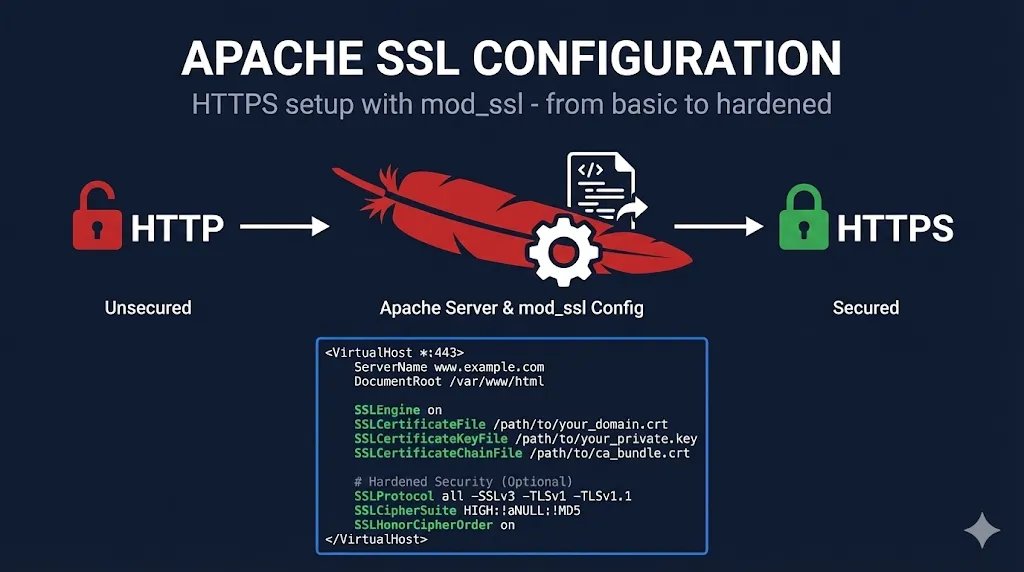
You're configuring SSL on Apache and need to know exactly which directives go where. Our new Apache guide covers everything from enabling mod_ssl to production-ready HSTS and OCSP stapling. Whether you're on Debian/Ubuntu or RHEL/CentOS, you'll find distro-specific commands, the critical Apache 2.4 vs 2.2 differences, and a go-live checklist to make sure you haven't missed anything. This completes our Web Servers trifecta alongside nginx and HAProxy.
Stop guessing why your CA rejected your certificate request - get the fix for every common CSR failure
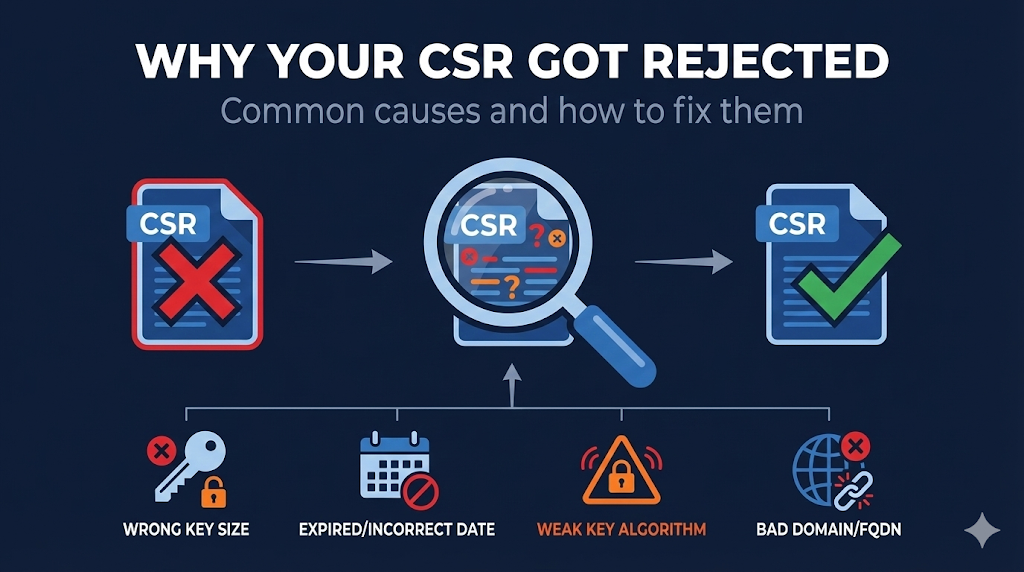
You submitted a CSR and got a rejection email with minimal explanation. Now what? Our new guide covers every reason CAs reject certificate signing requests - from obvious issues like wrong key size to obscure problems like the Debian weak keys disaster (2006-2008). Each rejection category includes practical fixes with OpenSSL commands you can copy and run. Whether your CSR failed for domain issues, formatting problems, rate limits, or validation failures, you'll find the answer here.
Find out what you actually agreed to when you clicked 'I Accept' on that certificate request
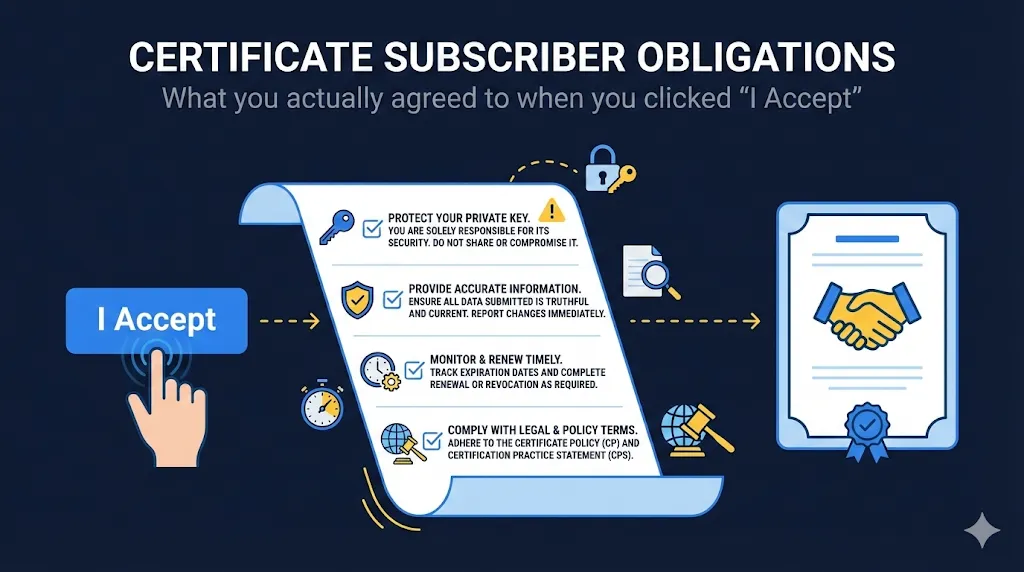
Every time you request a certificate from a public CA, you're signing a binding contract. Many people click through without reading - then are surprised when their certificate gets revoked. Our new guide breaks down the six core obligations you agreed to: private key protection (warranties typically state it has NEVER been compromised), information accuracy (ongoing, not one-time), authorized and legal use, no CA operations, prompt revocation reporting, and indemnification. We cover DV/OV/EV differences, prohibited uses, real-world violation scenarios, and how to stay compliant.
Master CA/Browser Forum revocation rules with PKI Pro summaries, OCSP/CRL tuning tables, and role-specific guidance
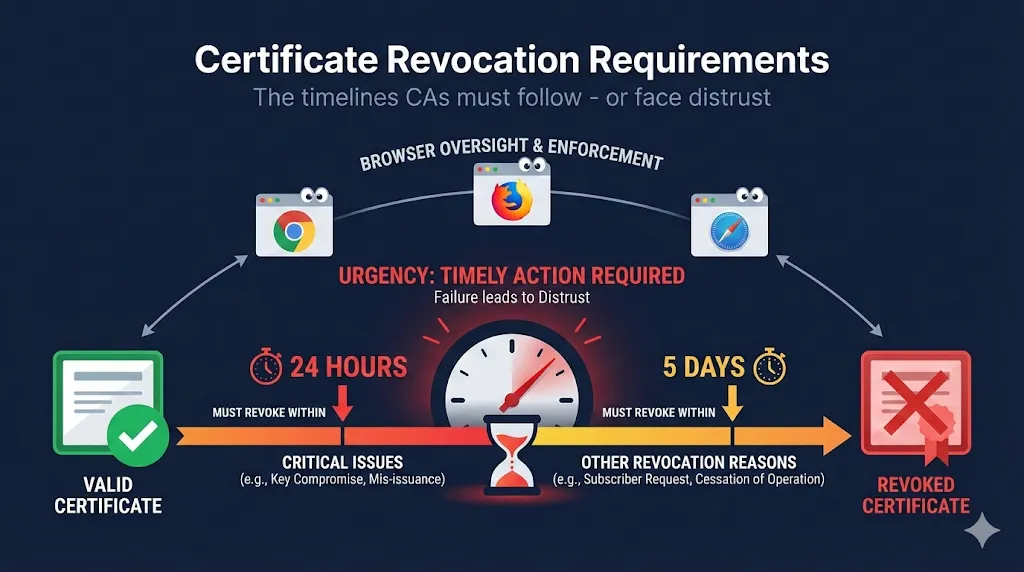
When Entrust refused to revoke 26,000+ certificates within the required timeframe in 2024, browsers responded by distrusting them entirely. Our comprehensive guide now includes expert-level enhancements: a PKI Pro Quick Scan for experienced practitioners, explicit BR section references (4.9.1.1, 4.9.5), concrete "suspected compromise" scenarios, OCSP/CRL cache tuning recommendations, mass revocation planning guidance per SC088/SC089, and team role tags (PKI/Infra, Security Ops, App Teams) so everyone knows what applies to them. Whether you're a PKI administrator or security engineer, this is the definitive resource for understanding certificate revocation timelines and compliance.
Decode any PEM certificate instantly and discover all our PKI tools in one place
We've added a new Certificate Decoder tool that lets you paste any PEM-encoded certificate and immediately see its details—subject, issuer, validity dates, SANs, key info, and fingerprints. No more switching to external sites or running OpenSSL commands. We've also created a dedicated Tools page that showcases all our PKI utilities: the AI Troubleshooter, CSR Checker, SSL/TLS Checker, Cert Decoder, and Compliance Hub. Everything's now easier to find from the navbar.
A curated collection of courses and resources to take your TLS knowledge deeper
Beyond FixMyCert's free demos and guides, sometimes you want to go even deeper. We've added a dedicated Learning Resources page featuring courses I personally recommend. The first featured course is Ed Harmoush's "Practical TLS"—the most comprehensive TLS course I've found, with real Wireshark captures and hands-on labs. Use code FixMyCert for 50% off. We've also added contextual "Want to go deeper?" callouts to our TLS guides with the same recommendation.
Configure SSL/TLS in HAProxy like a pro—from basic termination to A+ SSL Labs rating
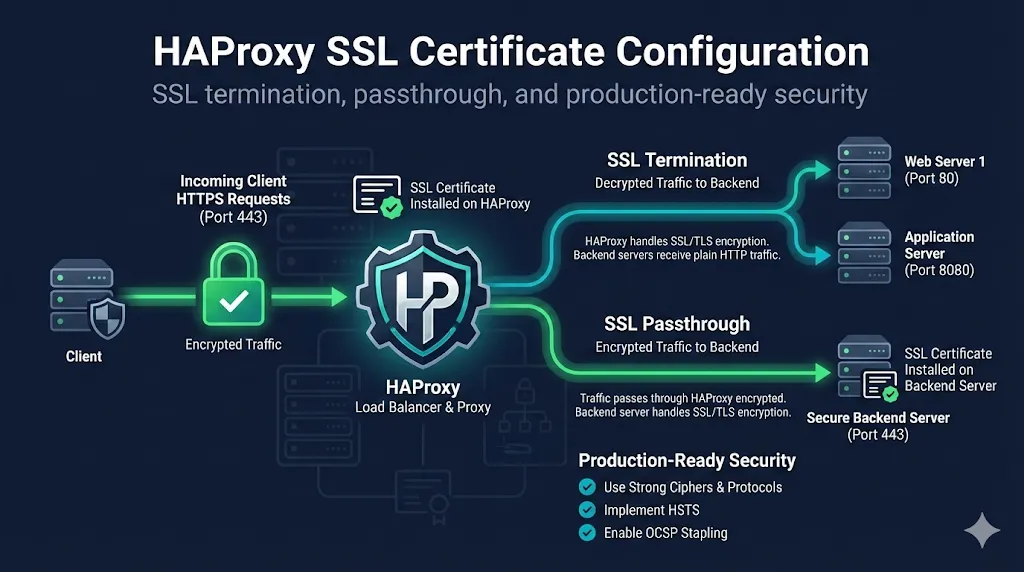
HAProxy powers some of the internet's busiest sites (GitHub, Stack Overflow, Reddit), but its SSL configuration can be tricky—especially the PEM file format that combines cert, chain, and key in one file. Our new 15-section guide walks you through all three SSL modes (termination, passthrough, re-encryption), shows you exactly how to achieve an A+ SSL Labs grade, and includes troubleshooting for the most common errors. Whether you're setting up your first HAProxy instance or debugging "unable to load SSL certificate" at 2am, this guide has you covered.
Share any guide with AI tools or save as clean Markdown with one click

We've added a "Copy" button to every guide, checklist, and educational page on the site. Click it to copy the content in two formats: clean Markdown (preserving headers, code blocks, and lists) or a special AI-optimized version with source attribution. The AI format strips out interactive elements and includes context so ChatGPT, Claude, or your favorite assistant knows exactly where the information came from. Perfect for pasting PKI documentation into your AI conversations or saving guides for offline reference.
Master AWS ACM and fix certificate issues fast with our two-part guide set
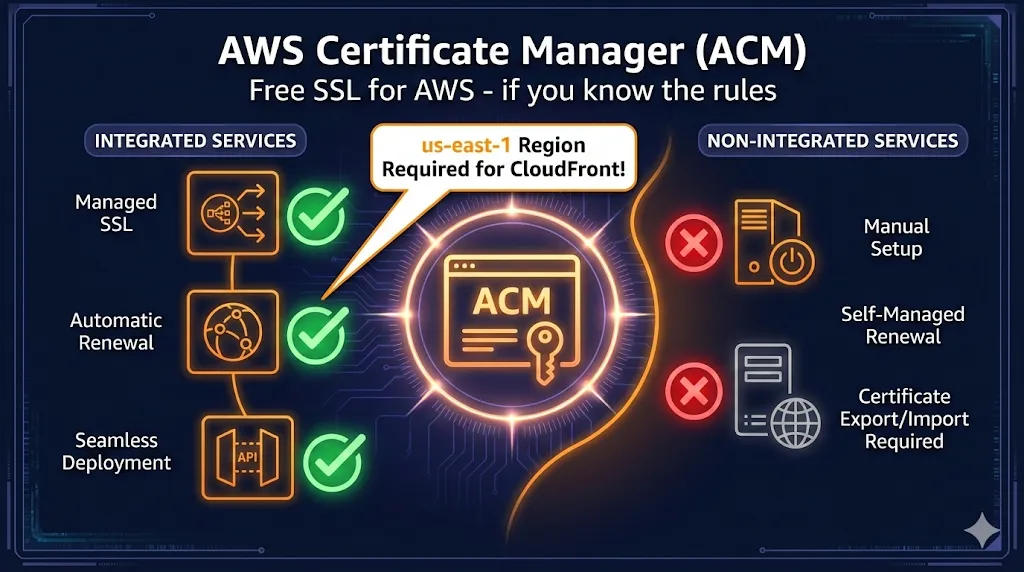
AWS ACM offers free SSL certificates, but there's a catch: they only work with certain AWS services, the private keys can't be exported, and if you're using CloudFront, your certificate MUST be in us-east-1. We've created two companion guides: a comprehensive deep dive covering ACM vs alternatives, validation methods, and Private CA, plus a fast-reference troubleshooting guide with jump links so you can fix "pending validation", renewal failures, and the us-east-1 CloudFront trap in minutes.
Understand what your certificates are authorized to do—and prepare for the June 2026 ClientAuth deadline
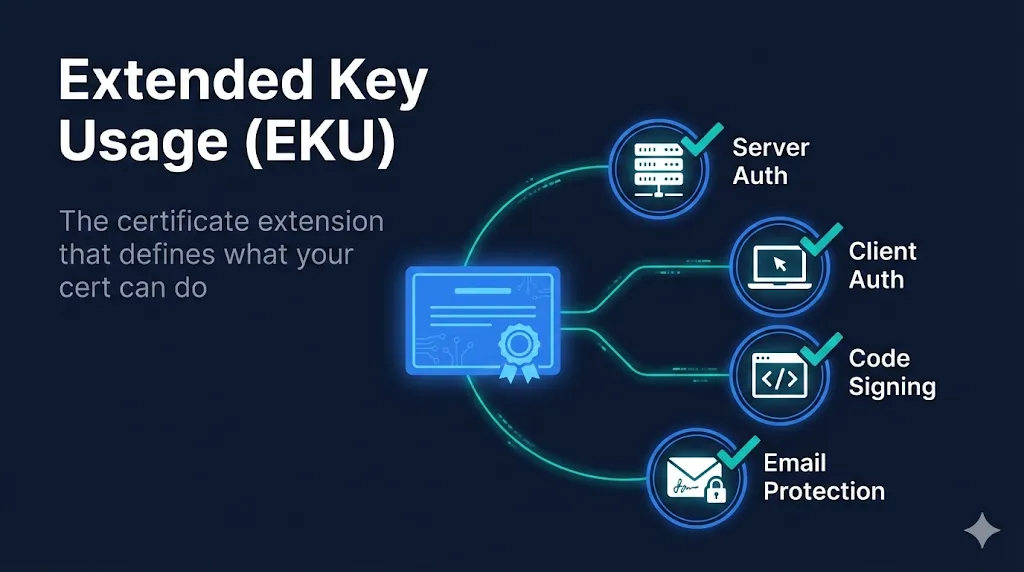
Ever wondered why a code signing certificate can't secure your website? It's all about Extended Key Usage (EKU)—the certificate extension that acts like a job description, telling systems exactly what each certificate is allowed to do. Our new 10-minute EKU guide breaks down the OID system, shows you how to check any certificate's permissions, and explains why the industry is separating ServerAuth from ClientAuth. Plus, a comprehensive 4-phase migration checklist with a live countdown timer to help you prepare before Chrome's June 2026 enforcement deadline.
Prepare for Chrome's June 2026 deadline before your mTLS stops working
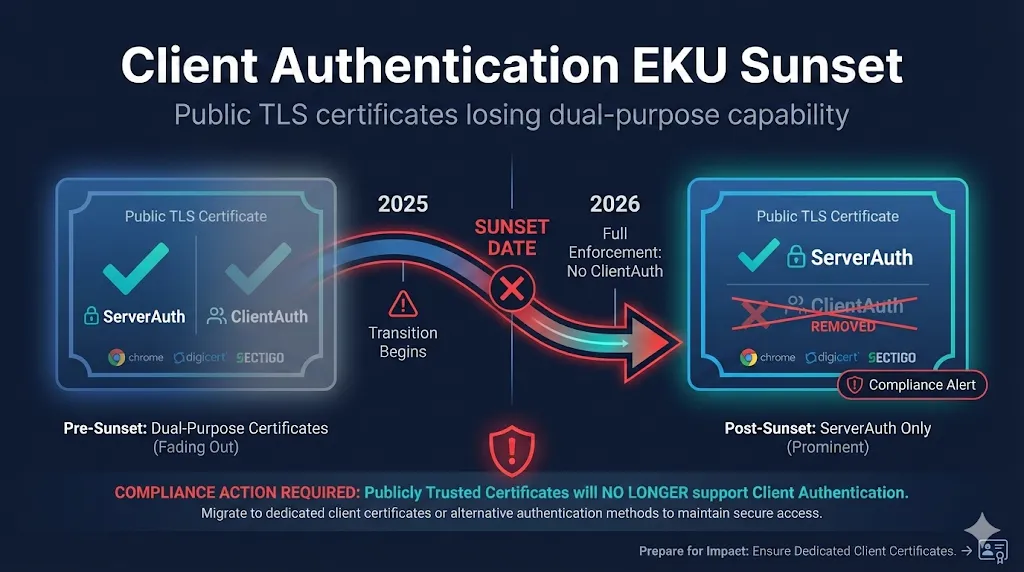
Chrome is removing Client Authentication EKU from public TLS certificates by June 2026—and DigiCert and Sectigo are already phasing it out. If you use public certs for mTLS or server-to-server authentication, this guide walks you through the timeline, helps you understand your options (Private PKI, PKI-as-a-Service, or the new X9 PKI for financial services), and provides a 4-phase migration checklist to get you ready before the deadline.
Find any guide, demo, or checklist instantly with Cmd+K

With 92 guides, 51 demos, and 9 checklists, finding exactly what you need was getting harder. Now you can press Cmd+K (or Ctrl+K on Windows) from anywhere on the site to search everything instantly. Type "mTLS" and jump straight to the mutual TLS guide, or search "expired" to find troubleshooting content. We've even added PKI-specific synonyms so searching "SSL" also finds TLS content.
Master certificate lifecycle management with vendor-neutral guides written by practitioners, not sales teams
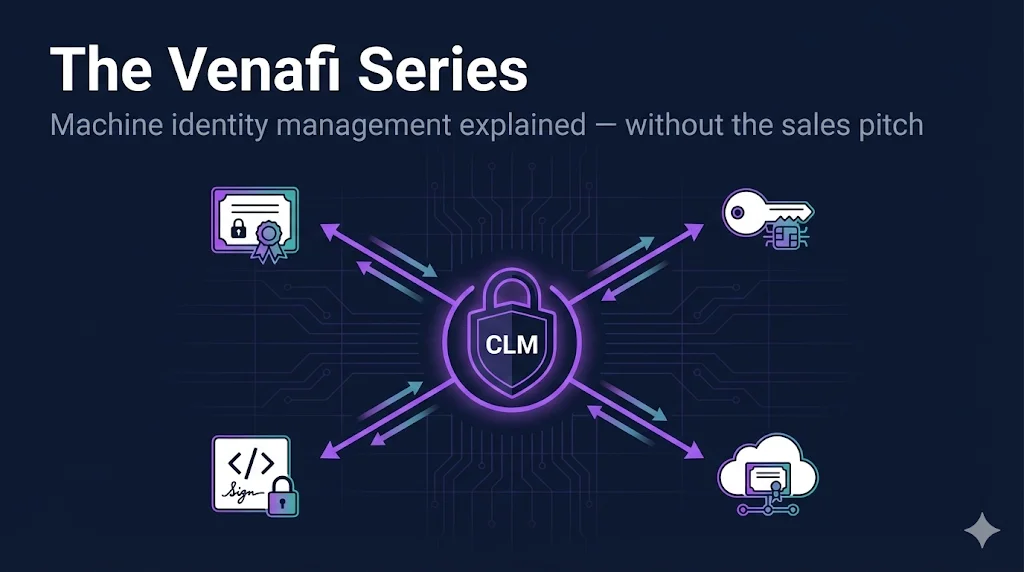
Venafi has had three owners in two years (Thoma Bravo → CyberArk → pending Palo Alto), making honest information harder to find than ever. We've launched The Venafi Series—4 comprehensive guides that cut through the marketing to give you practical knowledge for evaluating, deploying, and operating enterprise CLM. From platform fundamentals to NMAP reconnaissance techniques that turn 12-hour discovery scans into 30-minute jobs.
Prepare your PKI for the quantum computing era with our comprehensive PQC resources
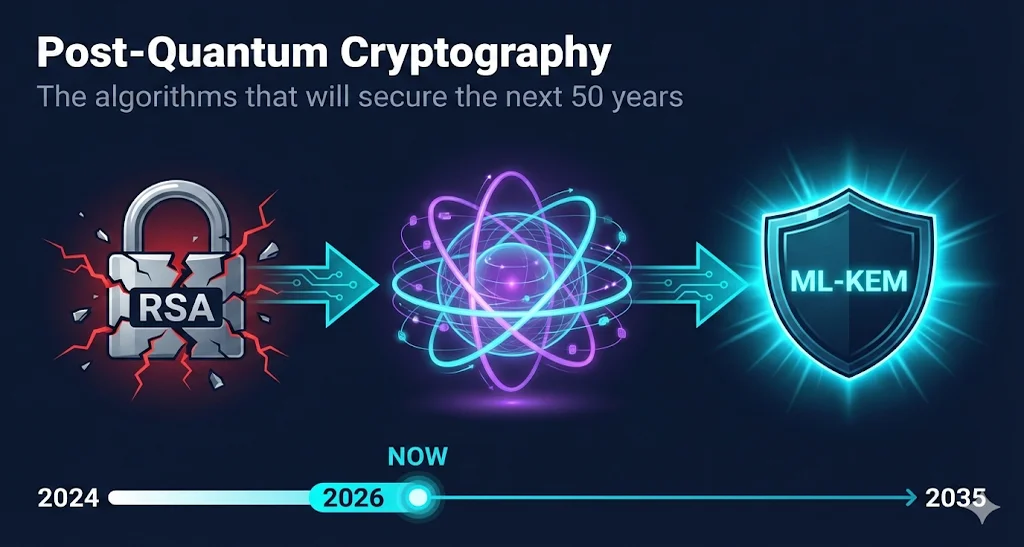
The quantum clock is ticking—NIST has finalized the first post-quantum standards (FIPS 203-206) and set hard deadlines: deprecate vulnerable algorithms by 2030, remove them entirely by 2035. Our new comprehensive PQC guide explains the "harvest now, decrypt later" threat, walks through all four NIST algorithms (ML-KEM, ML-DSA, SLH-DSA, FN-DSA), and includes a dynamic timeline that updates automatically to show where we are in the transition. Pair it with our 142-checkbox migration checklist covering Discovery through Production deployment.
Check any website's SSL configuration without leaving FixMyCert
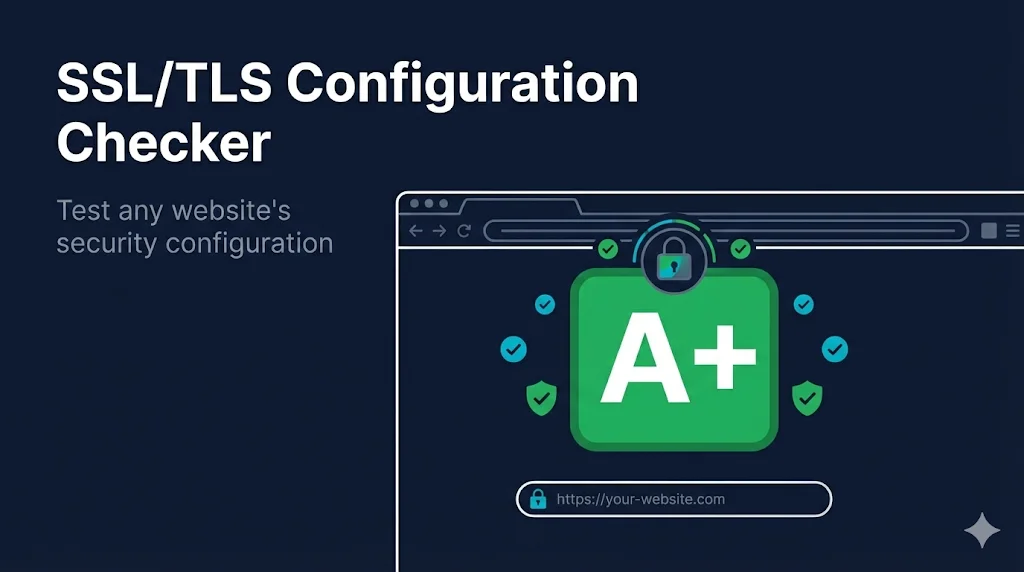
Happy New Year! We're shipping the SSL/TLS Configuration Checker—enter any domain and instantly see the grade, certificate details, protocol support, and security features. Powered by Qualys SSL Labs API, it shows what's working and flags what needs fixing (deprecated TLS versions, missing HSTS, etc). Links to relevant FixMyCert guides help you fix any issues you find.
Finally understand the document that governs how your CA operates—and what happens when they don't follow it
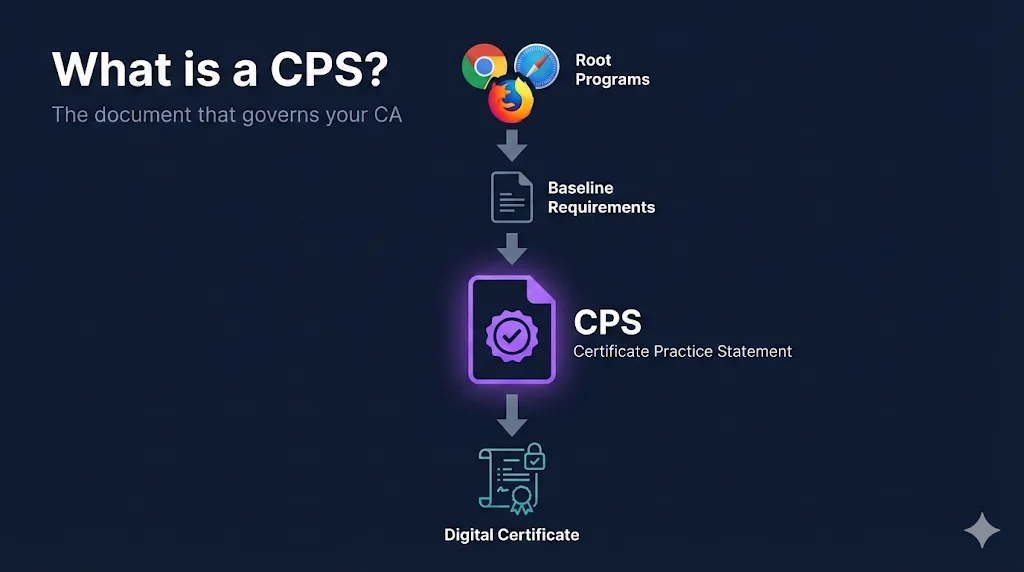
After Entrust's 2024 distrust, more people are asking "what did they actually violate?" The answer is their CPS—and the Baseline Requirements it implements. This guide demystifies Certificate Practice Statements: what they are, how RFC 3647 structures them, which sections you should actually read (hint: Section 4 and 9.6), and why CAs that ignore their CPS end up in browser distrust announcements.
Two new checklists to prevent certificate mistakes and assess your PKI maturity
Installing certificates on F5 BIG-IP? The #1 mistake is forgetting the chain certificate—desktop browsers work fine but mobile devices fail silently. Our new F5 Certificate Checklist walks you through every step from file verification to post-installation cleanup, with the common mistakes table we wish we had years ago. Plus, the PKI Compliance Checklist helps you assess your organization's certificate management maturity with 87 items covering inventory, key security, automation readiness, and the upcoming 47-day certificate lifetime deadline.
Finally make sense of F5 SSL profiles and load balancer certificate configuration
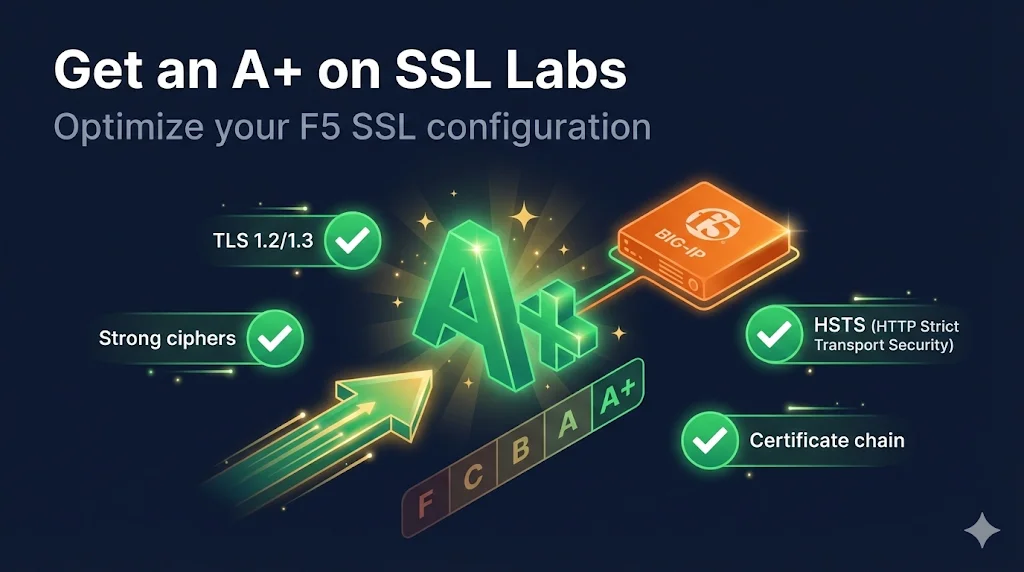
If you've ever stared at an F5 BIG-IP wondering why "Client SSL" is where your server certificate goes, you're not alone. We're launching a comprehensive 7-guide F5 series: SSL Profiles explained, Client SSL vs Server SSL decoded, certificate installation, chain configuration, troubleshooting, SSL Labs A+ optimization, and SNI configuration for hosting multiple certificates on a single IP.
The complete collection of CA failures that shaped internet security
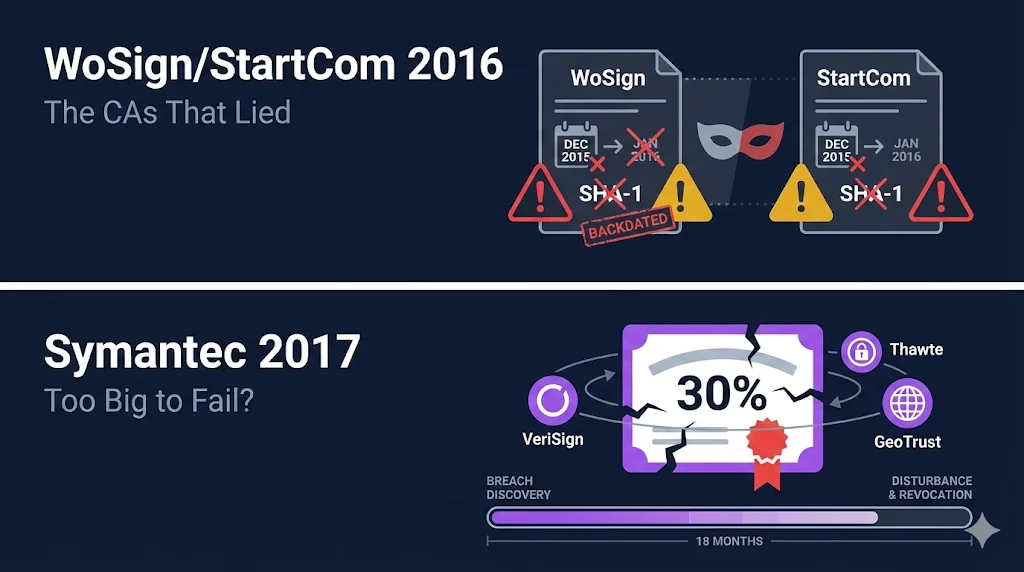
The PKI Disasters Hall of Fame is now complete with four in-depth case studies spanning 13 years of certificate authority failures. From DigiNotar's catastrophic 2011 breach that may have cost lives in Iran, to WoSign's brazen backdating scheme, Symantec's "too big to fail" moment that proved no CA is untouchable, and Entrust's 2024 compliance saga—each story shows how quickly trust can evaporate. Whether you're managing certificates for a startup or an enterprise, these lessons will help you avoid becoming the next cautionary tale.
Stay on top of certificate industry changes without hunting through blogs

Keeping up with PKI news is exhausting—browser trust changes, CA incidents, new validation requirements, shorter certificate lifetimes. Miss an announcement and your certificates might stop working. The new PKI News page aggregates content from 8 authoritative sources including Google Security Blog, Let's Encrypt, DigiCert, and Cloudflare. We filter for PKI-relevant articles and highlight priority items like distrust announcements and security incidents, so you see what matters most.
Copy-paste ready procedures for when certificates break
We've all been there—it's 2am, a certificate expired, and you're scrambling through old notes trying to remember the right sequence of commands. The new Checklists & Runbooks Library gives you structured, tested procedures you can follow step-by-step. Check off items as you go, copy commands directly to your terminal, and get back to bed faster. We're launching with 5 Priority 1 runbooks covering the scenarios you're most likely to hit: certificate renewal, emergency replacement, chain issues, key compromise, and CA migration.
Find certificates faster, understand the Entrust situation, and troubleshoot chain problems
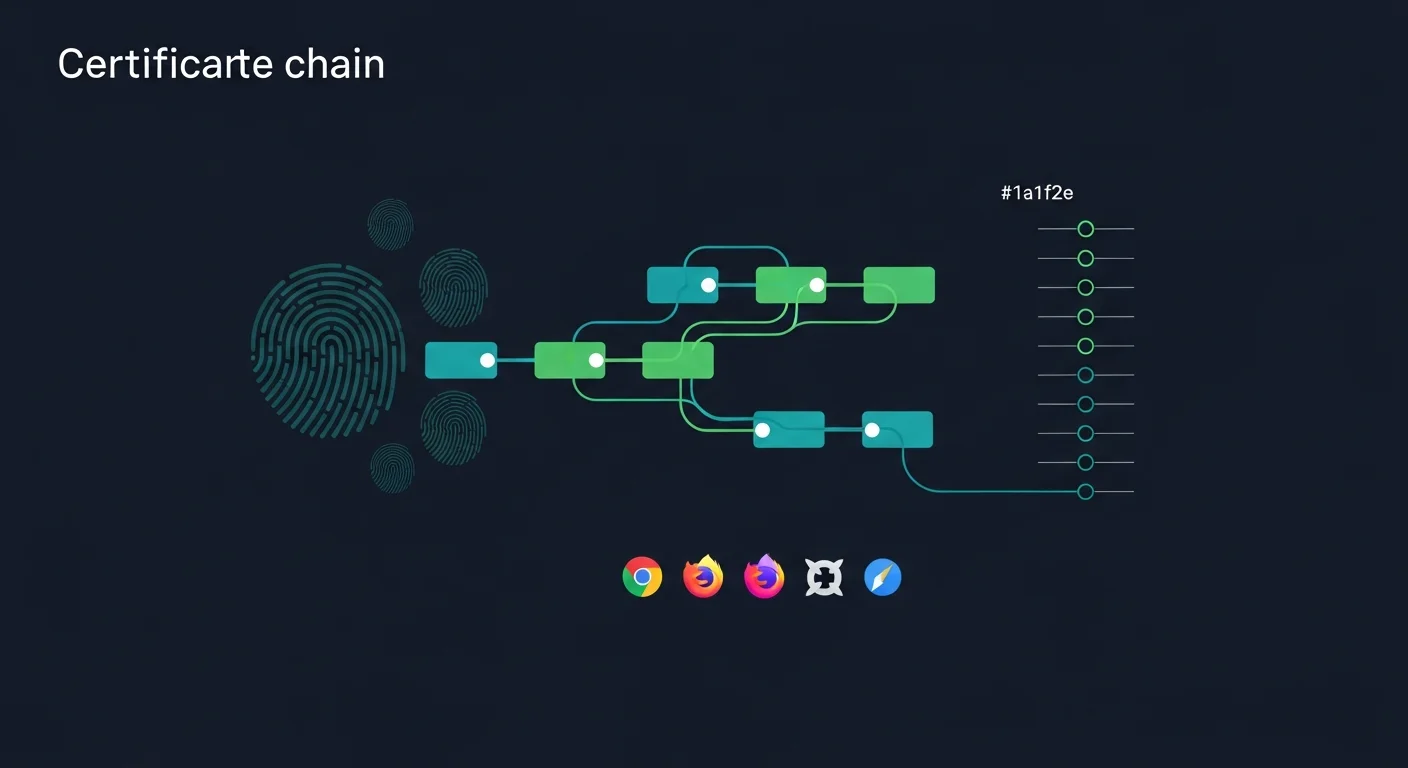
The Compliance Hub just got a lot more useful. Ever spent 20 minutes hunting for the correct intermediate certificate? That ends now. The new Chain Reference tab includes verified certificate data for 5 major CAs with SHA-256 fingerprints, direct PEM downloads, and crt.sh links. Plus, if you're still confused about what happened with Entrust, the CA Changes tab gives you the complete 8-event timeline from Google's announcement through Sectigo's acquisition. All data verified against official CA documentation.
Track when browsers stop trusting Entrust certificates
With major browsers announcing distrust of Entrust certificates, we've added a dedicated tracking row to our Compliance Hub's Root Store Comparison table. You can now see at a glance when Chrome, Mozilla, Apple, and Microsoft will stop trusting Entrust-issued certificates. If you're still using Entrust certs, this gives you a clear deadline to plan your migration.
Debug HTTPS issues across CloudFront, Fastly, Cloudflare, and more
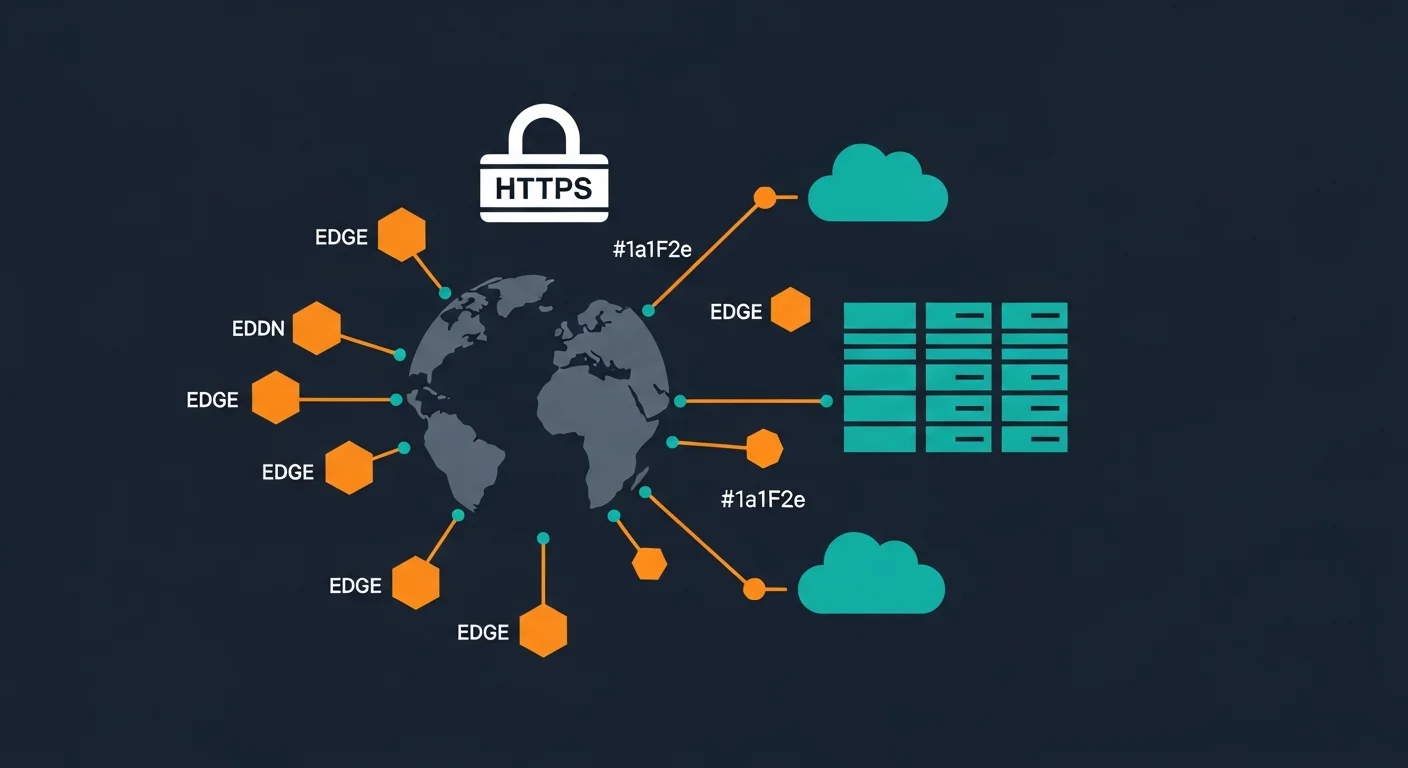
CDN certificates are their own special kind of challenge. Origin certificates, edge certificates, SNI requirements—the list goes on. We've created a dedicated series covering the major CDN providers, with guides tailored to each platform's quirks. Next time you see ERR_SSL_VERSION_OR_CIPHER_MISMATCH from your CDN, you'll know exactly where to look.
Stop making the same mistakes everyone else does
We surveyed dozens of PKI deployments and found the same mistakes appearing over and over. This 4-part series covers the planning blunders, deployment disasters, operational oversights, and emergency fumbles that catch even experienced teams. Each mistake comes with concrete steps to avoid or fix it. Consider this your PKI deployment checklist.
Finally understand Windows certificate infrastructure inside and out
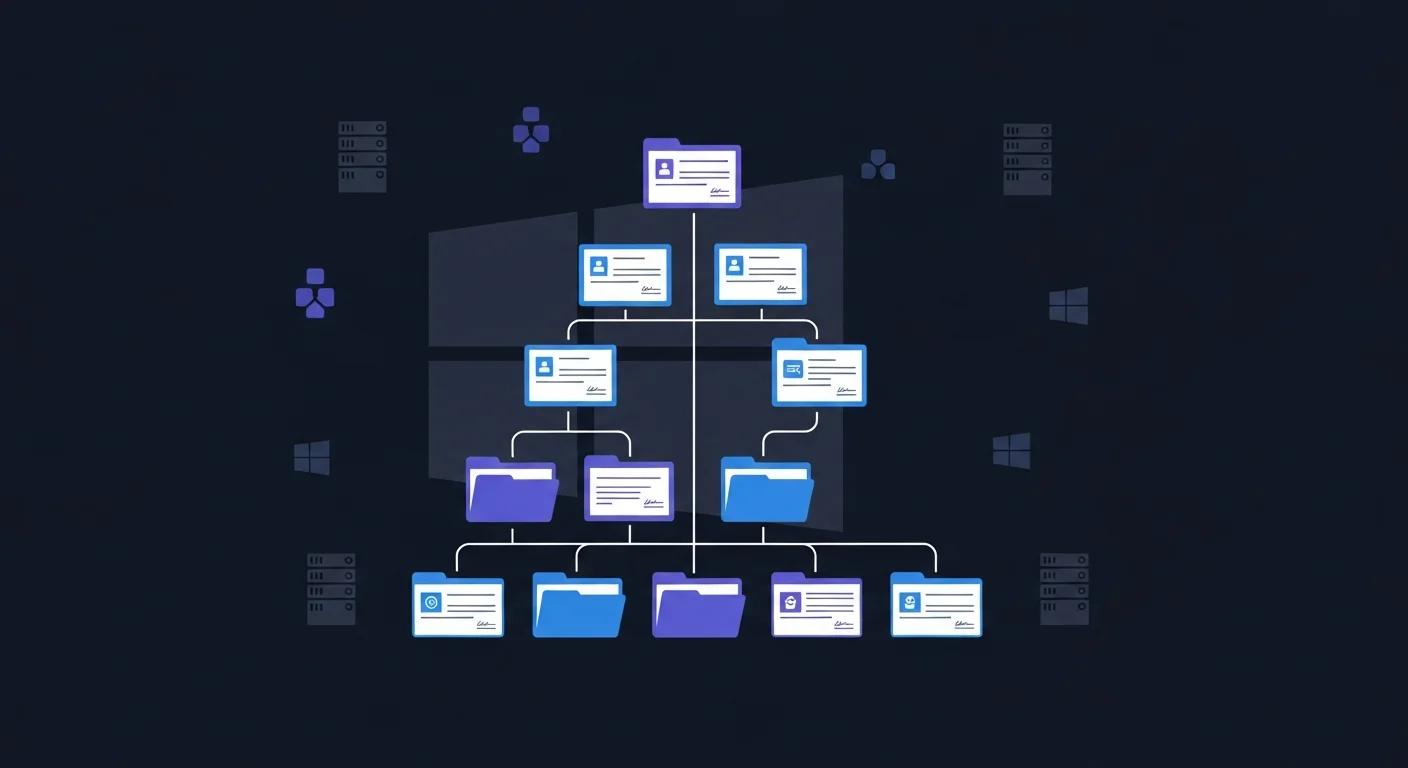
Active Directory Certificate Services can feel like a black box—until now. Our new ADCS Deep Dive series walks you through every layer, from templates and auto-enrollment to troubleshooting the dreaded "trust chain could not be verified" errors. If you're managing Windows PKI, this series will save you hours of frustration.
Get instant, expert-level help diagnosing certificate issues

Stuck on a certificate error at 2 AM? We've added an AI-powered troubleshooter that understands the nuances of PKI. Tell it what you're working with (Venafi? F5? Java?), describe your error, and get step-by-step troubleshooting guidance. It's like having a PKI expert on call, without the consultant fees. We've trained it on real-world scenarios so it gives you actionable commands, not generic advice.
More ways than ever to visualize how PKI actually works
When we started FixMyCert, we had one goal: make PKI understandable through visualization. This month, we hit a milestone—50 interactive demos covering everything from basic encryption to enterprise cert-manager deployments. Whether you're just learning what a certificate is or you're debugging mTLS in Kubernetes, there's a demo for you.
Track certificate validity deadlines and upcoming requirements
Certificate validity periods are shrinking. Apple, Google, and Mozilla keep proposing shorter lifespans. Our new Compliance Hub tracks all the deadlines you need to know about—from the 90-day proposals to the algorithm deprecation timelines. It's your single source of truth for "what's changing and when."
Want to see where we started? Check out our comprehensive library.