Watch: CSR Checker - Decode Your CSR and Spot 4 Rejection Causes
What is a CSR?
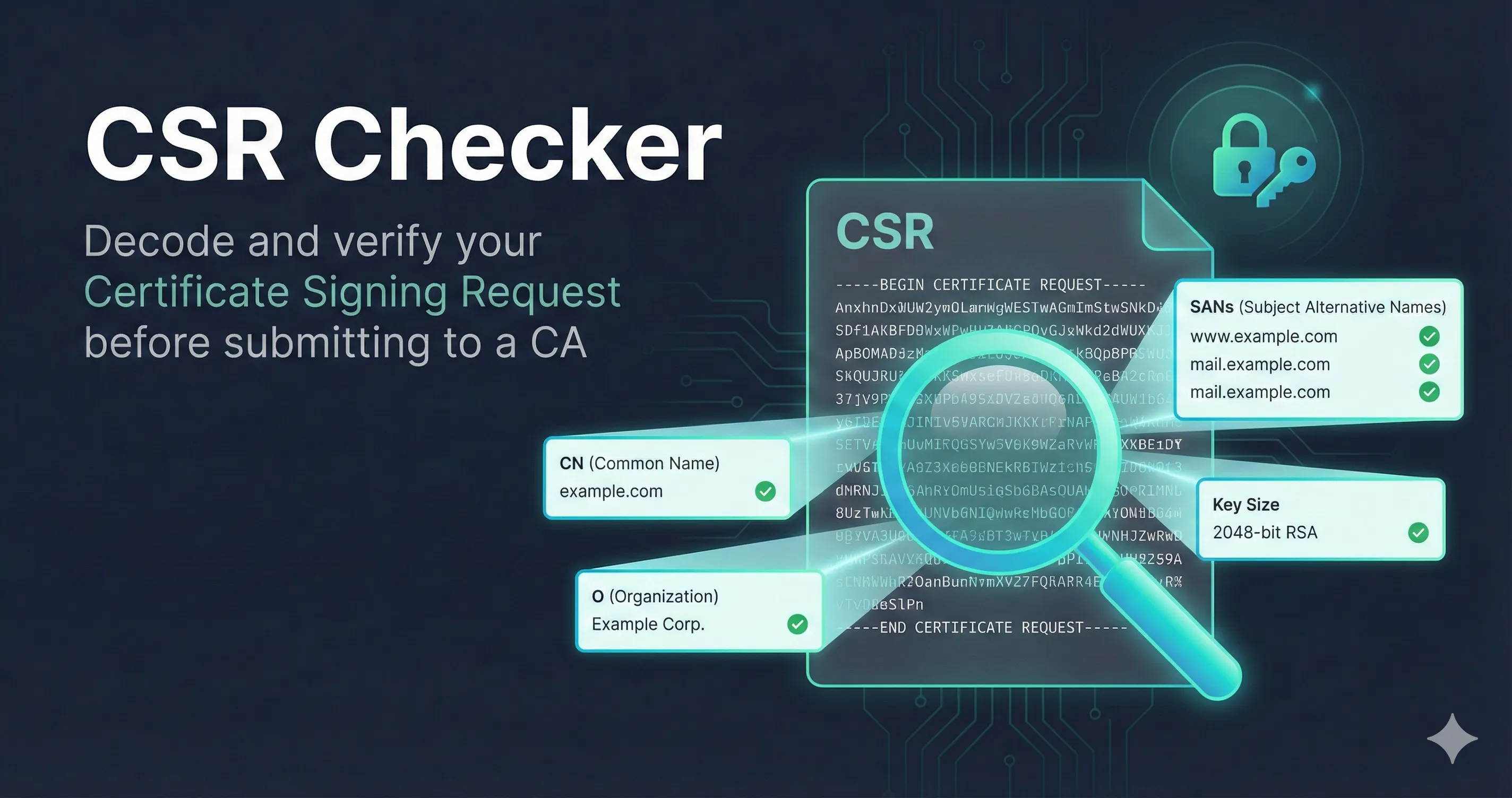
A Certificate Signing Request (CSR) is a block of encoded text that contains information about the entity requesting a certificate and the public key that will be included in the certificate. You submit a CSR to a Certificate Authority (CA) to obtain an SSL/TLS certificate.
The CSR Checker tool decodes your CSR entirely in your browser—nothing is sent to any server—and shows you exactly what information it contains before you submit it to a CA.
Validation Status
The first thing you'll see is whether the CSR is valid. This checks two things:
The CSR is properly formatted AND the signature matches the public key. This means the CSR was created correctly and hasn't been tampered with.
The CSR could be parsed but signature verification failed. This might be due to an unsupported algorithm or a corrupted CSR. The CA may still accept it.
Subject Information
The subject contains identifying information about who is requesting the certificate. Not all fields are required—it depends on the certificate type.
| Field | Description | When Required |
|---|---|---|
| CN | Common Name - usually the domain name | Optional (SANs preferred) |
| O | Organization - legal company name | OV/EV certificates |
| OU | Organizational Unit - department | Prohibited since 2022 |
| L | Locality - city | OV/EV certificates |
| ST | State or Province | OV/EV certificates |
| C | Country (2-letter ISO code) | OV/EV certificates |
Important: The Organizational Unit (OU) field has been prohibited in public TLS certificates since September 2022 per CA/Browser Forum requirements. If your CSR includes an OU field, the CA will likely ignore it or reject the request.
Public Key Details
The public key section shows the cryptographic strength of your certificate. Here's what to look for:
RSA Keys
| Key Size | Status | Notes |
|---|---|---|
| 1024-bit | Rejected | Will not be accepted by any public CA |
| 2048-bit | Acceptable | Current minimum, consider upgrading |
| 3072-bit | Good | Recommended for new certificates |
| 4096-bit | Strong | Very secure, slightly slower handshakes |
ECDSA Keys
ECDSA (Elliptic Curve) keys offer equivalent security with smaller key sizes and faster performance:
| Curve | Equivalent RSA | Status |
|---|---|---|
| P-256 | ~3072-bit RSA | Recommended |
| P-384 | ~7680-bit RSA | Strong |
| P-521 | ~15360-bit RSA | Very Strong |
Subject Alternative Names (SANs)
SANs are the domains and IP addresses that the certificate will be valid for. This is one of the most important parts of your CSR to verify.
Critical Change: Since 2017, browsers check SANs instead of Common Name to determine certificate validity. If your domain isn't in the SAN list, the certificate won't work—even if it's in the Common Name field.
SAN Types
- •DNS: Domain names like www.example.com or *.example.com (wildcard)
- •IP: IP addresses for direct IP access (less common)
- •Email: Email addresses (for S/MIME certificates)
- •URI: Full URIs (rare in TLS certificates)
No SANs? Don't count on the CA filling one in. Some CAs will copy a validated Common Name into the SAN list; many reject the request outright, and ACME-based issuance requires SANs. A CSR with a Common Name and no SAN is the single most common rejection reason. Always include SANs explicitly — the bare domain and the www host if you serve both, because SAN matching is exact.
Signature Algorithm
The signature algorithm is used to sign the CSR itself (proving you have the private key). The CA will typically use the same algorithm family for the final certificate.
| Algorithm | Status |
|---|---|
| SHA-256 with RSA | Standard (most common) |
| SHA-384 with RSA | Strong |
| SHA-256 with ECDSA | Recommended for EC keys |
| SHA-1 with RSA | Deprecated - will be rejected |
| MD5 with RSA | Insecure - will be rejected |
Common Issues and How to Fix Them
RSA key too small (1024-bit)
Your CSR uses an RSA key that's considered insecure. Generate a new key pair with at least 2048 bits:
openssl genrsa -out server.key 3072
No SANs in CSR
Create a config file to add SANs. Save this as san.cnf:
[req]
distinguished_name = req_distinguished_name
req_extensions = v3_req

[req_distinguished_name]
CN = www.example.com

[v3_req]
subjectAltName = @alt_names

[alt_names]
DNS.1 = www.example.com
DNS.2 = example.com
Then generate your CSR: openssl req -new -key server.key -out server.csr -config san.cnf
SHA-1 signature algorithm
SHA-1 is deprecated. Regenerate your CSR specifying SHA-256:
openssl req -new -sha256 -key server.key -out server.csr
Wrong domain in Common Name
The domain in your CSR doesn't match your website. You'll need to generate a new CSR with the correct domain. Make sure to include it as both the CN and in the SANs for maximum compatibility.
Does the CSR still match your private key?
This is the check nobody runs until the certificate arrives and the service will not start. A CSR is bound to one key pair. If the key was regenerated at any point after the CSR was created, the issued certificate will not work with the key sitting on your server.
Compare the public key digests:
openssl req -in request.csr -noout -pubkey | openssl sha256
openssl pkey -in private.key -pubout | openssl sha256
The two digests must be identical. If they are not, the CSR and the key are unrelated and there is nothing to salvage — order a reissue against a fresh CSR. Run this before you order, not after the certificate lands.
OpenSSL 3.x labels the output SHA2-256(stdin)= and OpenSSL 1.1.1 labels it SHA256(stdin)=. Only the hex digest matters.
SAN syntax rules that get requests rejected
These all decode cleanly and still fail at intake:
- •Underscores are prohibited in dNSName entries. Enforced since 2019, with no exception for internal-looking names.
- •IP addresses belong in an iPAddress SAN, not a dNSName. Putting 10.0.0.5 in a dNSName field produces a request that decodes perfectly and gets rejected.
- •Wildcards are leftmost-label only. *.example.com is valid; *.*.example.com and www.*.example.com are not. A wildcard also does not cover the bare apex — *.example.com does not match example.com, which is why apex plus wildcard is the usual pairing.
What the CA actually keeps from your subject
Public CAs discard most of what you put in the subject DN. Organization, locality and state come from the CA's own validated records, not from your CSR. What the CA reliably carries forward is your public key and, for DV certificates, the names it validates.
Getting the organizational fields perfect is not where your attention should go. The public key and the SAN list are.
Should you reuse a CSR at renewal?
You can, and most CAs will accept it. You generally should not, because reusing the CSR means reusing the key pair — the same private key stays in production across renewal after renewal, and the blast radius of a compromise grows with every cycle.
This matters more each year because renewals are getting more frequent. Maximum TLS certificate lifetime is 200 days today, drops to 100 days on 15 March 2027, and to 47 days in 2029. At that cadence, generating a fresh key and a fresh CSR on every renewal is not extra work — it is what automated issuance already does by default.
Privacy & Security
CSRs contain only your public key and identifying information—there's nothing secret in them. However:
- •The CSR Checker runs entirely in your browser. Your CSR is never sent to any server.
- •Never paste your private key anywhere online. If you accidentally included a private key, the tool will warn you.
- •CSRs are safe to share with CAs—that's their purpose. But don't share them publicly unless necessary.