SSL Labs A+ Checklist
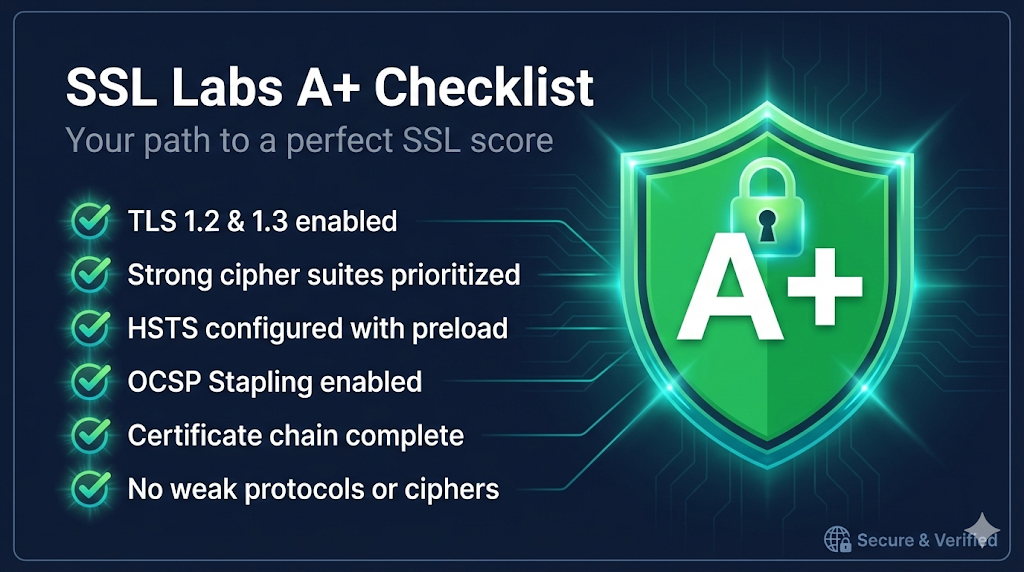
Everything you need for a perfect SSL Labs score. A+ requires an A grade plus HSTS with a long max-age. This checklist covers both.
When to Use
- • Preparing for security audits
- • Hardening production servers
- • Got a B or C grade and need to fix it
- • Setting up a new public-facing server
Do NOT Use For
- • Internal-only servers where SSL Labs testing is not possible
- • Legacy systems that must support TLS 1.0 for compatibility
- • Legacy enterprise apps (Java 6/7, embedded clients) that break when TLS 1.0/1.1 is removed—test internal dependencies first
Quick Reference (TL;DR)
- Valid certificate from trusted CA with complete chain
- TLS 1.2/1.3 only, no legacy protocols
- Forward secrecy ciphers, no weak algorithms
- HSTS with max-age ≥ 1 year (this is THE difference for A+)
11. Certificate Requirements
Objective: Ensure your certificate meets baseline requirements (Grade Impact: Critical)
Check key size and signature algorithm:
openssl x509 -noout -text -in cert.crt | grep -E "(Public-Key|Signature Algorithm)"View SANs:
openssl x509 -noout -text -in cert.crt | grep -A1 "Subject Alternative Name"💡 **Watch for** missing intermediates—the #1 cause of trust failures. Desktop browsers cache them, masking the problem.
💡 Mobile devices and API clients are stricter than desktop browsers.
💡 Wildcard certificates (*.example.com) only cover one subdomain level. Use SANs for multiple specific hosts.
22. Protocol Configuration
Objective: Enable modern protocols, disable deprecated ones (Grade Impact: High)
Test which protocols are enabled:
# Test TLS 1.3
openssl s_client -connect yoursite.com:443 -tls1_3 2>&1 | head -5

# Test TLS 1.2
openssl s_client -connect yoursite.com:443 -tls1_2 2>&1 | head -5

# Test TLS 1.0 (should fail)
openssl s_client -connect yoursite.com:443 -tls1 2>&1 | head -5💡 TLS 1.0 still enabled = capped at grade B
💡 TLS 1.3 is faster due to 0-RTT and reduced handshake round trips
33. Cipher Suite Configuration
Objective: Prioritize strong ciphers, eliminate weak ones (Grade Impact: High)
Recommended cipher order for TLS 1.2:
TLS_ECDHE_ECDSA_WITH_AES_256_GCM_SHA384
TLS_ECDHE_RSA_WITH_AES_256_GCM_SHA384
TLS_ECDHE_ECDSA_WITH_AES_128_GCM_SHA256
TLS_ECDHE_RSA_WITH_AES_128_GCM_SHA256
TLS_ECDHE_ECDSA_WITH_CHACHA20_POLY1305_SHA256
TLS_ECDHE_RSA_WITH_CHACHA20_POLY1305_SHA256Check current cipher configuration:
openssl s_client -connect yoursite.com:443 -cipher 'ALL' 2>/dev/null | grep "Cipher is"Generate new DH parameters (if needed):
openssl dhparam -out dhparam.pem 2048💡 Weak DH parameters (< 2048 bit) will also downgrade your score.
💡 Cipher order matters—put your strongest ciphers first.
💡 TLS 1.3 cipher configuration is implementation-defined. Your server will automatically use strong TLS 1.3 ciphers—focus configuration effort on TLS 1.2 suites, which SSL Labs grades more visibly.
44. HSTS Configuration (The A+ Difference)
Objective: Enable HSTS with proper settings - this upgrades A to A+
Required HSTS header for A+:
Strict-Transport-Security: max-age=31536000; includeSubDomains; preloadCheck current HSTS header:
curl -sI https://yoursite.com | grep -i strict-transportnginx configuration:
add_header Strict-Transport-Security "max-age=31536000; includeSubDomains; preload" always;Apache configuration:
Header always set Strict-Transport-Security "max-age=31536000; includeSubDomains; preload"💡 This is THE difference between A and A+.
⚠️ WARNING: Don't enable HSTS until you're confident ALL traffic can use HTTPS. Once browsers cache the policy, HTTP access is blocked.
💡 Short max-age (< 6 months) typically won't qualify for A+.
💡 💡 Test HSTS on a staging/dev domain first. Use short max-age (300) initially, then increase after verification.
55. Additional Hardening
Objective: Extra security measures that improve your grade (Grade Impact: Medium)
Check OCSP Stapling:
openssl s_client -connect yoursite.com:443 -status 2>/dev/null | grep -A1 "OCSP Response"Check CAA records:
dig yoursite.com CAA +shortExample CAA record (allows only Let's Encrypt):
yoursite.com. CAA 0 issue "letsencrypt.org"66. Common Pitfalls That Kill Your Grade
Objective: Avoid these frequent mistakes
💡 **Verify** TLS 1.0 is disabled—this is the most common cause of a B grade.
💡 Test with mobile devices or API clients to catch chain issues early.
77. Quick Test Workflow
Objective: Verify your configuration and iterate to A+
Quick command-line certificate check:
echo | openssl s_client -connect yoursite.com:443 -servername yoursite.com 2>/dev/null | openssl x509 -noout -dates -subject -issuer💡 💡 Behind a CDN or WAF (Cloudflare, Akamai, etc.)? Configure TLS/HSTS at the edge—SSL Labs tests what browsers see, not your origin server. Retest after edge changes.
Troubleshooting
Problem: Grade F: Certificate not trusted
Solution: Install the complete certificate chain. Download intermediates from your CA.
Problem: Capped at B: Protocol issues
Solution: Disable TLS 1.0 and TLS 1.1 in your server configuration.
Problem: A but not A+: Missing HSTS
Solution: Add HSTS header with max-age of at least 31536000 (1 year).
Problem: Weak DH warning
Solution: Generate new dhparam.pem with 2048+ bits and configure your server to use it.
Problem: RC4 or 3DES warnings
Solution: Update cipher suite configuration to exclude these weak ciphers.