Code Signing Governance — Request, Approve, Sign, Audit
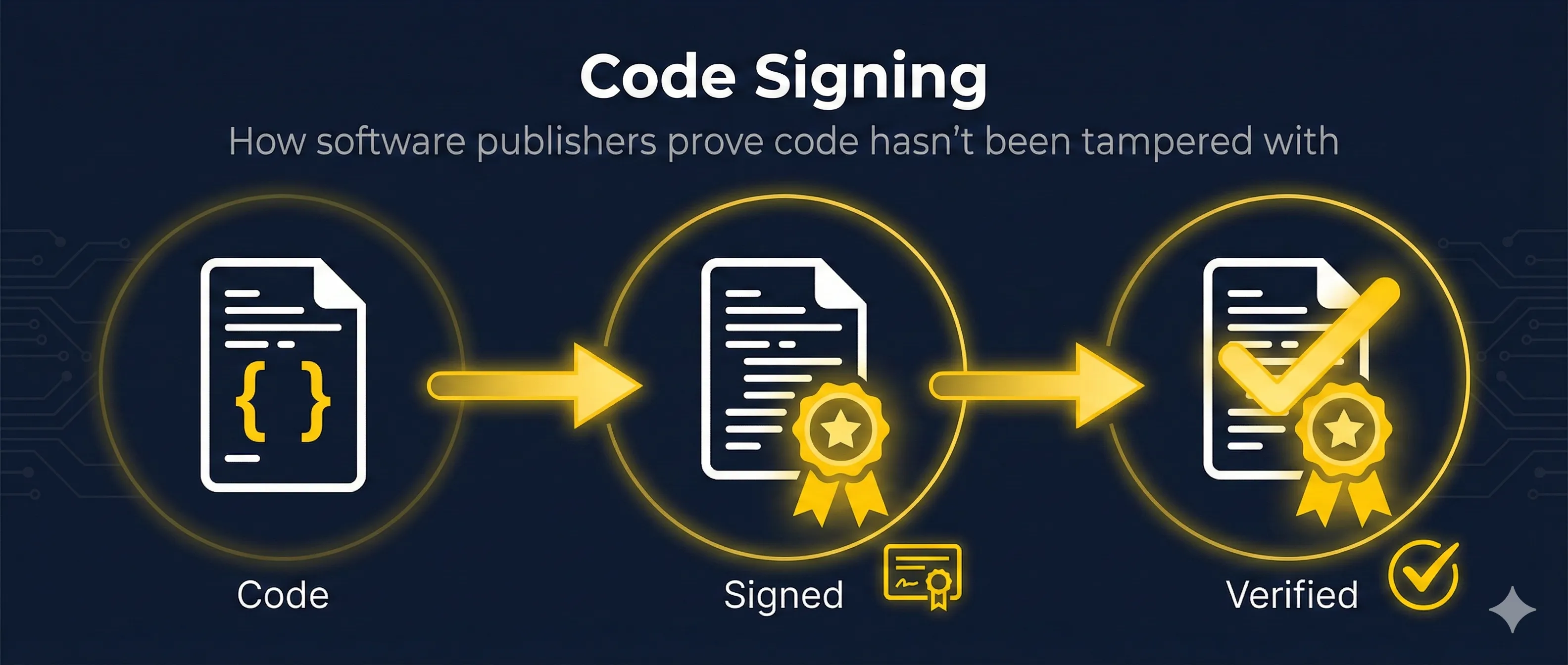
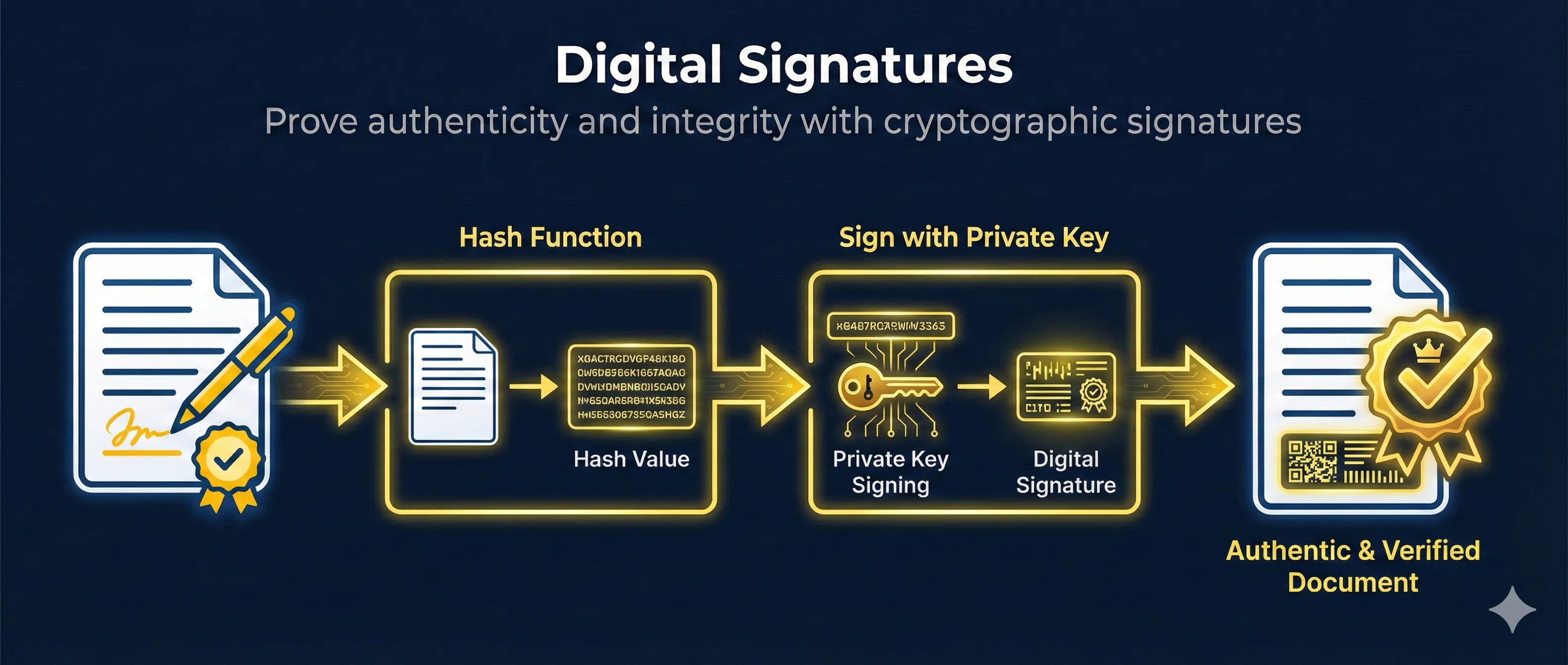
Walk through a simulated enterprise signing request: developer asks, an approver authorizes, the HSM signs, and a tamper-evident audit log records every step. Mirrors the Venafi CodeSign Protect / CyberArk Code Sign Manager workflow.

Code Signing Governance — Request → Approve → Sign → Audit
A simulated end-to-end signing request through Venafi CodeSign Protect (now CyberArk Code Sign Manager). See how Environments, Projects, Approvers, and Signing Templates govern every signature, with the private key locked in an HSM the whole time.
Want the architecture behind this?
The Venafi CodeSign Protect guide explains every object you saw here — Environments, Projects, Signing Templates, Approvers, Code Sign Clients — plus the CSBR compliance mapping and CI/CD recipes.
Next step: prove this to an auditor
The Code Signing Governance Checklist turns this flow into ~40 controls mapped to CSBR, SOC 2, and ISO 27001 — so you can hand the same artifact to your CSBR auditor, your QSA, and internal audit.
Open the Code Signing Governance Checklist