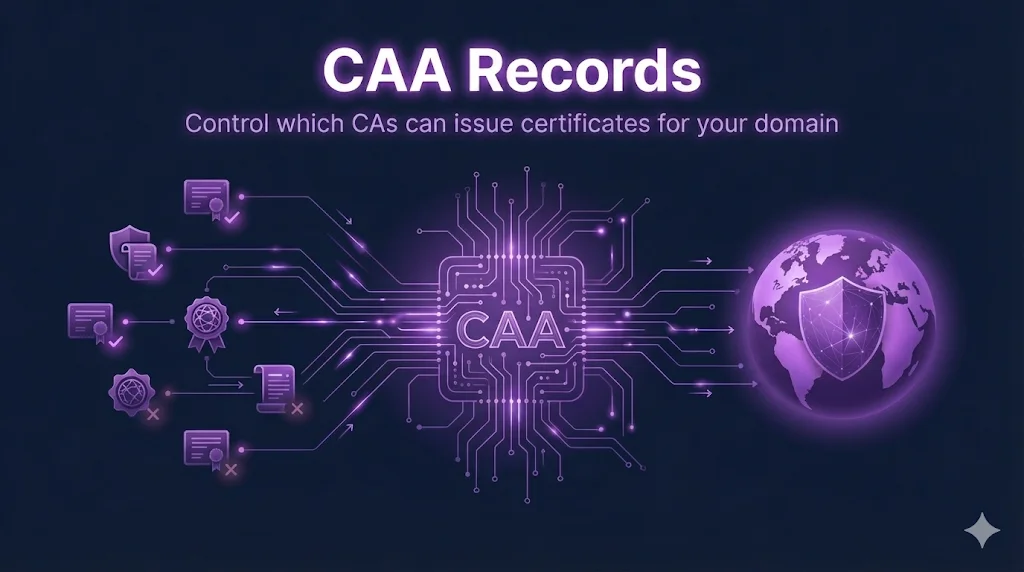
What is CAA?
Certificate Authority Authorization (CAA) is a DNS record type that allows domain owners to specify which Certificate Authorities are permitted to issue certificates for their domain.
Why does this matter?
Without CAA records, any of the hundreds of trusted Certificate Authorities worldwide could issue a certificate for your domain. CAA lets you restrict this to only the CAs you actually use.
Since September 2017, all publicly trusted CAs are required to check CAA records before issuing certificates. This is mandated by the CA/Browser Forum Baseline Requirements.
How CAA Works
When you request a certificate from a CA, here's what happens behind the scenes:
How CA Checks CAA Records
No CAA Records?
If your domain has no CAA records, any CA can issue certificates. CAA is an opt-in restriction - the default is "allow all."
CAA Record Format
CAA records have a specific format with three parts:
domain.com.  CAA  <flags> <tag> "<value>"

# Example:
example.com.  CAA  0 issue "letsencrypt.org"
The flags field is almost always 0. A value of 128 means the CA must understand this tag or reject the request (critical flag).
Controls what the record authorizes: regular certs, wildcards, or incident reporting.
The domain name of the CA (e.g., "letsencrypt.org") or contact URL for incident reporting.
CAA Tags Reference
| Tag | Purpose | Example |
|---|---|---|
issue | Authorize CA for regular certificates | CAA 0 issue "letsencrypt.org" |
issuewild | Authorize CA for wildcard certificates | CAA 0 issuewild "digicert.com" |
iodef | Incident reporting URL or email | CAA 0 iodef "mailto:sec@example.com" |
issuevmc | Authorize CA for VMC certificates (BIMI) | CAA 0 issuevmc "digicert.com" |
Common Patterns
Let's Encrypt Only
Simple setup for automated certificate management
@ CAA 0 issue "letsencrypt.org"
@ CAA 0 issuewild "letsencrypt.org"
Enterprise (Multiple CAs)
Allow multiple CAs with incident notification
@ CAA 0 issue "digicert.com"
@ CAA 0 issue "sectigo.com"
@ CAA 0 issuewild "digicert.com"
@ CAA 0 iodef "mailto:certificates@company.com"
Lock It Down (No Issuance)
Prevent any CA from issuing certificates
@ CAA 0 issue ";"
@ CAA 0 issuewild ";"
Use with caution! This blocks ALL certificate issuance.
Different CA for Wildcards
Restrict wildcard certificates to a specific CA
@ CAA 0 issue "letsencrypt.org"
@ CAA 0 issuewild "digicert.com"
Checking CAA Records
You can query CAA records using standard DNS tools:
Using dig
dig CAA example.com

# Example output:
example.com.    300 IN  CAA 0 issue "letsencrypt.org"
example.com.    300 IN  CAA 0 issuewild "letsencrypt.org"
Using nslookup (Windows)
nslookup -type=CAA example.com
Online Tools
- MXToolbox CAA Lookup
- SSL Labs - shows CAA records in detailed reports
- crt.sh - certificate transparency logs
Adding CAA Records
CAA records are added through your DNS provider. Most modern providers support CAA records:
Tip: Start with your existing CA
Check which CAs have issued certificates for your domain using crt.sh, then add those to your CAA records first.
Best Practices
Always add an iodef record
Get notified if someone tries to get a certificate from an unauthorized CA.
Be explicit about wildcards
If you don't use wildcards, consider using issuewild ";" to block them.
Document your CAA policy
Include CAA in your certificate management documentation so teams know which CAs are approved.
Enable DNSSEC
CAA is only as secure as your DNS. DNSSEC prevents attackers from spoofing DNS responses.
Test before deploying
Use dig or online tools to verify your CAA records before your next certificate renewal.
Limitations
CAA is a valuable security control, but it's not a silver bullet:
Checked only at issuance time - CAA doesn't affect already-issued certificates or certificate validation
Doesn't revoke bad certificates - If an unauthorized cert was issued before CAA, it remains valid
DNS can be spoofed - Attackers controlling DNS can remove CAA records (DNSSEC helps)
Error messages vary - Not all CAs provide clear messages when CAA blocks issuance
Frequently Asked Questions
What happens if I misconfigure CAA?
The CA will simply reject your certificate request. No certificates get issued, and nothing breaks on your existing site. You can fix the DNS and try again.
Do I need CAA for every subdomain?
No. CAA records are inherited by subdomains unless they have their own CAA records. Setting CAA on your apex domain covers all subdomains.
What's the difference between issue and issuewild?
issue authorizes regular certificates (single domain or SAN). issuewild authorizes wildcard certificates (*.example.com).
How long do CAA changes take to propagate?
DNS propagation varies, but CAA records typically have low TTLs (5-60 minutes). CAs should see changes within an hour.
Can I use CAA with Let's Encrypt automation?
Absolutely! Just make sure letsencrypt.org is in your issue/issuewild records. ACME clients will work normally.
Related Resources
Certificate Transparency
Monitor CT logs to detect unauthorized certificates for your domain.
Domain Validation Methods
HTTP, DNS, and email validation methods used by CAs.
CA Hierarchy Design
Understand how certificate authorities are structured and trusted.
ACME Protocol
Automate certificate issuance with the ACME protocol.
Let's Encrypt Troubleshooting
Fix common Let's Encrypt errors including CAA-related issues.
Try the Interactive Demo
Build CAA records, decode existing ones, and see how the authorization flow works.