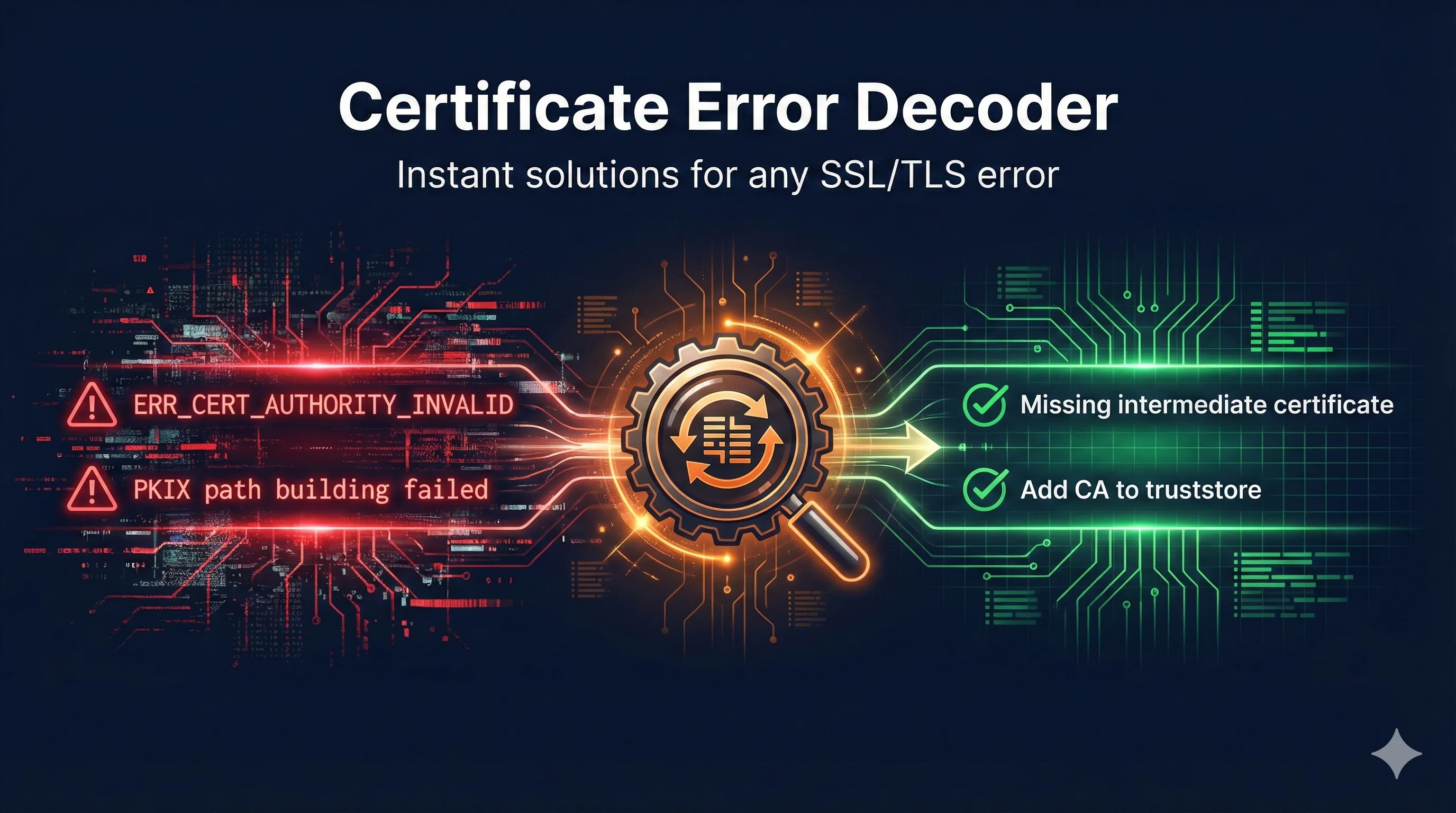
If you're reading this at 2am because your website is down and you're staring at a cryptic SSL error, you're not alone. Use the Certificate Error Decoder to paste your error message and get instant solutions.
How Certificate Validation Works
Before diving into errors, let's understand what happens when your browser (or application) connects to an HTTPS server.
The Certificate Chain of Trust
Validation Checks (in order)
- Chain building - Can we trace from server cert to trusted root?
- Signature verification - Is each signature cryptographically valid?
- Expiration - Is the current date within the validity period?
- Name matching - Does the certificate match the requested hostname?
- Revocation - Has the certificate been revoked?
- Key usage - Is the certificate authorized for this purpose?
When any check fails, you get a certificate error. The specific error message tells you which check failed.
Browser Errors Explained
NET::ERR_CERT_AUTHORITY_INVALID (Chrome)
Your connection is not private
NET::ERR_CERT_AUTHORITY_INVALID
What it means: The browser doesn't trust the Certificate Authority that signed the certificate.
Common causes:
- Self-signed certificate (no CA involved)
- Private/internal CA not in browser's trust store
- Missing intermediate certificate from server
- CA was distrusted (Entrust, Symantec, etc.)
How to check for chain problems (most common):
openssl s_client -connect example.com:443 -showcerts
# You should see 2-3 certificates. If you only see 1, your intermediate is missing.
Install the complete chain on your server:
# Create full chain file
cat your-certificate.crt intermediate.crt > fullchain.crt

# In nginx.conf
ssl_certificate /path/to/fullchain.crt;
ssl_certificate_key /path/to/private.key;
NET::ERR_CERT_DATE_INVALID
What it means: The certificate has expired OR your system clock is wrong.
# Check certificate expiration
openssl s_client -connect example.com:443 2>/dev/null | \
  openssl x509 -noout -dates

# Compare with current date
date
Prevention: Set up expiration monitoring at 90, 60, 30, and 7 days before expiry.
NET::ERR_CERT_COMMON_NAME_INVALID
What it means: The domain in the URL doesn't match any domain in the certificate.
Important: Since Chrome 58 (2017), browsers ignore the Common Name (CN) field. Only Subject Alternative Names (SANs) matter.
# View certificate SANs
openssl s_client -connect example.com:443 2>/dev/null | \
  openssl x509 -noout -text | grep -A1 "Subject Alternative Name"
Common mistakes:
- Certificate for www.example.com but accessing example.com
- Wildcard *.example.com doesn't match bare domain example.com
- Certificate for example.com but accessing via IP address
Java Errors Explained
PKIX path building failed
javax.net.ssl.SSLHandshakeException: sun.security.validator.ValidatorException: PKIX path building failed: sun.security.provider.certpath.SunCertPathBuilderException: unable to find valid certification path to requested target
The #1 Java certificate error. Java's truststore (cacerts) doesn't contain the CA that signed the server certificate.
Why this happens:
- Private/internal CA not in Java's cacerts
- Java version is old (outdated CA bundle)
- Using custom truststore that's incomplete
- Server not sending intermediate certificates
Option 1: Add CA to Java truststore
keytool -import -trustcacerts \
  -alias my-ca \
  -file ca-certificate.pem \
  -keystore $JAVA_HOME/lib/security/cacerts \
  -storepass changeit
Option 2: Specify custom truststore
java -Djavax.net.ssl.trustStore=/path/to/truststore.jks \
     -Djavax.net.ssl.trustStorePassword=password \
     MyApp
Debug SSL handshake
java -Djavax.net.debug=ssl:handshake MyApp 2>&1 | head -200
SSLHandshakeException: Received fatal alert: handshake_failure
What it means: The TLS handshake failed. This is a generic error with many possible causes.
- Certificate issue (see PKIX error above)
- TLS version mismatch
- No common cipher suites
- Client certificate required (mTLS)
# Force TLS 1.2 or higher
java -Dhttps.protocols=TLSv1.2,TLSv1.3 MyApp
OpenSSL Errors Explained
unable to get local issuer certificate
verify error:num=20:unable to get local issuer certificate
verify error:num=21:unable to verify the first certificate
What it means: OpenSSL can't find the CA certificate that signed the server's certificate.
# Method 1: Specify CA bundle
openssl s_client -connect example.com:443 \
  -CAfile /etc/ssl/certs/ca-certificates.crt

# Method 2: Download CA bundle
curl -O https://curl.se/ca/cacert.pem
openssl s_client -connect example.com:443 -CAfile cacert.pem
self signed certificate
What it means: The certificate signed itself—there's no CA involved.
openssl x509 -in cert.pem -noout -issuer -subject
# If Issuer and Subject are identical = self-signed
key values mismatch
What it means: The certificate and private key don't match. They must be a mathematical pair.
# Get modulus from certificate
openssl x509 -noout -modulus -in certificate.crt | openssl md5

# Get modulus from private key
openssl rsa -noout -modulus -in private.key | openssl md5

# These MD5 hashes MUST match
Server Configuration Errors
Nginx: SSL_CTX_use_PrivateKey_file failed
Common causes:
- Key doesn't match certificate
- Wrong file permissions (should be 600)
- Encrypted key without password
- Wrong file format
# Check permissions
chmod 600 /etc/nginx/ssl/key.pem
chown root:root /etc/nginx/ssl/key.pem

# Decrypt the key if encrypted
openssl rsa -in encrypted.key -out decrypted.key

# Test configuration
nginx -t
Venafi-Specific Errors
Enrollment Error
What it means: Venafi couldn't get a certificate from the CA.
Where to look:
- Policy Tree → Certificate Object → Workflow tab
- Logs → Server Logs → Filter by certificate DN
Policy Violation
What it means: Certificate doesn't comply with folder policy.
Common violations:
- Key size too small (RSA-1024 when 2048 required)
- Wrong signature algorithm (SHA-1 when SHA-256 required)
- Validity period too long
- Domain not in allowed whitelist
Diagnostic Workflow
When you encounter a certificate error, follow this systematic approach:
Step 1: Identify What's Wrong
openssl s_client -connect hostname:443 -servername hostname 2>&1 | head -30

# Look for:
# - "verify error" - Shows specific validation failure
# - "Certificate chain" - Shows what server is sending
# - "verify return" - 1 = OK, 0 = Failed
Step 2: Check Certificate Details
openssl s_client -connect hostname:443 2>/dev/null | \
  openssl x509 -noout -text | \
  grep -E "Issuer:|Subject:|Not Before:|Not After:|DNS:"
Step 3: Verify the Chain
# Download the chain
openssl s_client -connect hostname:443 -showcerts 2>/dev/null > chain.pem

# Verify it
openssl verify -CAfile /etc/ssl/certs/ca-certificates.crt chain.pem
Step 4: Test from Different Locations
Use SSL Labs Server Test for comprehensive analysis.
Prevention Best Practices
1. Monitor Certificate Expiration
Set alerts at 90 days (planning), 60 days (action required), 30 days (urgent), 7 days (critical).
2. Use Automation
ACME/Let's Encrypt for auto-renewal, Venafi/cert-manager for enterprise management. Never rely on calendar reminders alone.
3. Always Install Full Chain
Your server should send: Server certificate + Intermediate certificate(s). NOT the root certificate.
4. Test After Every Change
openssl s_client -connect hostname:443 2>&1 | grep "Verify return code"
# Should show: Verify return code: 0 (ok)
Quick Reference: Error → Cause → Fix
| Error | Most Likely Cause | Quick Fix |
|---|---|---|
| ERR_CERT_AUTHORITY_INVALID | Missing intermediate cert | Add intermediate to chain |
| ERR_CERT_DATE_INVALID | Certificate expired | Renew certificate |
| ERR_CERT_COMMON_NAME_INVALID | Wrong domain in cert | Reissue with correct SANs |
| PKIX path building failed | CA not in Java truststore | Import CA to cacerts |
| unable to get local issuer | Missing intermediate | Configure full chain on server |
| self signed certificate | No CA used | Get CA-signed certificate |
| key values mismatch | Wrong key file | Find matching key or reissue |
| handshake_failure | Protocol/cipher mismatch | Update TLS configuration |
Tools and Resources
Online Tools
- SSL Labs Server Test - Comprehensive server analysis
- Certificate Search (crt.sh) - Certificate Transparency log search
- What's My Chain Cert? - Find missing intermediates
Command-Line Tools
openssl- Swiss army knife for certificateskeytool- Java keystore managementcertutil- Windows certificate managementcurl -v- Test HTTPS connections
Related Resources
Certificate Failure Scenarios
Common PKI failures: expired certs, chain issues, and name mismatches.
Certificate Chain Builder
Debug chain issues and find missing intermediate certificates.
TLS Handshake Guide
See how certificates are validated during connection.
Keystore vs Truststore
Essential for Java SSL/TLS configuration.
Python SSL Certificate Errors
Fix pip, requests, conda CERTIFICATE_VERIFY_FAILED errors.
Git SSL Certificate Errors
Fix clone, push, pull failures and corporate proxy issues.
Need help with a specific error?
The Error Decoder tool covers 50+ certificate errors across all major platforms.
Use the Certificate Error Decoder